Trouble shooting
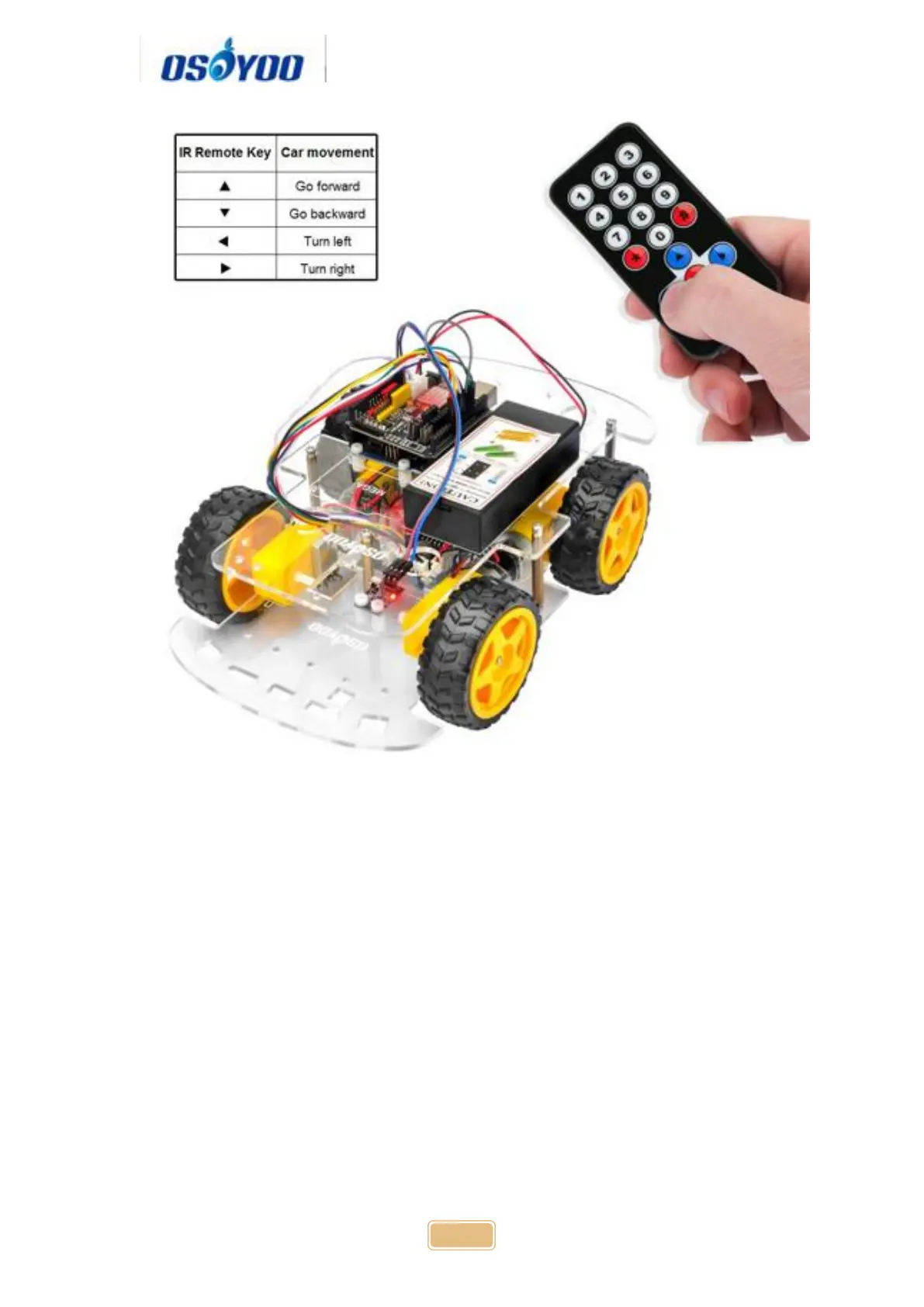
Some user found that this IR remote does not work. The reason might be the
IR remote sends different button code which does not match our sample
code. In order to solve this problem. Please take following steps:
Step A) Get the IR code of each button in your IR remote.
Copy code from following link: https://osoyoo.com/wp-
content/uploads/samplecode/irdemo.ino
Upload above sketch into your Arduino and open the serial monitor in your
upper-right corner.
Press the “▲” “▼” “>” “<" "OK" button in your remote, you will see their IR
code as following picture:


 To Next Page