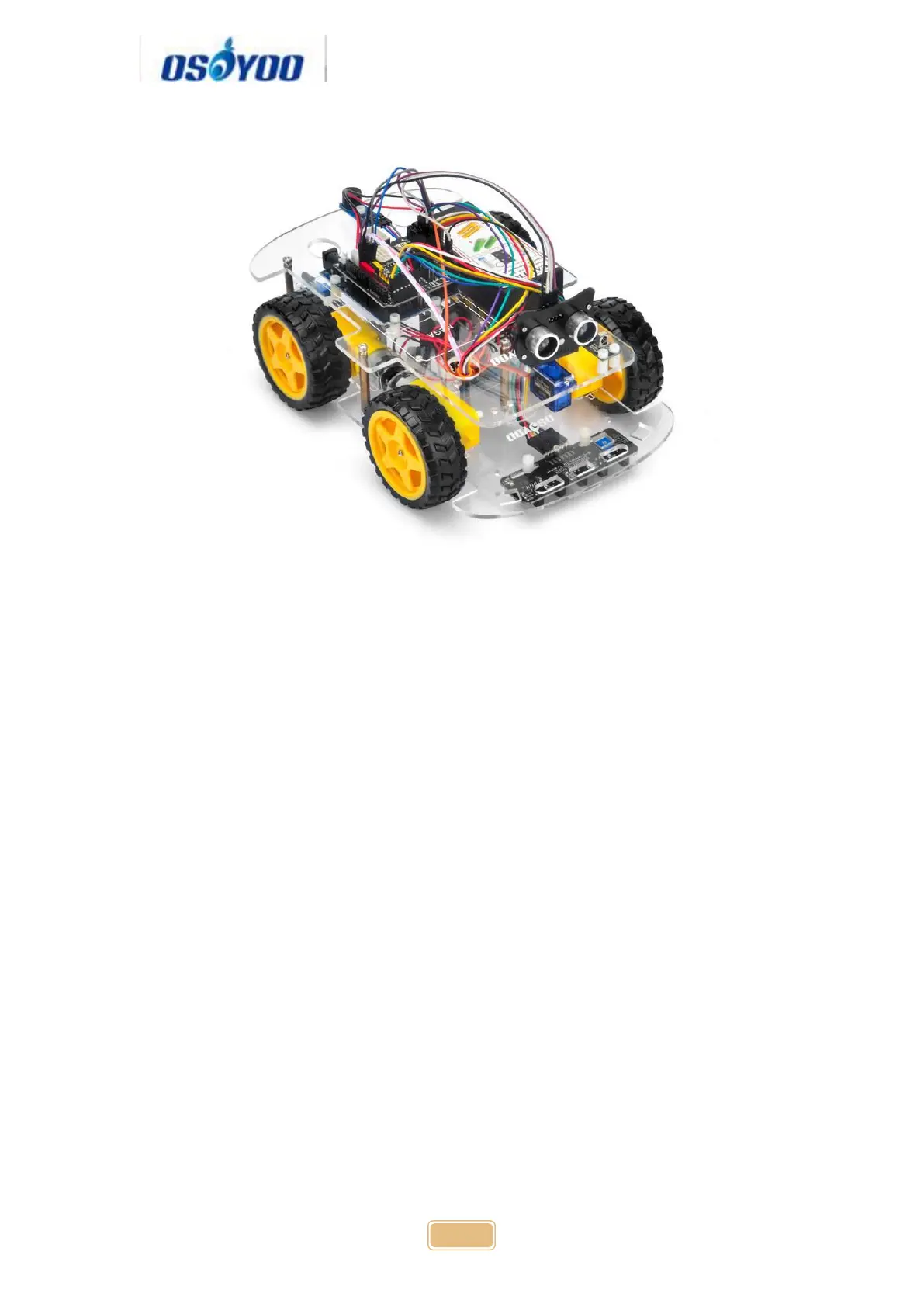
Step 2: Connect E_TX (Esp8266 TX) pin to Arduino D5(UNO soft serial RX)
and E_RX(ESP8266_RX) pin to D4(UNO software serial TX) as per following
picture
(Note: Our OSOYOO Uart WiFi shield V1.3 are connected BLE URAT TX/RX
ports to D4,D5 with jumper caps by default. If you find the BLE URAT TX/RX
ports are connected, you need remove these jumper caps and change to
connect ESP URAT E-TX to D4 and E-RX to D5)



 To Next Page