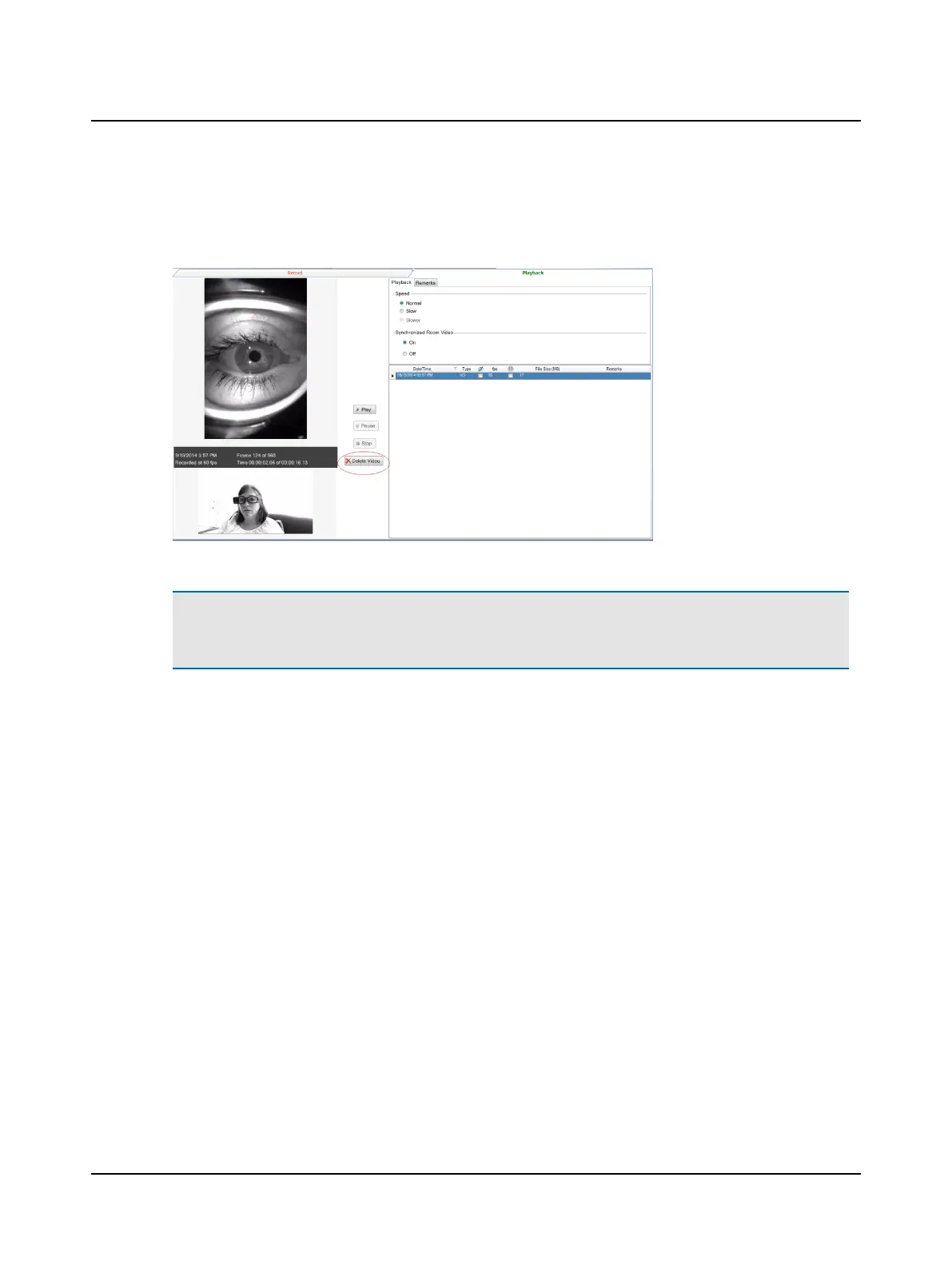
Head Impulse and Video Record/Playback videos
To delete the video(s), from the Videos menu, click Video Record/Playback. Click Playback. If the test is not highlighted,
click the desired test to select it. Click Delete Video.
Caution• Clicking Delete Video will delete all videos associated with that test.
If you choose to delete the video(s) for the selected test and click Yes at the prompt(s), the video data is permanently
deleted. There is no possibility to retrieve the video data.
14 Otometrics - ICS Impulse USB
6 Managing test data












 To Next Page