8.10 Collecting VOR data
For information about settings available in Test Options when collecting data, refer to the Reference Manual.
Note• The temporary patient is available to allow testing to start without entering any patient data. Refer to Patient
data entry/lists ► 7 to create a new patient or open an existing patient.
1. The Synchronized Room Video will be displayed. Due to the faster frame rate acquisition of the camera, the Head
PositionFeedback is not viewable for VOR tests.
2. Instruct the patient. (For example, tell them to keep their eyes open and stare at the fixation dot.)
3. To begin data collection, click Start or click the left button on the presentation remote.
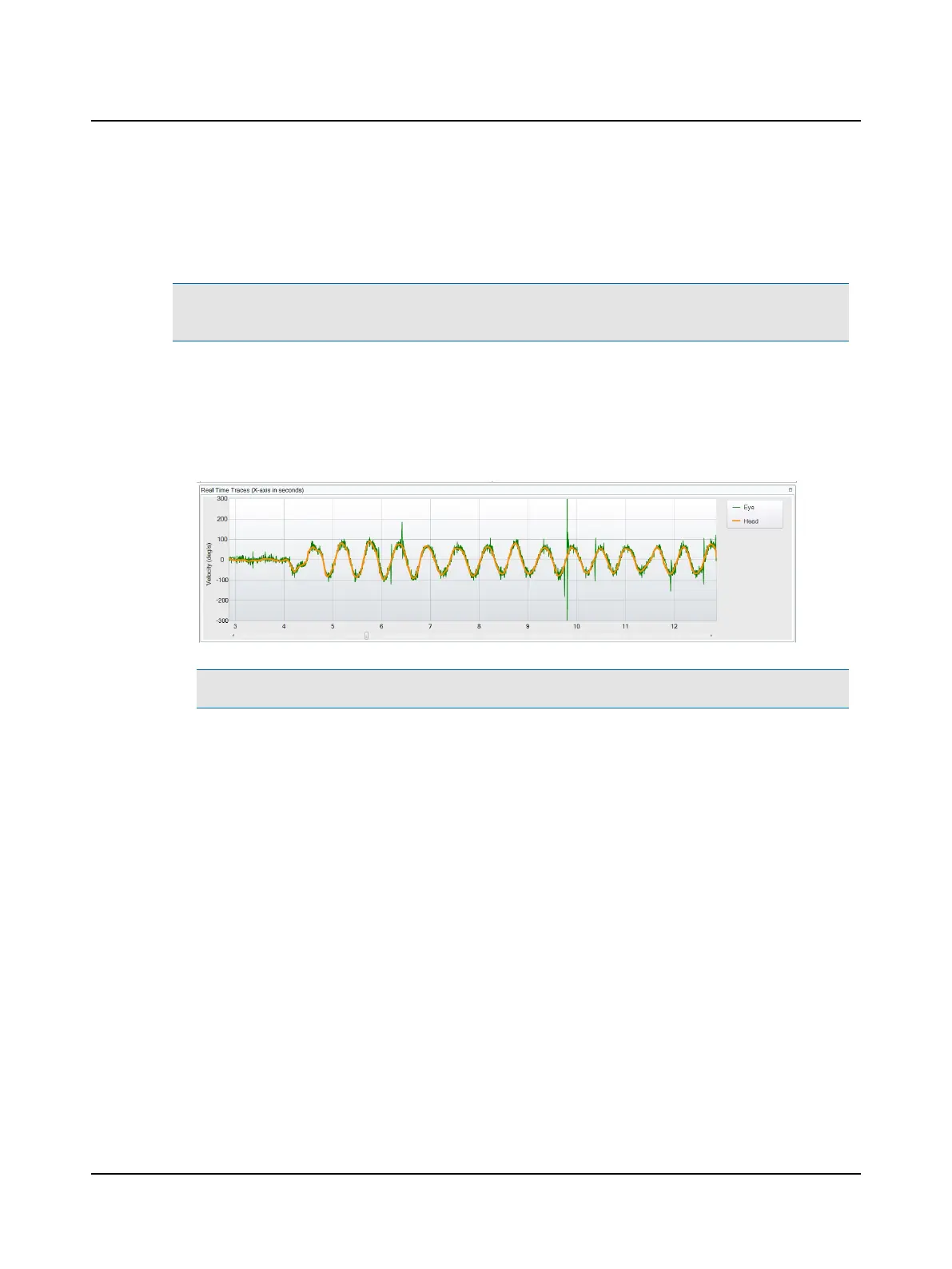
Trace recordings display in the Real Time Traces window. This display includes the eye and head velocities.
Note• You can find more information in the ICS Impulse training video or at www.icsimpulse.com.
36 Otometrics - ICS Impulse USB
8 Oculomotor












 To Next Page