3. To begin data collection, click Start or click the left button on the presentation remote.
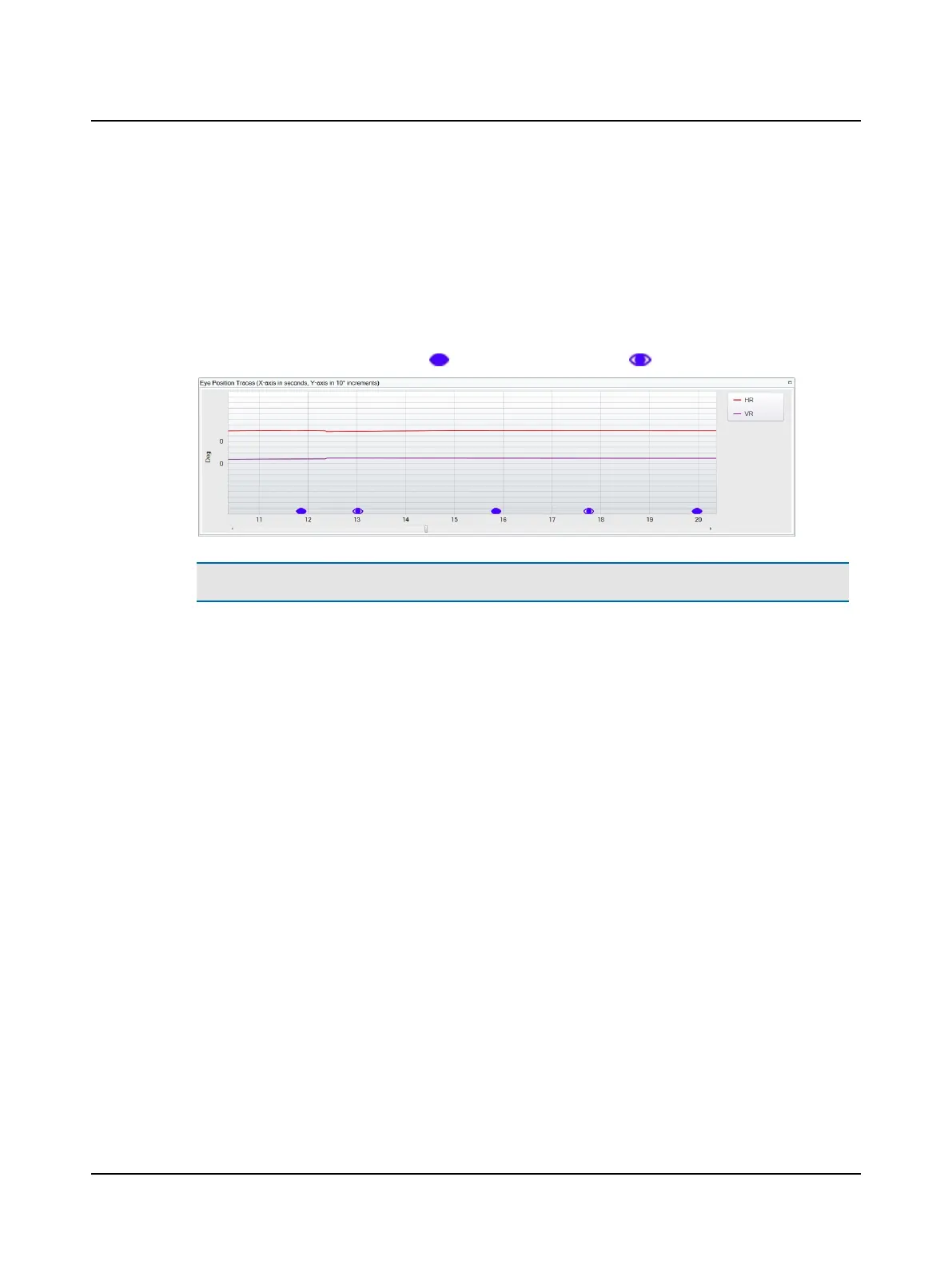
Horizontal (HR) and vertical (VR) eye position traces display in the Eye Position Traces window. (The default display is
set in Test Options.)
4. During data acquisition, in order for the average eye position shift to be calculated correctly, manually indicate when
the eye is covered or uncovered.
• Click the left button on the presentation remote. This button toggles between covered and uncovered.
• Or, click Cover/Uncover.
With each click, the icon for eye covered, , or the icon for eye uncovered, , is inserted below the trace.
Note• You can find more information in the ICS Impulse training video or at www.icsimpulse.com.
40 Otometrics - ICS Impulse USB
8 Oculomotor












 To Next Page