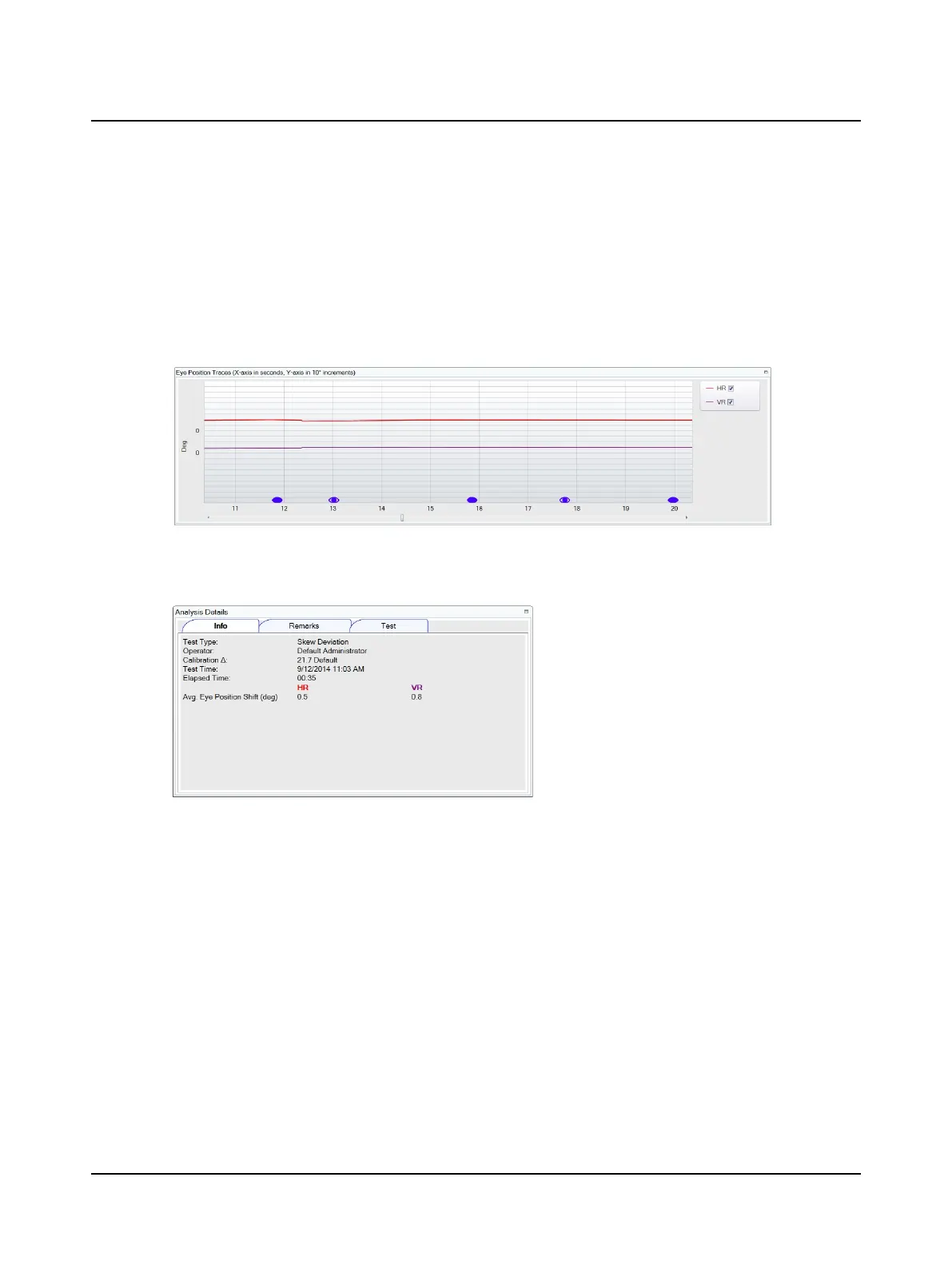
8.14.1 Analysis window
Eye Position Traces
Horizontal (HR) and vertical (VR) eye position traces display in the Eye Position Traces window. You can choose to display
or not display a trace by clicking the check box in the trace legend.(The default display is set in Test Options.)
The traces are displayed with the culmination phase (area with the most robust response) centered in the middle of the
window. To view an entire trace use the scroll bar below the trace. The report prints the part of the trace seen in the
Traces window centered around the cursor.
8.14.2 Analysis details
Info
The test parameters are listed:
• Test Type – name of test for which data has been collected
• Operator – the person who was logged into OTOSuite Vestibular software when the data was collected
• Calibration ∆ – the distance in pixels between the right and left eye positions measured during calibration
• Test Time – date and time data collection was started
• ElapsedTime – duration of the test
• Avg Eye Position Shift (deg) – the average eye position deviation (for the horizontal and vertical traces) when the
condition changes between the eye being covered and uncovered.
42 Otometrics - ICS Impulse USB
8 Oculomotor












 To Next Page