9.6.1 Monitoring eye and head movement
While performing the head impulse test, both the Real Time Traces window and the Impulse window display head and
eye traces to assist you in understanding the quality of data being collected.
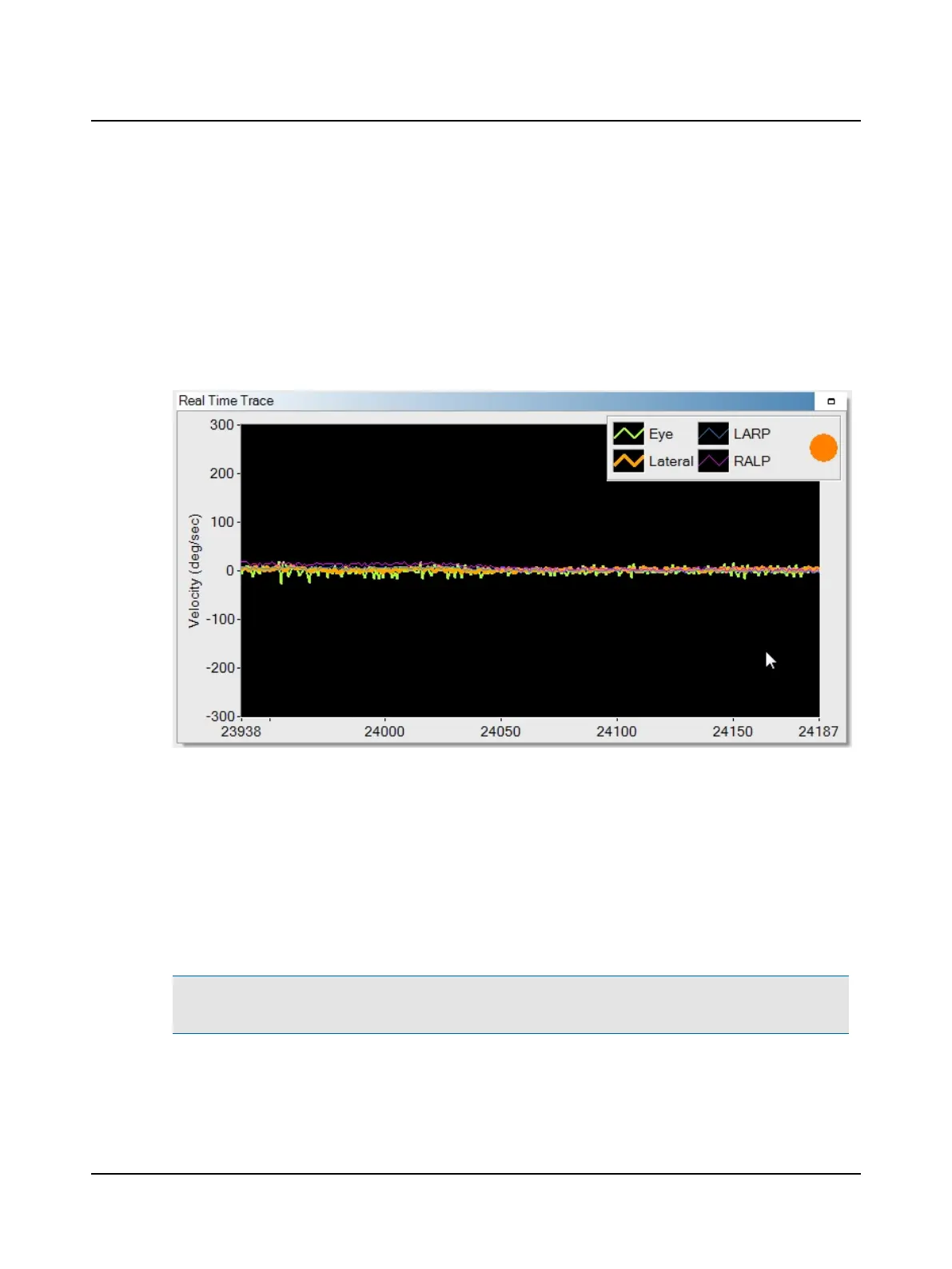
Real Time Trace window
This window allows you to monitor both head and eye movement while performing the head impulse test. The type of
impulse selected (Lateral, LARP, or RALP) determines which head trace is bold. The bold head trace should be the one
moving when the head impulse is delivered. The other two head traces should be fairly flat. This ensures that the canal
stimulated is the one you intended to test. During the test, the maximum sample rate is 250 samples per second.
Operator feedback is also displayed for the current impulse:
• A green circle indicates that the head impulse was accepted (performed adequately).
• An orange circle indicates that the head impulse was rejected (not performed properly). A message displays in the col-
lection window if one of these errors was the cause:
– Too slow - head velocity not fast enough
– Too much overshoot - at the end of the impulse the head was moved in the direction opposite of the test dir-
ection, or
– Wrong planes stimulated - when performing the LARP or RALP test, the impulse was delivered in planes that
stimulated semi-circular canals other than those being tested.
Note• By default, operator feedback displays during collection. If you prefer to not display operator feedback, refer to
the test option settings described in the Reference Manual.
Otometrics - ICS Impulse USB
57
9 Head Impulse












 To Next Page