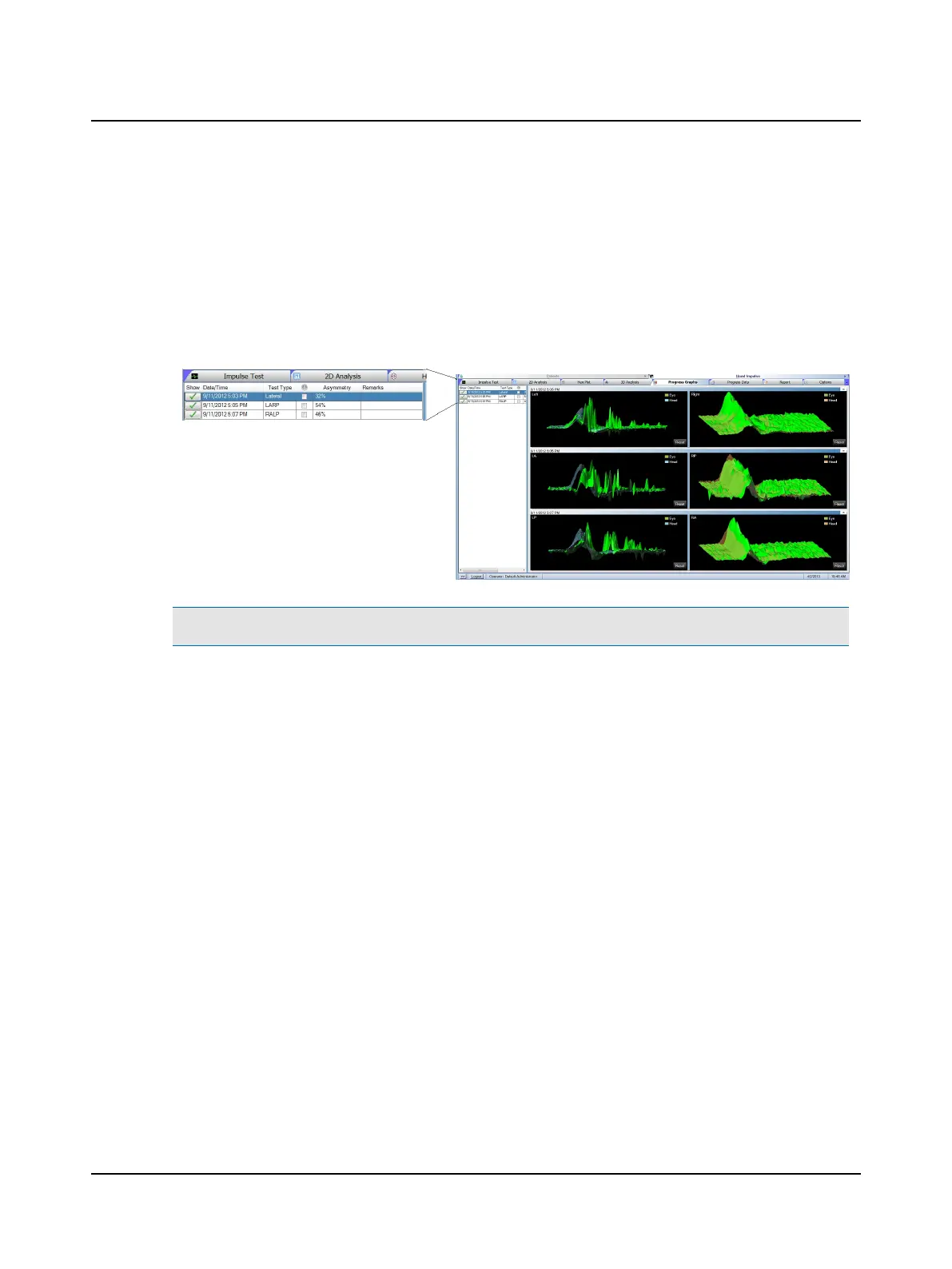
9.12 Head Impulse multiple-tests data analysis
Analysis of multiple test sessions can be viewed in the Progress Graphs or Progress Data window group. This allows the
user to compare a patient's results from different test dates. By comparing test sessions, the user can see if there is
improvement or compensation has occurred.
If there are three or more tests available, the three that display initially are the first test, the most recent test, and the
test currently displayed in 2D and 3D window. To remove a test from the display, click the button next to the test name in
the Show column. To add a test(s) to the display, click the button next to each test name in the Show column.
Note• The viewing mode functions the same as the 2D and 3D Analysis. Refer to the Reference Manual.
Otometrics - ICS Impulse USB
73
9 Head Impulse












 To Next Page