Existingpatient
Note• A complete description of patient list operations is provided in the Reference Manual.
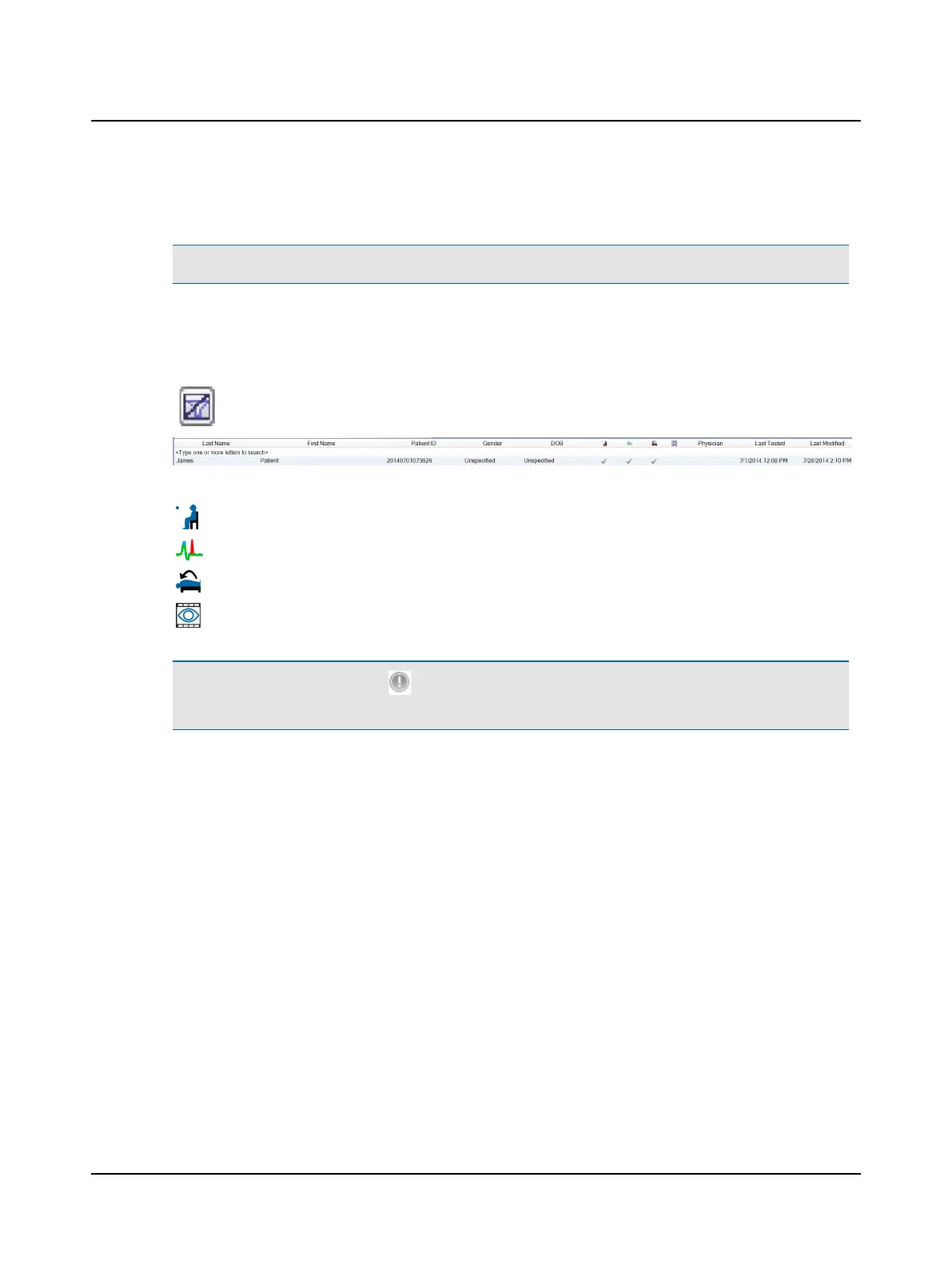
From the Patients group, click Patient List. The window that displays provides access to existing patients. Each row has
patient information separated into columns according to the type of information such as the patient name and iden-
tification number. The following rows are searchable: last name, first name, patient ID, Gender, DOB, and Physician. To
search start typing in the row between the title and the first patient entry. Clear search field by clicking the clear button
.
The tests collected for an existing patient are indicated by a checkmark in the appropriate test column:
Oculomotor
Head impulse
Positional
Videos
Note• The unique identifier symbol ( ) indicates the user has chosen to mark one or more tests or videos for a spe-
cific purpose (for example, it may refer to abnormal results, results to be used for a study, etc.)
Otometrics - ICS Impulse USB
9
User Guide












 To Next Page