Video Record buttons and selections
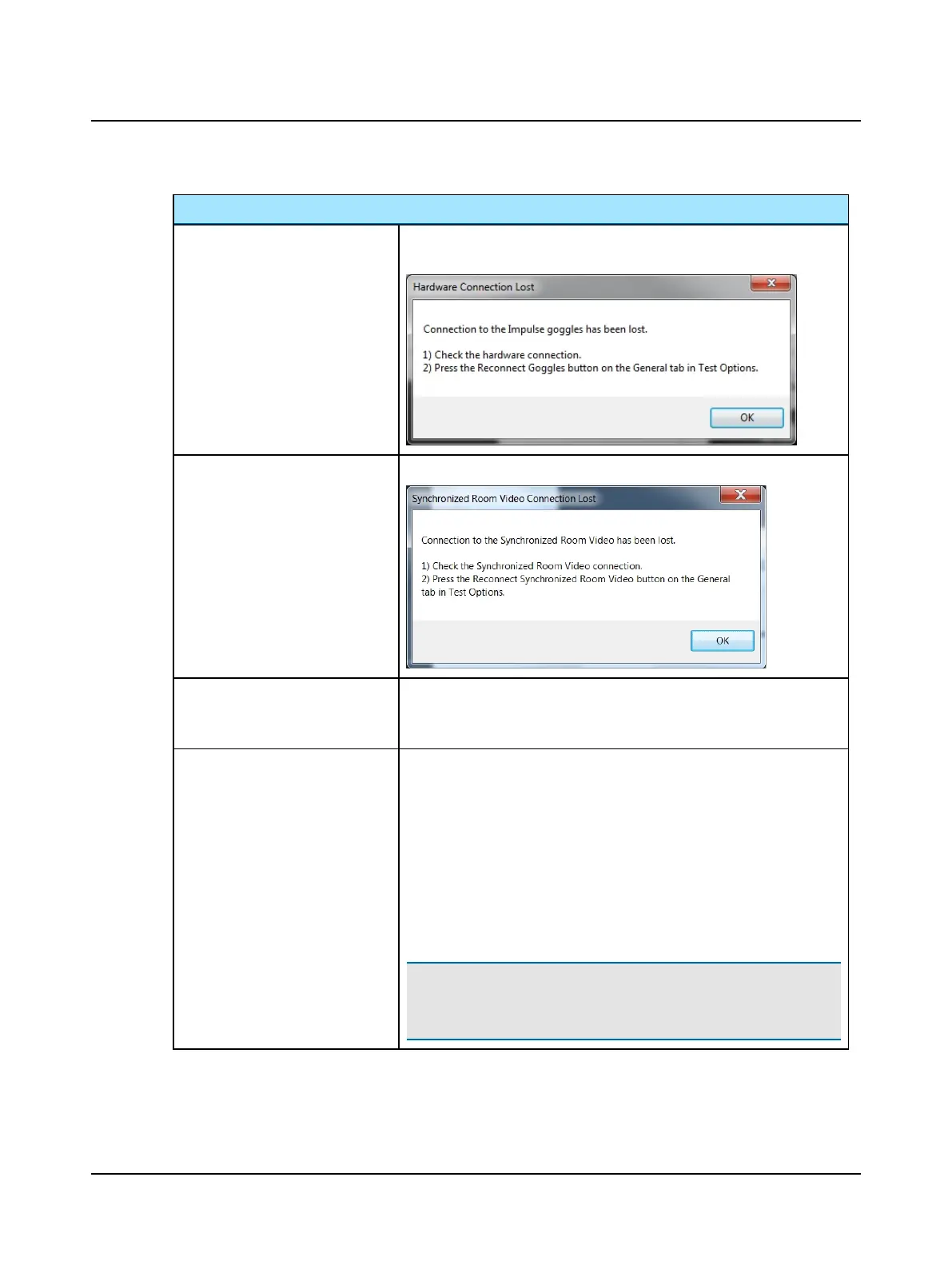
Reconnect Goggles
Reconnect goggles (software-to-hardware connection) as instructed by this
error message:
Reconnect Webcam
Reconnect synchronized room video as instructed by this error message:
Test Setup Full Image
- select to record the full image
ROI - select to record only the area inside the ROI box
Vision Denied - select to indicate the recording was done with vision denied
Eye Record Speed • Options for recording Full Image:
– 30 fps
– 60 fps
• Options for recording ROI:
– 30 fps
– 60 fps
– 120 fps
• Compress eye video - select to reduce video file size
Note• If the video is recorded at 60 or 120 frames per second it can be
played back in slow motion or at normal speed. At normal speed some
frames will be skipped. The eye video can also be compressed.
Otometrics - ICS Impulse USB
99
11 Video Record/Playback












 To Next Page