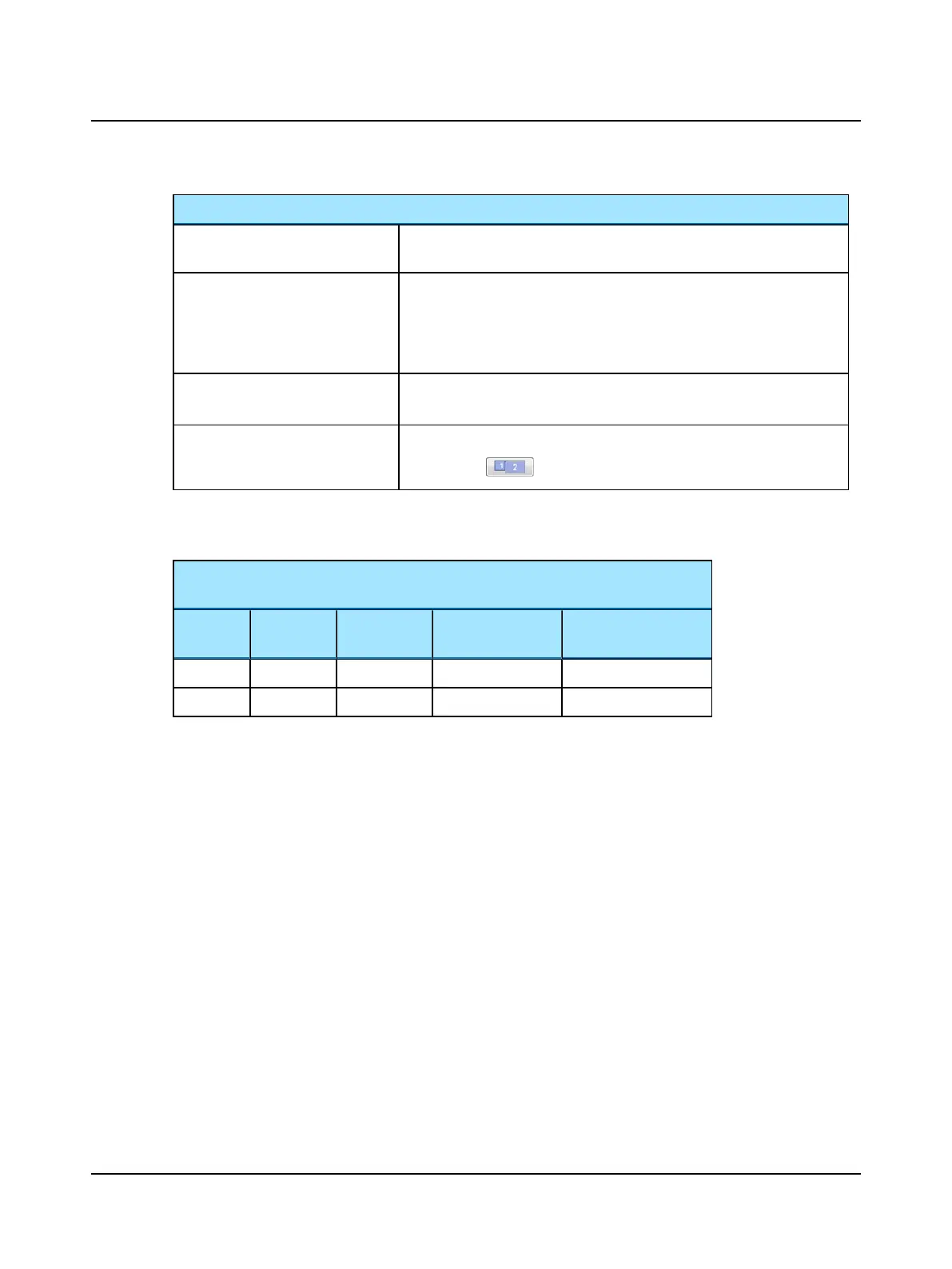
Video Record buttons and selections
Synchronized Room Video Recording
Turn synchronized room video recording on and off. Room video is always com-
pressed.
Room Record Speed
Options for recording
• 15 fps
• 30 fps
The higher the frame rate the larger the file size.
Mode (synchronized room video
only)
Choose to record the video in color or grayscale. Color video creates a larger
file size.
External Monitor
To display the eye video on the computer monitor as well as on an external
monitor, click .
You can record eye video only or eye video with room video. If you chose to combine eye and room video, this example
shows the resulting file size for a 20-minute recording.
Eye Video (60 fps, compressed)
Room Video (15 fps, grayscale)
Eye Video Eye Video
Size
Room Video
Size
Combined Video
File Size
Time to Export Com-
bined Video (minutes)
ROI 120 MB 270 MB 1.51 GB 15-20
Full Image 585 MB 270 MB 1.93 GB 15-20
100 Otometrics - ICS Impulse USB
11 Video Record/Playback












 To Next Page