E-215-7-E
12
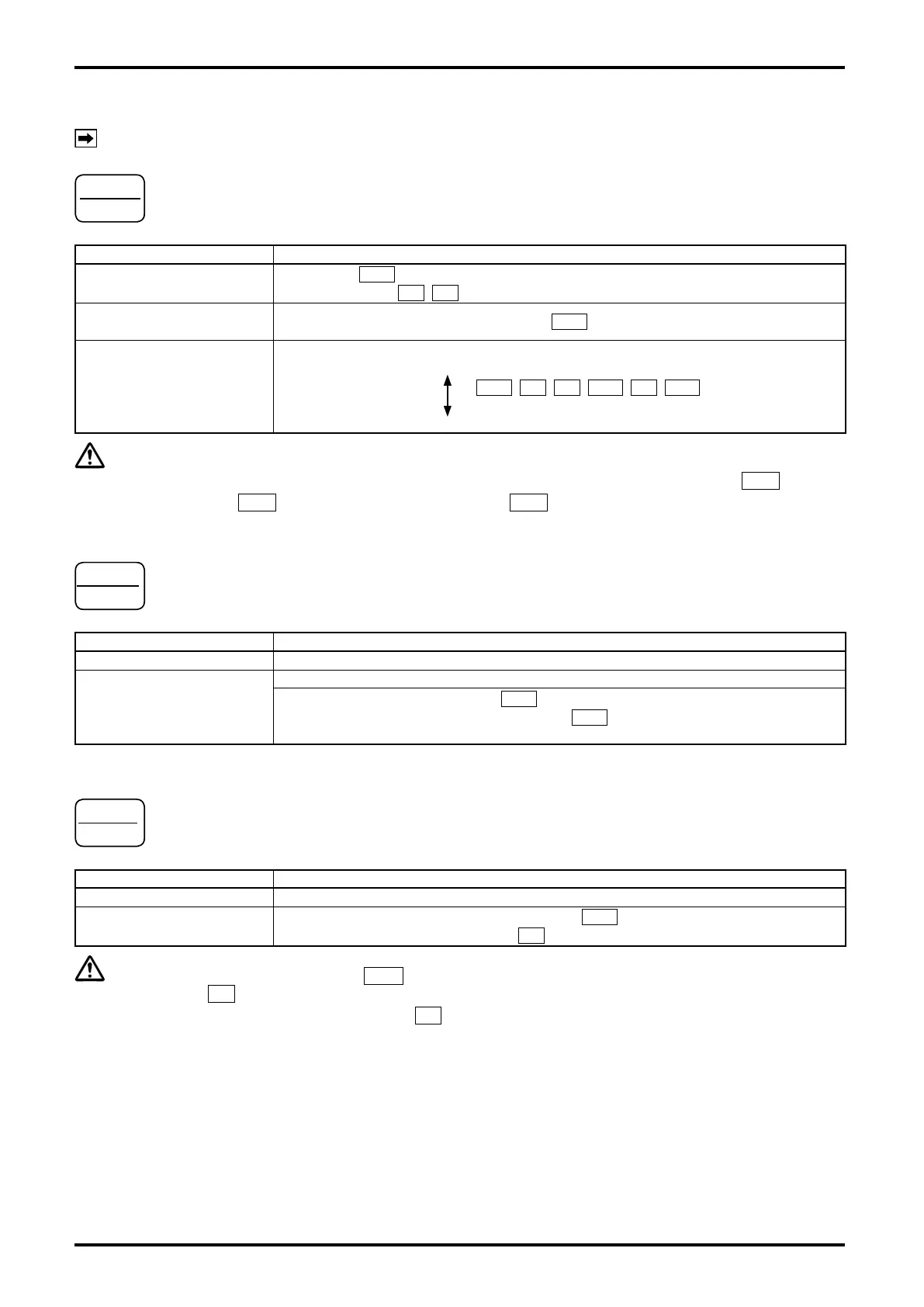
6.2 Control Key Functions (other than batch setup mode and other setup mode)
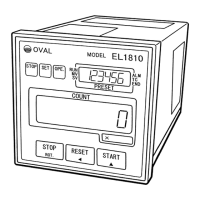
NOTE: For control key locations, see Fig. 6.1 on page 11.
STOP
ROT.
Key functions
Item Functions
Batch in progress
Batch stops (
OPE : goes out; Valve control signals SV, MV: close;
LCD 1
SV , MV : go out).
Upon detection of missing
pulses
Missing pulses alarm output is reset (LCD 1
ALM : goes out).
LCD1 shows target batch
setpoint or grand total.
LCD 1 screen switches:
Batch setpoint (6-digit) + LED 1 operation indicators
RUN , SV , MV , ALM , TC , END ,
Shown alternately.
Grand total reading (8-digit)
CAUTION: You cannot switch the display from the batch setting to the grand total unless you
reset the current batch process by resetting the missing pulse alarm
ALM
, end-of-
batch
END
, and overmeasurement alarm
ALM
.
RESET
◀
Key functions
Item Functions
LCD 1 shows grand total.
None
LCD 1 shows batch setpoint
(not in operation)
Batch process reset (LCD 2 batch reading is reset to zero).
End-of-batch output is reset (LCD 1
END : goes out).
Overmeasurement alarm output is reset (LCD1
ALM : goes out).
Parameter error alarm output is reset.
START
▲
Key functions
Item Functions
LCD 1 shows grand total.
None
LCD 1 shows batch setpoint
(not in operation).
Simultaneously with the start of a batch process (OPE.: comes on),
valve operate signal SV opens (LCD 1
SV : comes on).
CAUTION: Simultaneously with
OPE.
illumination, the valve operate signal SV opens (LCD
1
SV
comes on). If the two-stage open mode remains disabled, the valve operate
signal MV also opens (LCD1
MV
comes on), however.


 To Next Page