EN
ONE – User manual Page 17/44
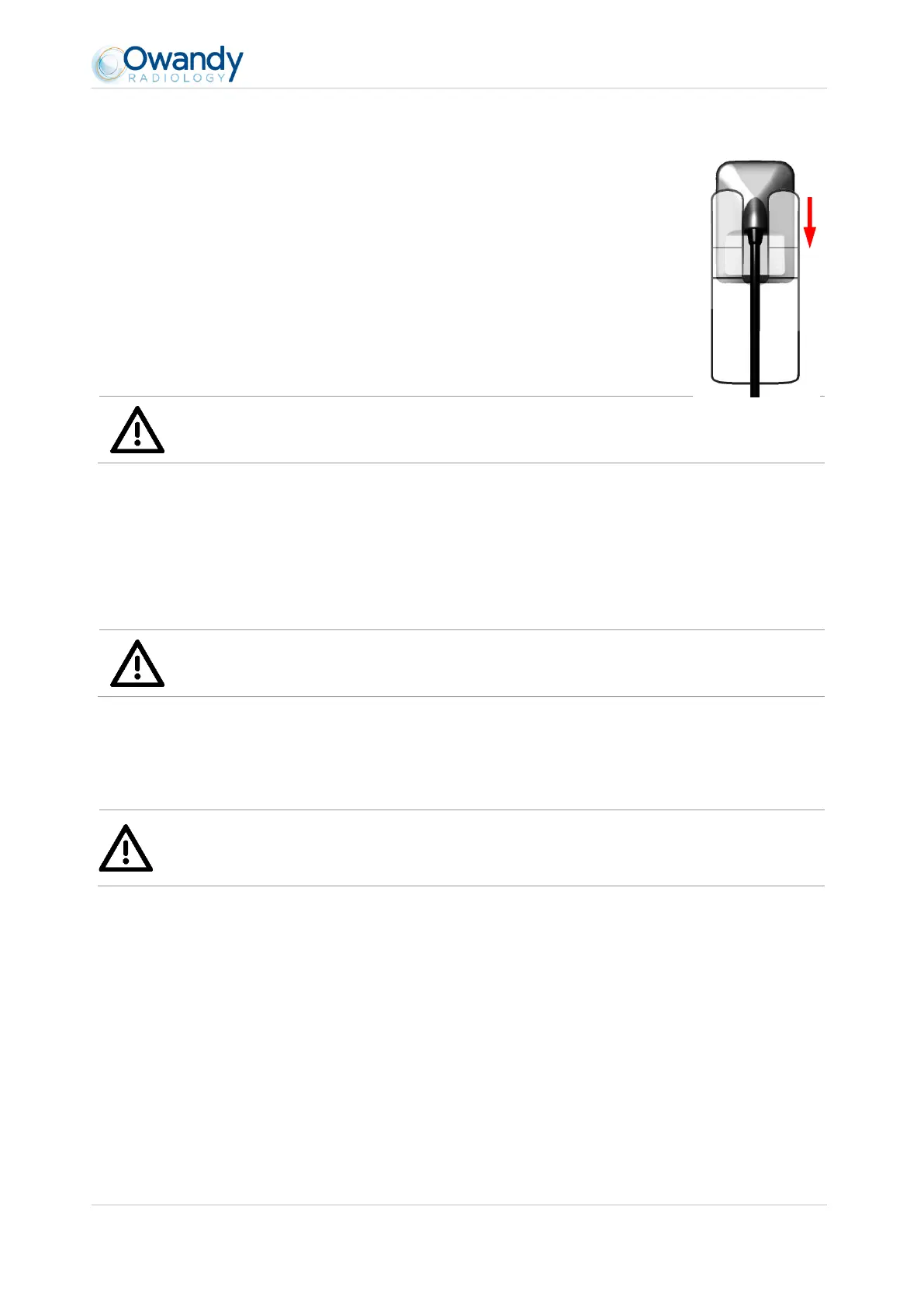
3.2.2 Sensor support
The sensor can be placed on its self-adhesive support supplied with the kit. The support is
compatible with sensors of size 1 or size 2. This support can be fixed on any type of flat
surface: worktop or a part of the chair. The sensor will then be inserted into the fork of the
support taking care not to impede the cable.
Warning
Do not mount the wall support upside-down or horizontally, the sensor could fall on the ground and be
damaged.
3.3 Software installation
Install the Owandy QuickVision (or third party) imaging software and check its proper functioning before installing
the equipment and its drivers. Refer to the software manual for the installation instructions.
Warning
You need administrator rights for the installation and use of the software and equipment. Please contact
your IT specialist to create a suitable user account.
3.3.1 Installation of OSP and drivers
Warning
The ONE drivers are only compatible with Windows 7 (32 and 64 bits), Windows 8 (32 and 64 bits) and
Windows 10 (32 and 64 bits) operating systems.
Automatic installation:
1. Connect QuickVision USB stick to the PC. Open setup partition and launch “autorun.exe”. In the following window
click on One box



 To Next Page