EN
ONE – User manual Page 26/44
4.3 Use of the Owandy XIO StandAlone software
4.3.1 Modes of operation
The sensor kit can function in two ways:
Through the Twain protocol (for scanners): to use this mode select “Owandy Intra Oral X-rays…” in the
TWAIN acquisition option of your imaging software. Subsequently start the TWAIN acquisition; the interface
is identical to that of the independent mode described below.
In independent mode: the independent software program can be started with the icon (on the
Windows desktop) or by starting an Owandy software program. This memory resident software package
allows the use of the sensor outside any software program. If an image is acquired without a program ready
to receive it, the resident program will display the image on-screen for a few seconds and save it in the
“C:\Program Files\OWANDY\OSP - XRAYS BOX STANDALONE\StandAlone\Data” directory on the hard disk.
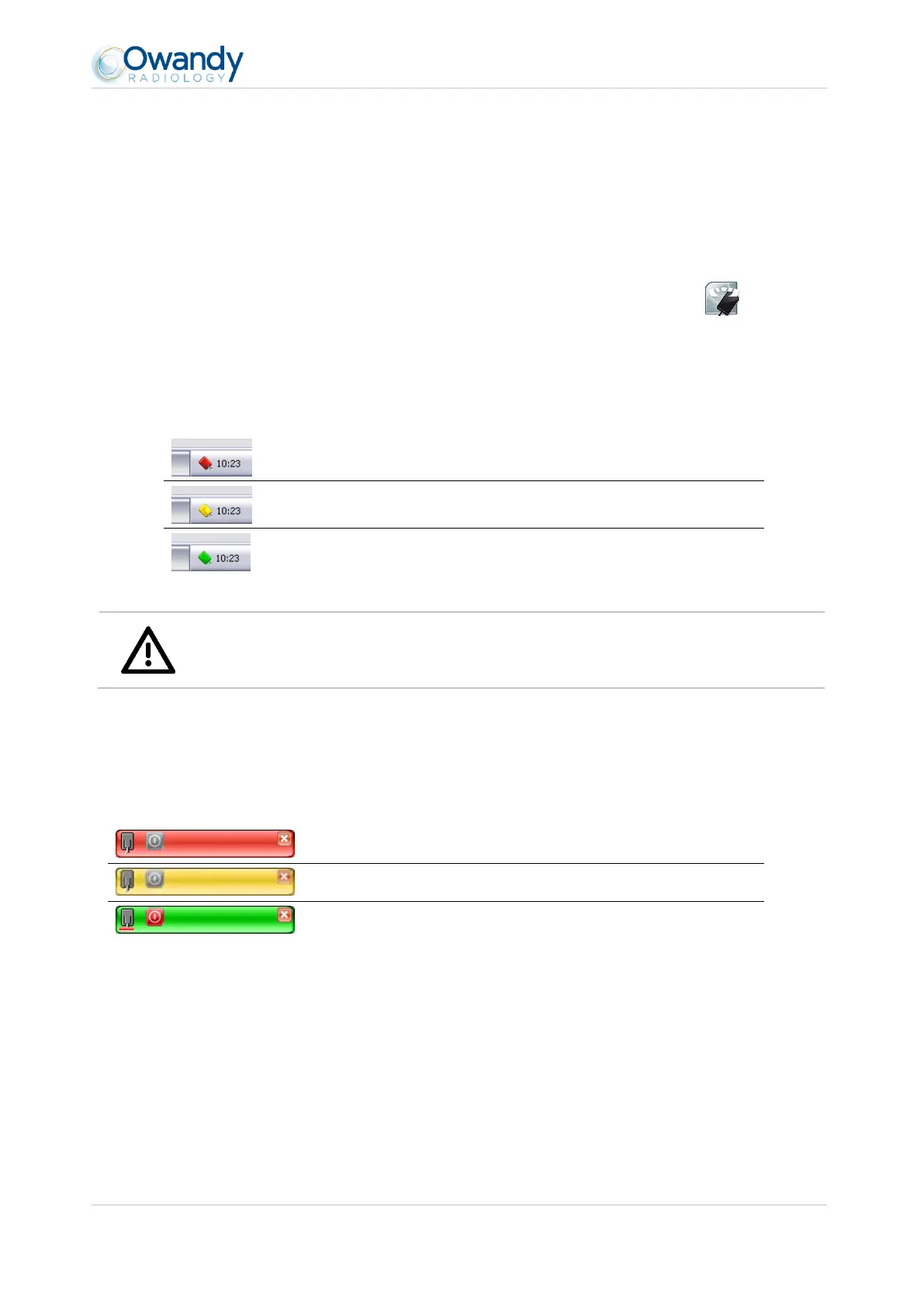
A sensor icon appears in the Windows taskbar, next to the clock. The colour of the icon indicates the state
of the sensor:
Warning
When the sensor is in "ready status" (green icon) and receive X-ray, it acquires image also in case
the user software has not been activated or a patient has not been selected.
4.3.2 Sensor toolbar
It is possible to display the sensor toolbar by clicking with the right mouse button on the sensor icon in the taskbar.
The colour of the sensor toolbar indicates the state of the sensor:



 To Next Page