EN
ONE – User manual Page 16/44
The screen must be placed so as to avoid any reflections or direct overhead illuminations that could be detrimental
to the visualization of the radiological images. It must be set up (contrast and brightness) to display as many grey
levels as possible in the image.
The X-ray generator has a great influence on the quality of the acquired images. The kit is compatible with any kind
of generator, be it high-frequency or conventional. The generator must be equipped with an electronic timer
(allowing for very short exposure times) and must emit a dose sufficient for the acquisition of a good image (with
enough grey levels). Make sure that your generator is not worn as the dose emitted will be insufficient and could
influence the quality of the acquired image. The energy emitted by a generator diminishes over time; when in doubt
have your generator checked by a qualified technician. Make sure he had of the generator is stable, any movement
of the head will induce movement blur in the acquired image.
3.2 Equipment installation
3.2.1 Connection
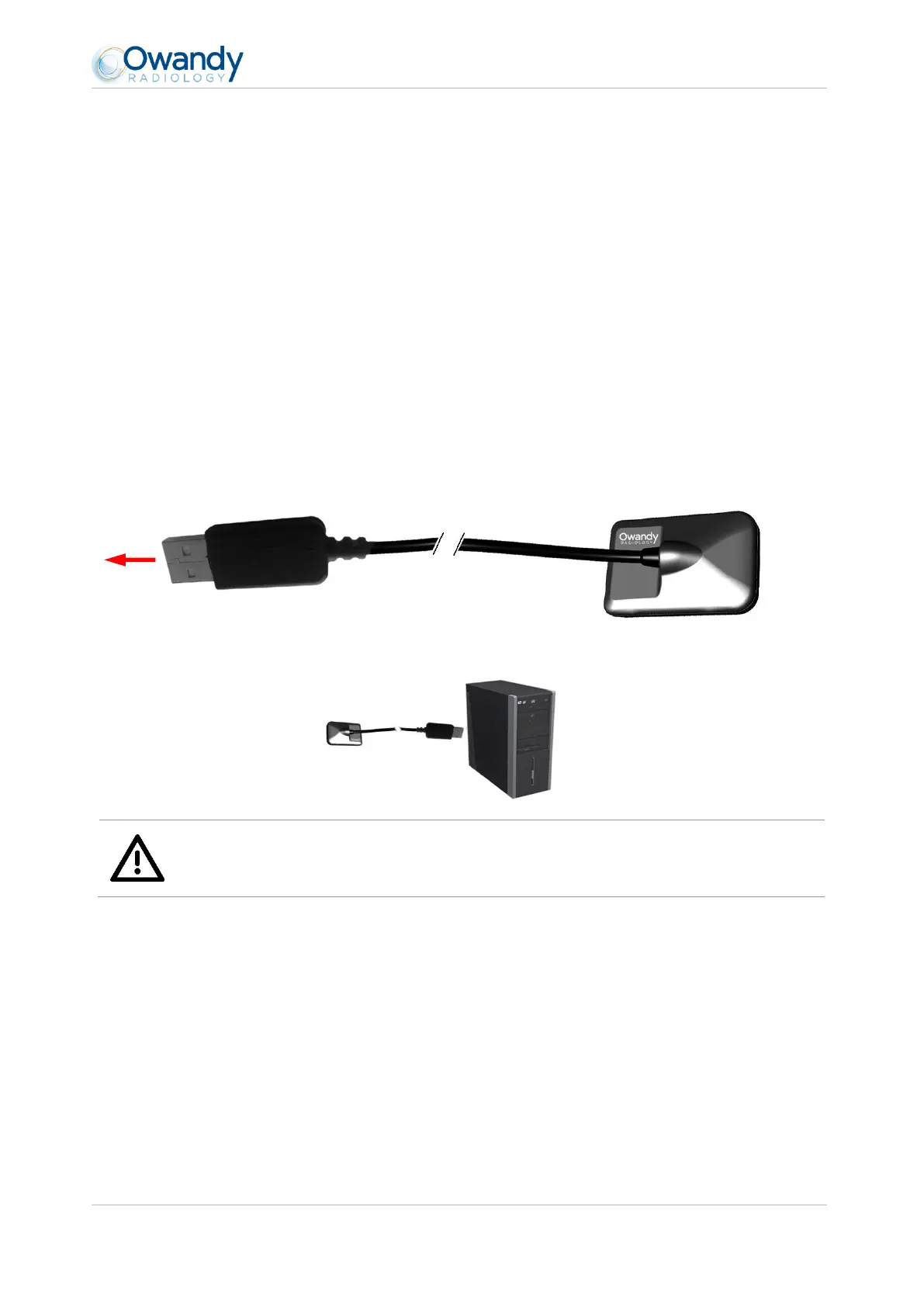
The ONE sensor is fitted directly to a cable equipped with a USB connector linking it directly to the computer.
Warning
Make sure the USB port of the computer is preferably a USB 2.0 port.Only use USB 2.0 cables with a USB
2.0 port. Each USB cable should not be longer than 3m / 9.8ft. The kit is compatible with USB 1.1 ports
but with reduced image transmission speed.
The USB cable can be connected / disconnected without the need to power down the computer.
Check that the sensor is correctly connected: if the sensor toolbar turns green after removing the sensor from its
support, it is powered correctly.



 To Next Page