EN
ONE – User manual Page 25/44
4.2 Sensor principles
4.2.1 Sensor
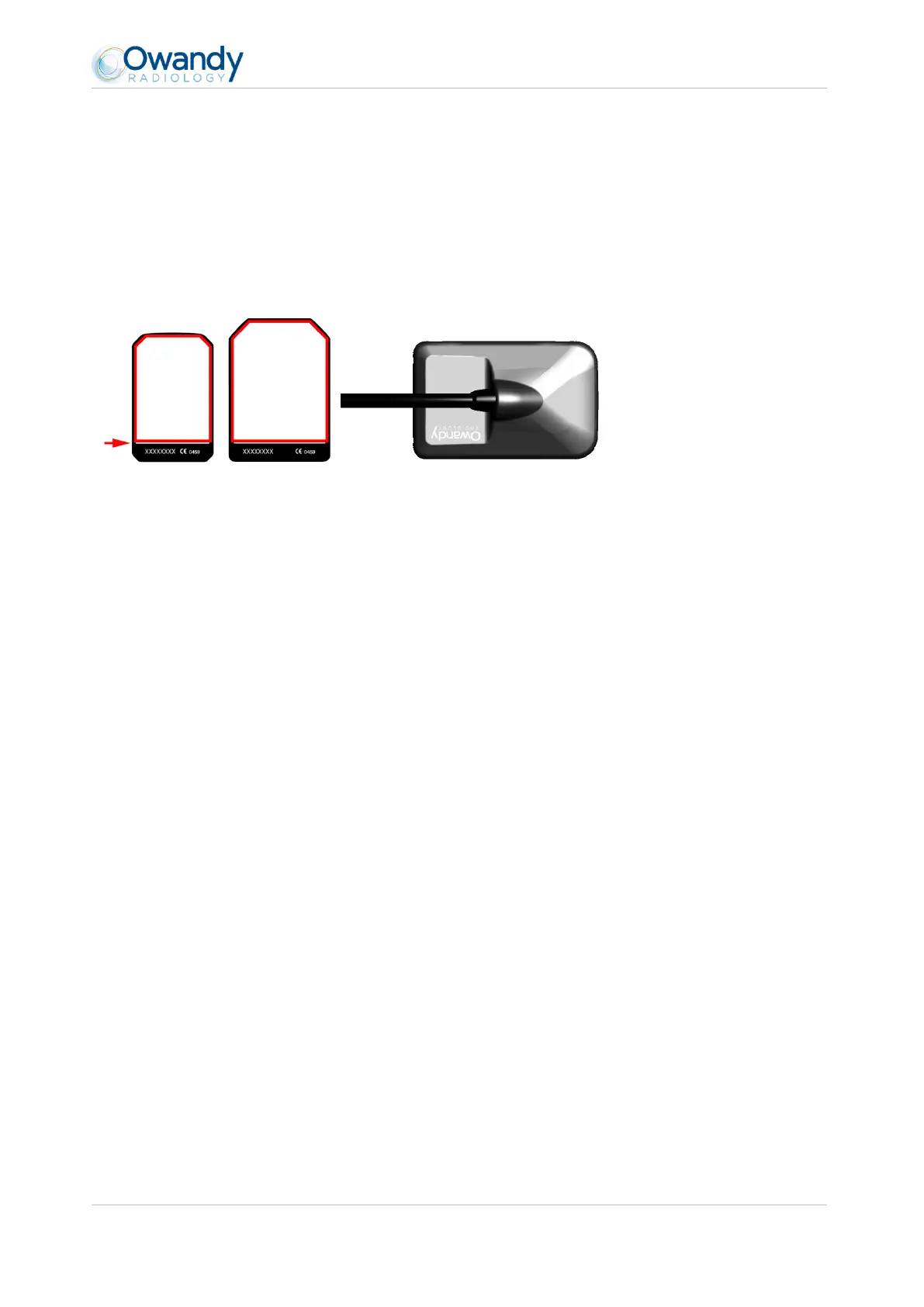
The sensor’s sensitive area is delimited by a horizontal line; the area below this line is not sensitive to X-rays. When
the sensor is placed in the mouth it is necessary to check that this area is turned towards the radiation source and
that the whole sensitive area is irradiated.
Active surface Sensor’s rear shell: inactive surface
4.2.2 Sensor activation
The sensor automatically puts itself on standby after a period which can be configured in the configuration window
(see “3.4 Configuration in the Owandy imaging software” - the default period is 3 minutes). The sensor’s toolbar is
then in its red state.
To activate your sensor physically, just click on the corresponding icon in the sensor IO tollbar (see “4.3.2 Sensor
toolbar”). The state of the toolbar will change automatically to the green color.



 To Next Page