EN
ONE – User manual Page 35/44
6 Troubleshooting and tests method
If an error occurs during operation, check the different items in this troubleshooting guide. If you cannot resolve
your problem please contact your distributor.
6.1 General
The kit does not power up or it
does not acquire images.
Check that the active surface of the sensor is directed towards the X-ray
generator and is positioned correctly in the field of the X-ray beam.
Check that the kit is correctly configured in the imaging software and that the
drivers are correctly installed.
Check the connection between the sensor and the PC, and ensure that the PC
is powered externally.
Check that the generator is emitting X-rays (with another sensor or with
conventional film).
No image appears on the screen.
An error has occurred during acquisition, disconnect the cable and wait a few
seconds before reconnecting it.
Check that the outer sheath of the cable connection from the sensor does not
show any signs of tearing.
The sensor is slightly warm.
This is normal. The temperature of the sensor can exceed 6°C (43°F) when the kit
is activated for a prolonged period (e.g. when taking many consecutive images)
and has no bearing on the functioning of the kit.
Reduce the standby time in the configuration screen.
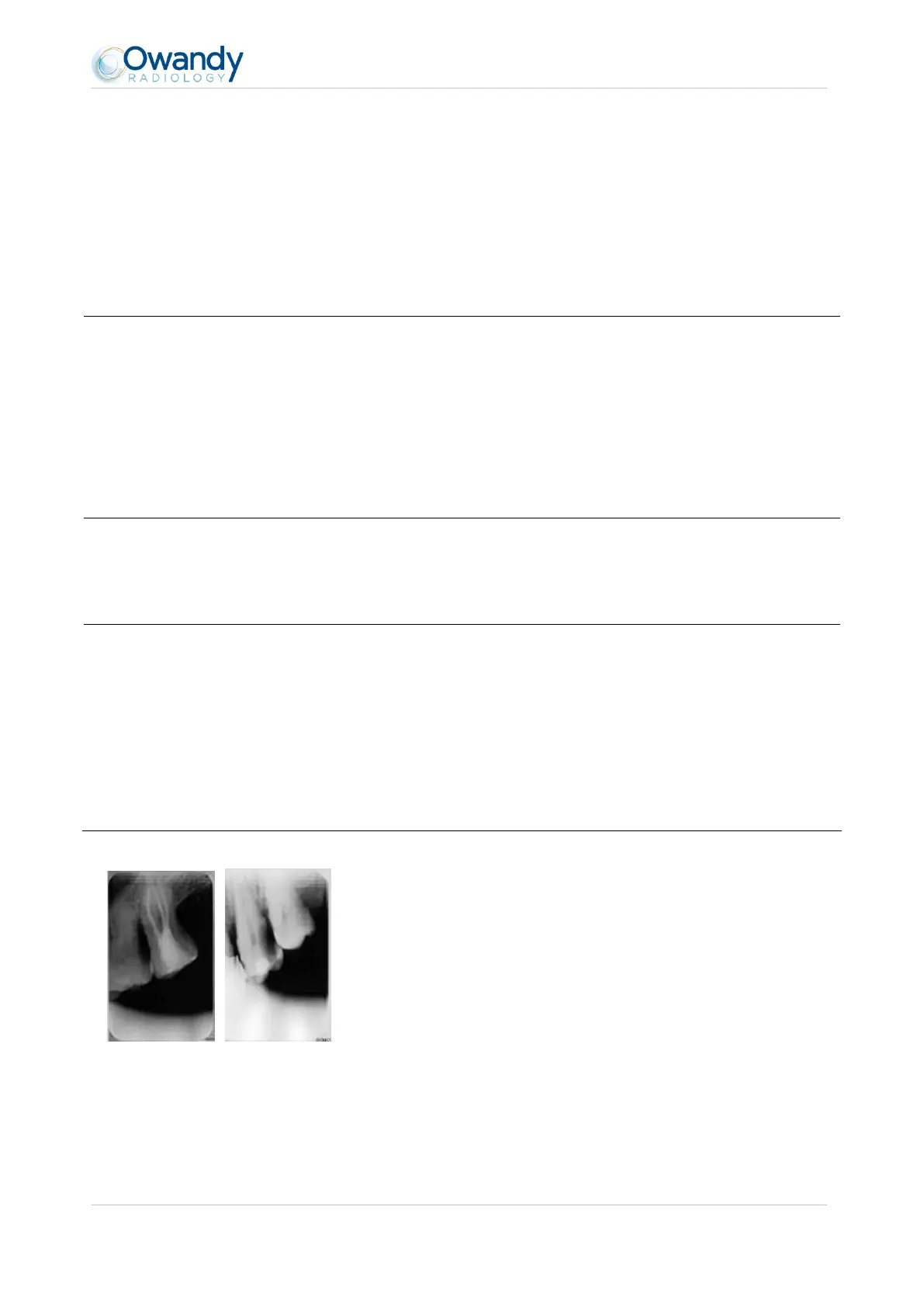
The images are cut off, e.g.:
The sensor is badly positioned with regard to the X-ray beam.
Reposition the sensor, making sure it is well within the field of the X-
ray beam.
Use the positioners provided with the sensor for optimal positioning.



 To Next Page