EN
ONE – User manual Page 36/44
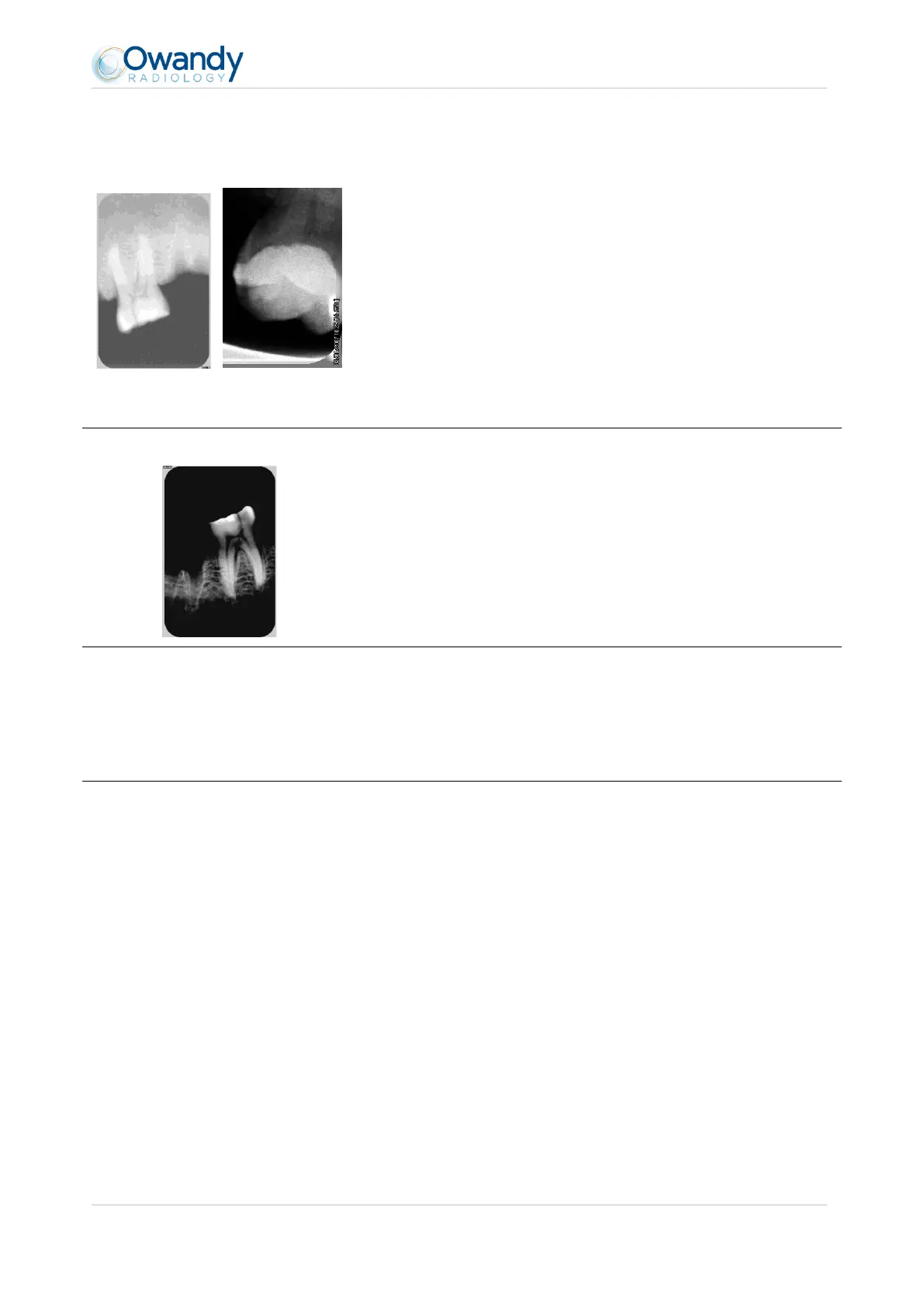
The images are too light or contain
noise, e.g.:
Film alike mode Auto contrast mode
The image is under-exposed, the X-ray dose is too low; increase the X-
ray dose on the generator. The percentage that is displayed in the
image indicate the exposure level:
o 0 to 80% - under-exposed image
o 80 to 120% - correctly exposed image
o 120 to 200% - over-exposed image
Check the dose emitted by the X-ray generator, due to age the dose
can be insufficient. Have the generator checked by a technician when
in doubt.
The generator is positioned too far from the patient with regard to the
selected dose.
Check the parameters of your monitor (contrast and brightness) and
avoid reflections on the screen.
The images are too dark, e.g.:
The image is over-exposed, the X-ray dose is too high; reduce the X-ray
dose on the generator. The percentage that is displayed in the image
indicate the exposure level:
o 0 to 80% - under-exposed image
o 80 to 120% - correctly exposed image
o 120 to 200% - over-exposed image
Check the parameters of your monitor (contrast and brightness) and
avoid reflections on the screen.
Grey levels seem to be missing in the
image (flat areas of grey appear).
Check the quality and parameters of the monitor.
Check the connection of the cable of the screen at the side of the
graphics card and the monitor.
Check the screen configuration under Windows (screen configuration
panel, it must display colours in at least 24bits.
Re-acquire the image:
The patient has moved during the exposure.
The generator head was not stabilised and has moved.



 To Next Page