EN
ONE – User manual Page 30/44
4.4.2 Imaging software functions
An exposure percentage is displayed in the acquired image:
0 to 80% - under-exposed image, the X-ray dose is too low; increase the X-ray dose on the generator.
80 to 120% - correctly exposed image
120 to 200% - over-exposed image, the X-ray dose is too high; reduce the X-ray dose on the generator.
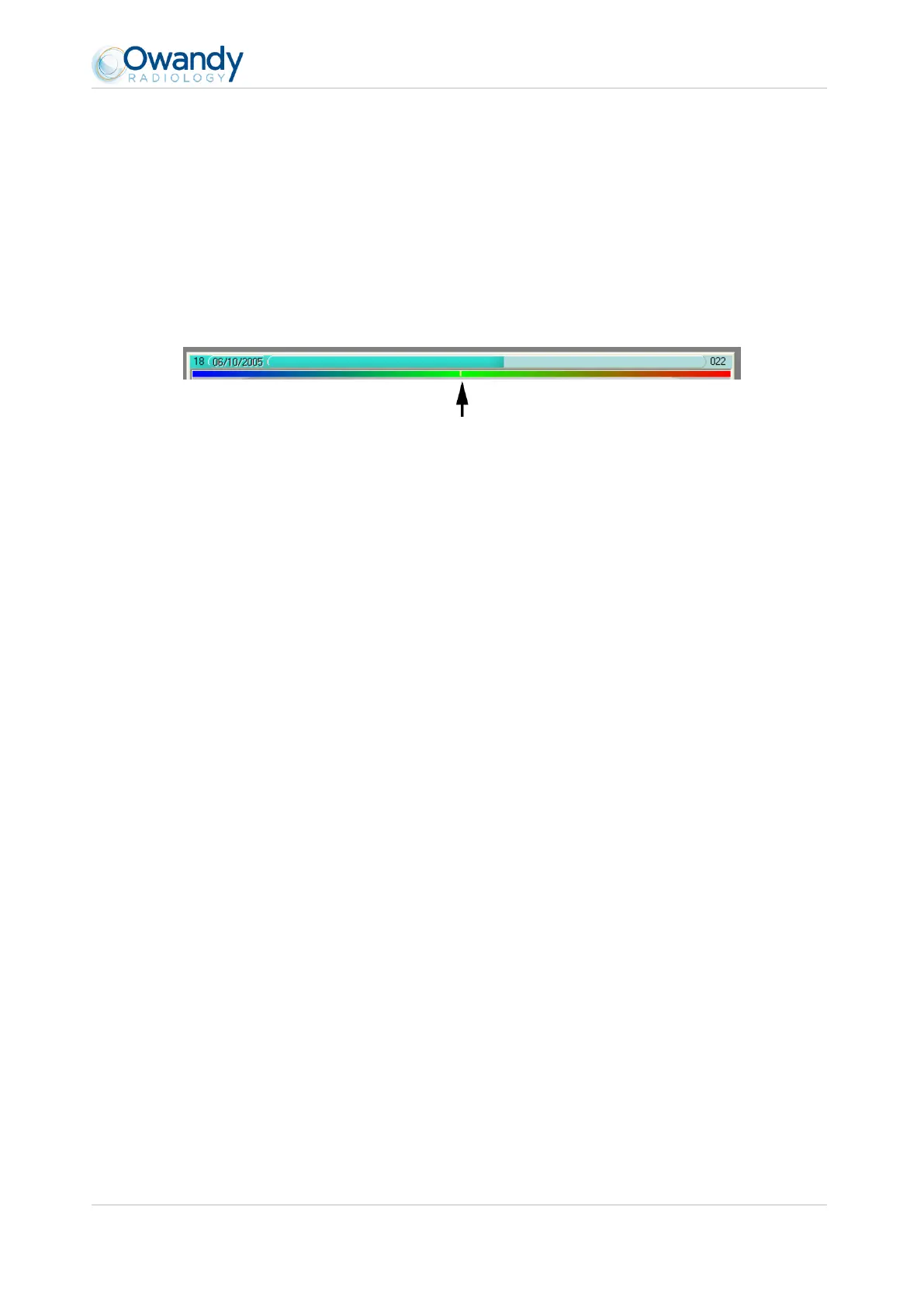
When the image is displayed in the Owandy QuickVision imaging software, a coloured bar appears in the top part of
the image, this is the exposure bar. This function is available only to users of the Owandy imaging software.
The white cursor displayed in this bar indicates the exposure level of the image:
If the cursor is in the green, the image is correctly exposed.
If the cursor is in the red, the image is over-exposed; reduce the exposure time on the generator.
If the cursor is in the blue, the image is under-exposed; increase the exposure time on the generator.



 To Next Page