Oxitone 1000M
User Manual Rev. 1.
Page 15 of 39
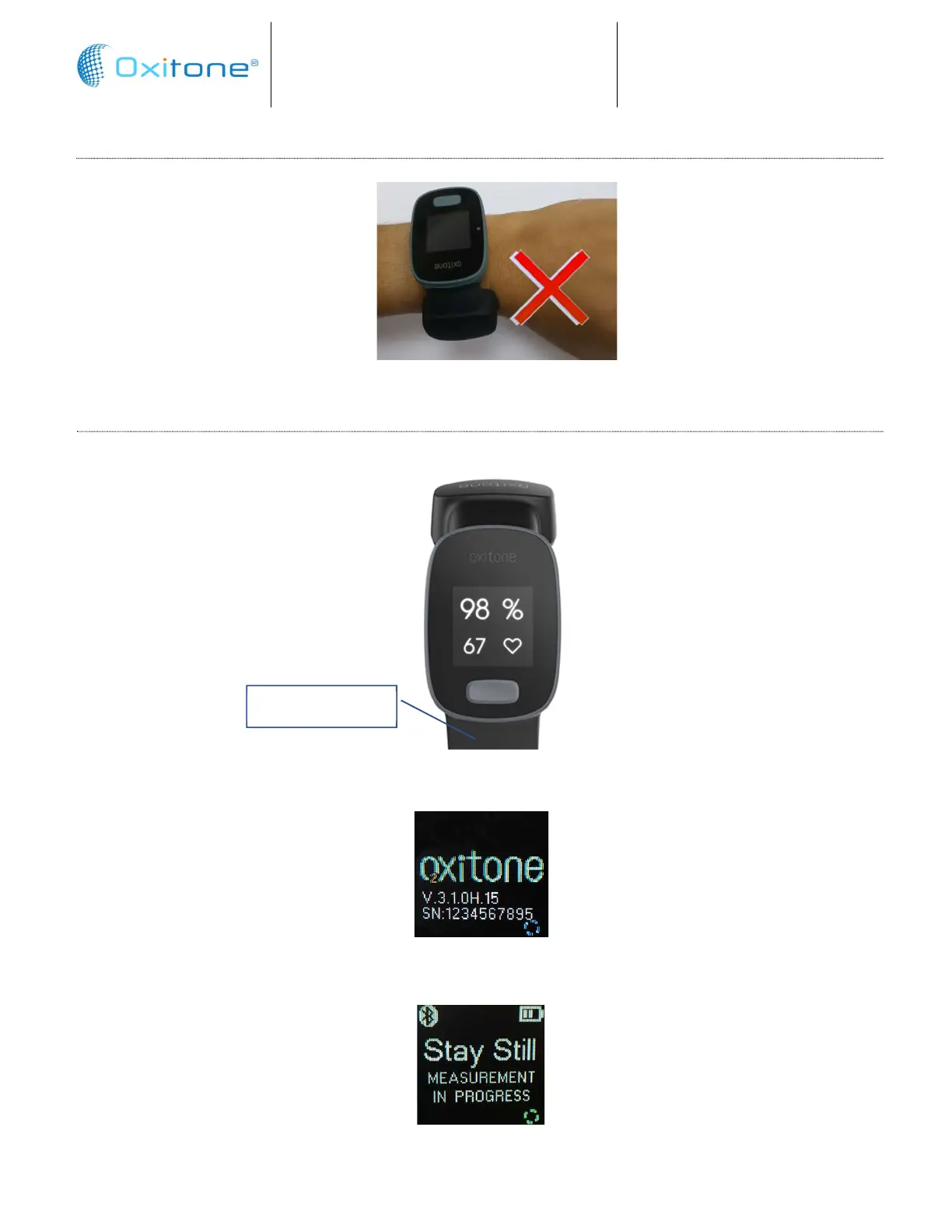
INCORRECT PLACEMENT
Incorrect – device upside down
5.4. POWER ON AND DISPLAY STARTUP SCREEN
To start the system, press the Power On button on the front of the device for ½ a second:
The OLED screen will be illuminated and after releasing the button, the Oxitone logo will briefly
appear:
The Measurement in Progress screen will be displayed for a few seconds, during which the user
must stay still in order to get a first measurement:
Power On button


 To Next Page