Oxitone 1000M
User Manual Rev. 1.
Page 19 of 39
If you tap the button again, the Steps screen will display (see below). Otherwise, after 30 seconds the
Measurement screen will automatically be displayed.
6.5. STEPS SCREEN
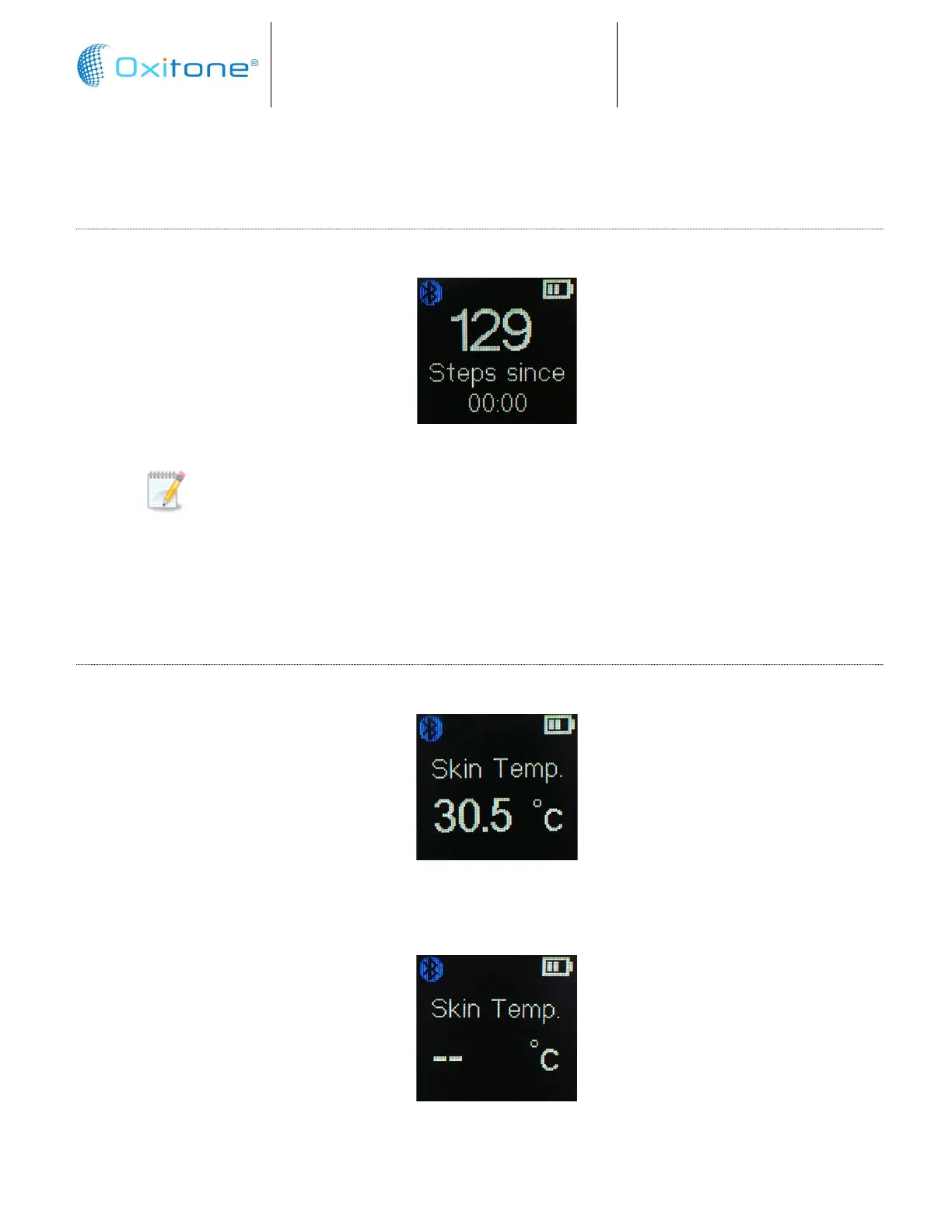
While viewing the Time screen, tap briefly on the button to display the Steps screen:
Note: Steps are calculated for the current day, from 12 am to 12 pm. At 12 am the
Steps value is automatically reset to zero.
After 30 seconds, the Measurement screen will automatically be displayed.
Note: steps monitoring defines as general wellness product. Intended for only general wellness use.
6.5.1 Skin Temperature
SKIN TEMPERATURE SCREEN
While viewing the Steps screen, tap briefly on the button to display the Skin Temperature screen:
The skin temperature value is updated every one second.
In case of temperature sensor malfunction, dashes will be displayed.
After 30 seconds, the Measurement screen will automatically be displayed.


 To Next Page