Oxitone 1000M
User Manual Rev. 1.
Page 24 of 39
9. SERVICE AND MAINTENANCE
Note: The user or any technical personnel who are not formally authorized by Oxitone
Medical Ltd. should not open the device under any circumstances. Opening the device could
damage the unit and will void the warranty provided by Oxitone Medical Ltd.
The System does not require maintenance or service on a routine basis, except as suggested in this
User Manual. It is expected that the internal Batttery will last for minimum 300 recharging cycles, or
3 years. Service should only be provided by an authorized Oxitone Medical Ltd. representative.
9.1. CHARGING THE BATTERY
The Oxitone 1000M device contains a rechargeable 3.7 volt lithium polymer battery. Before using the
device, the battery must be fully charged.
To charge the battery, perform the following steps:
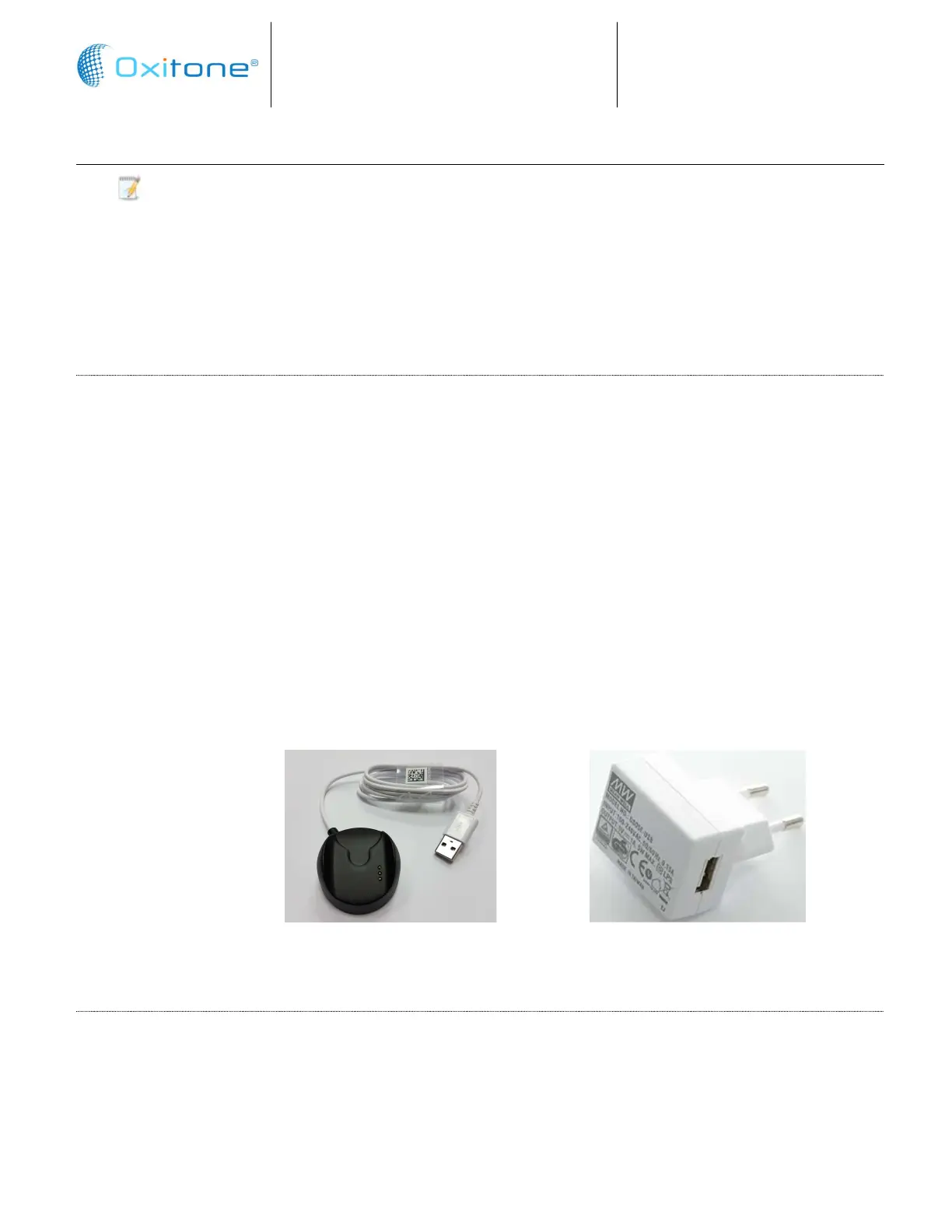
Attach the monitor (wrist worn) unit to the charger (docking station) by sliding the monitor
into the charger opening, until you hear the secure click to ensure good electrical contact.
Plug in the DC power (5V) cord to the charger power entry connector (micro USB). Make sure
it is securely plugged in.
Plug the DC power module into an AC power source.
Verify that the battery is charging.
Under normal conditions, the battery will lose less than 25% capacity after lasts for approximately
300 charge/discharge cycles
To obtain maximum battery life, charge the monitor battery whenever it is not used. The battery will
not overcharge.
9.2. ACTIVATE BLUETOOTH RADIO
Connecting to Oxitone 1000M
Whenever the Oxitone 1000M (client/host) tries to connect for the first time to the watch,
the Oxitone 1000M (watch) will vibrate and display a message to the user that a device (the
device name will be displayed on the screen) tries to connect to it.
Charger and wall connector
Cable Micro USB and adaptor


 To Next Page