Model 6755i Series IP Phone User Guide — 95
Managing Calls
Editing Entries in the Callers List
Important: The Callers List does not save changes. Editing in the Callers List is
generally used if you plan to call the number and need to add a prefix.
If a dialpad key is pressed when a number and/or a name is displayed in the
callers list, the cursor automatically adds the digit at the left side of the number to
enable the entry of the prefix.
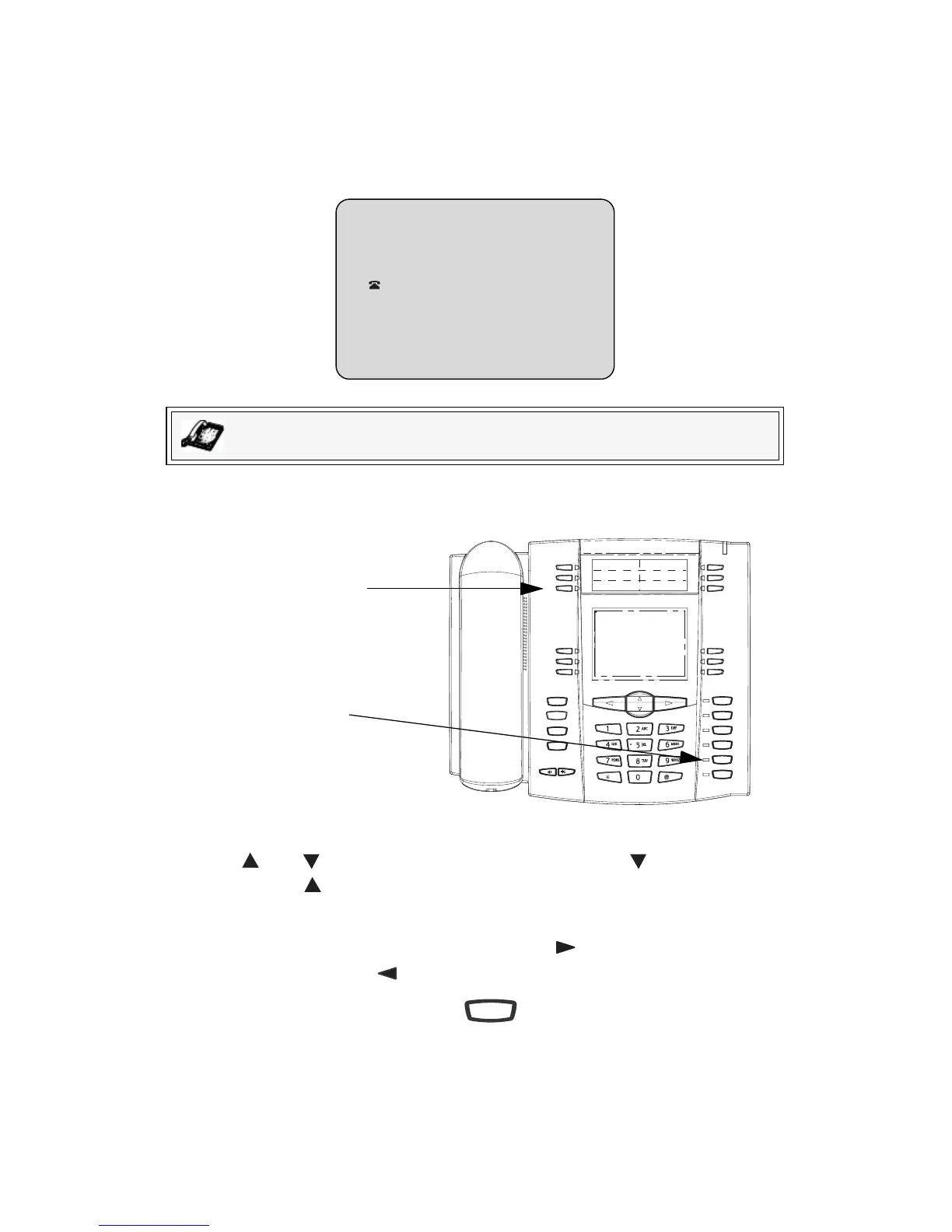
Use the following procedure to edit the Callers List. Use the following illustration
as a reference.
1. Press the Callers List Key.
2. Press and to find the entry you want to edit. Press to view the most
recent call, or to see the oldest call on your list.
3. Press any key on the dialpad to begin editing.
4. To move the cursor one digit to the right, press . To erase one digit to the
left of the cursor, press .
5. To dial the displayed number press , or just lift the handset, or press
any line keys.
IP Phone UI
r
nsJohn Burn
9054550055
Jun 8 2:55pm
007
N
Goodbye
Holed
Redial
Options
Line 3
Line 2
Line 1
Speaker/
Headset
Mute
Line 4
Callers List
Key
Handsfree
Button
Speaker/
Headset



 To Next Page