94 — Model 6755i Series IP Phone User Guide
Managing Calls
Accessing the Callers List
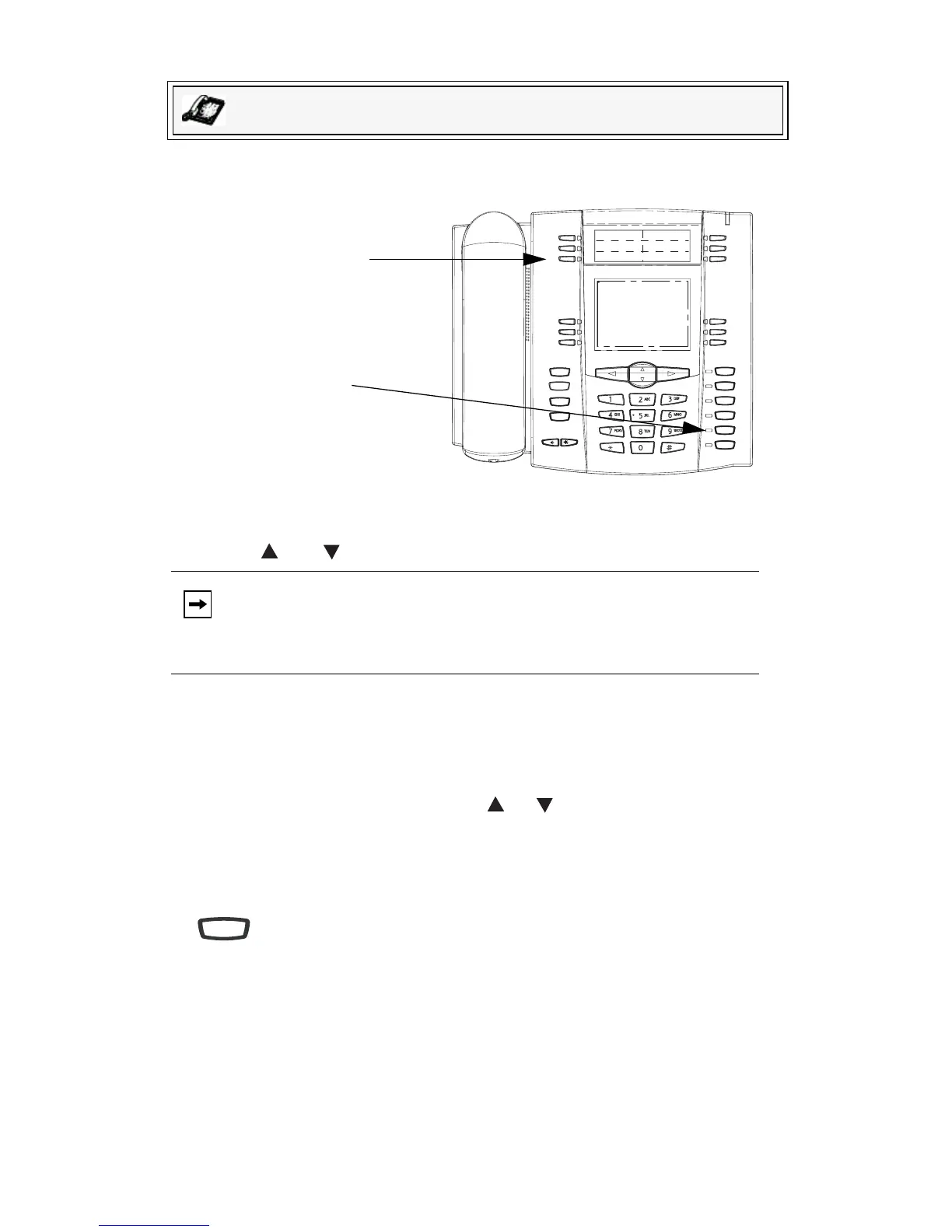
Use the following procedure to access the Callers List. Use the following
illustration as a reference.
1. Press the Callers List key or press the Services key if your System Adminis-
trator has configured the Services key to access the Callers List.
2. Use the and keys to scroll through the line items in the Callers List.
3. To delete all entries in the Callers List, press the Delete softkey at the Callers
List header.
To delete a line item from the Callers List, select the line item you want to
delete and press the Delete softkey.
4. To cancel a delete function, press the or Scroll keys.
5. To save a line item to a softkey for speeddialing, press the Save softkey and
enter the line number at the Save to? prompt that is already configured for
speeddialing at a softkey.
6. To dial a displayed entry from the Callers List, pick up the handset, press the
handsfree button, or press a line key.
7. To exit the Callers List, press the Callers List key.
IP Phone UI
Note: To the left of a line item, a b icon displays with the handset ON or
OFF the receiver. The ON receiver indicates the call came in as a
missed call. The OFF receiver indicates the call came in and was
answered.
Goodbye
Holed
Redial
Options
Line 3
Line 2
Line 1
Speaker/
Headset
Mute
Line 4
Callers List
Key
Handsfree
Button
Speaker/
Headset



 To Next Page