Model 6755i Series IP Phone User Guide — 129
Troubleshooting Solutions
4. Press on the phone. The following message displays:
Phone is locked.
Unlock the Phone
1. Press on the phone to enter the Options List.
2. Enter your user password and press . The phone unlocks.
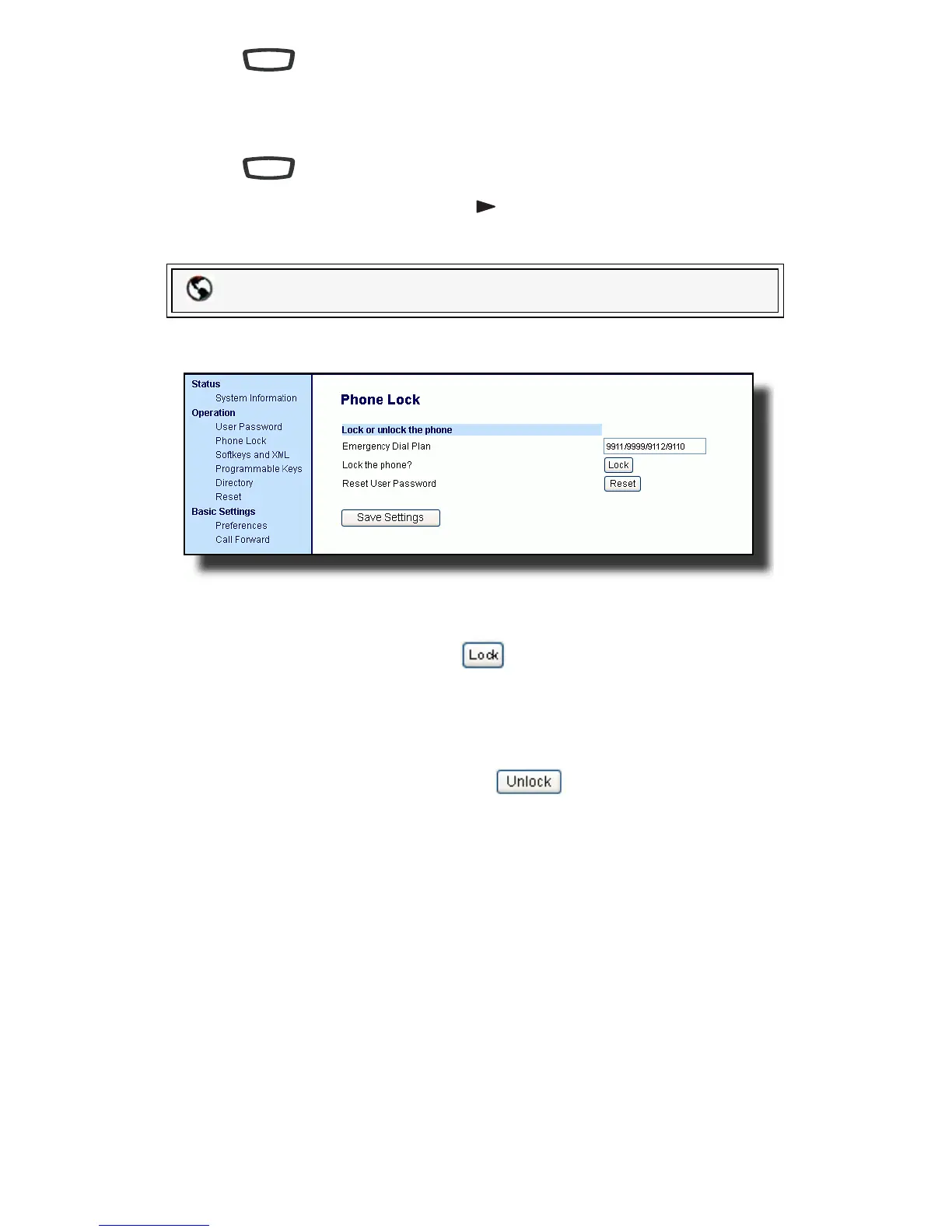
1. Click on Operation->Phone Lock.
Lock the Phone
2. In the Lock the Phone? field, click . The phone locks dynamically and
displays the following message: Phone is locked.
Unlock the Phone
3. Click on Operation->Phone Lock.
4. In the "Unlock the Phone?" field, click . The phone unlocks dynam-
ically and displays the following message: Phone is unlocked.
Packet8 Web Phone UI
Options
Options



 To Next Page