Model 6755i Series IP Phone User Guide — 53
Line Keys, Programmable Keys, and Softkeys
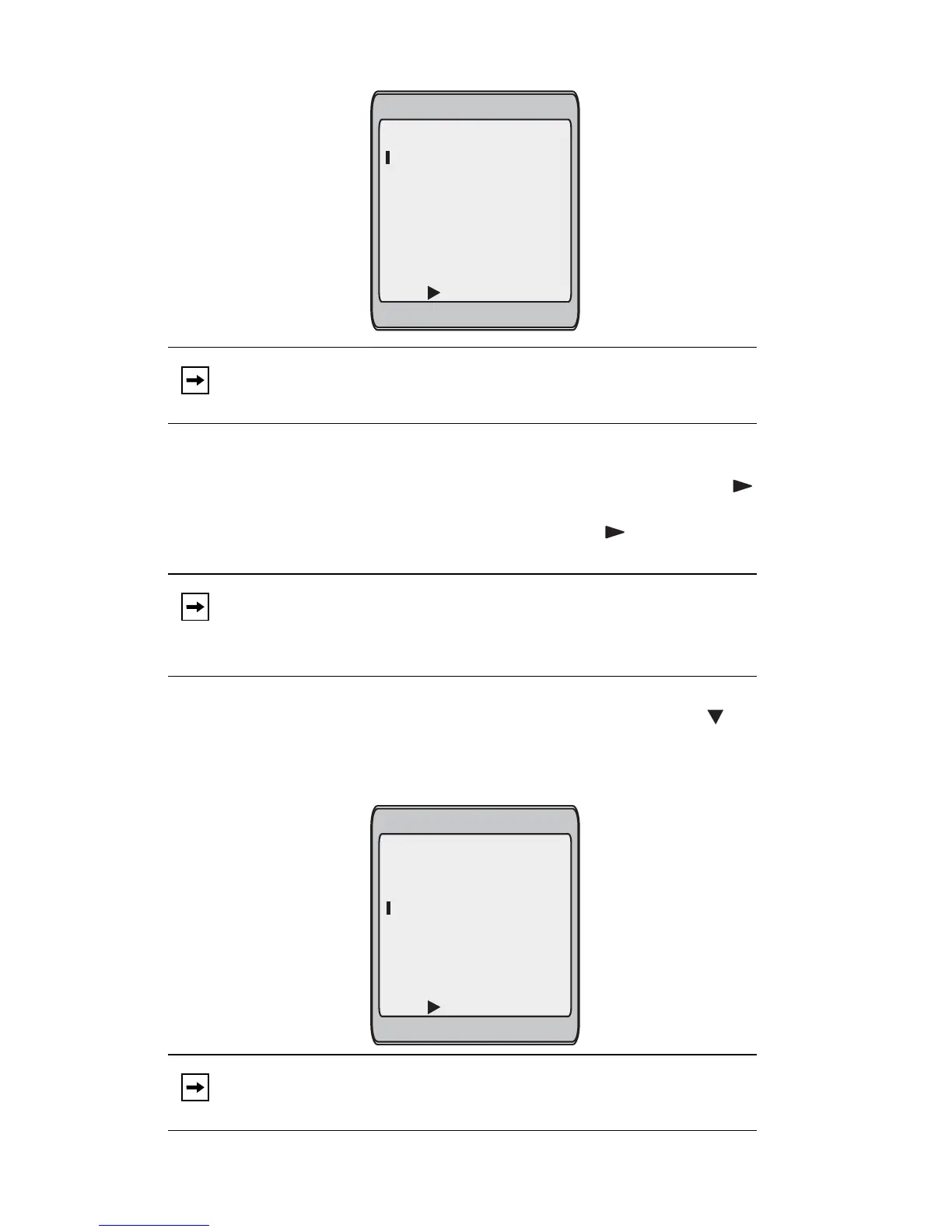
1. Press a programmable key or softkey for 3 seconds. The screen displays the
following:
2. In the Enter Name: field, enter a name to apply to the speeddial key.
Use the keypad to enter the name. Continue to press the keypad to access
the next letter for that key (i.e. press 2 three times to access C). Press to
move to the next space, or wait for the cursor to automatically advance to the
next position. To insert a space between letters, press . To backspace and
erase a mistake, press the Backspace softkey.
You can enter up to 16 letters in the "Enter Name:" field. Press the key to
move to the next field.
3. In the "Enter Number:" field, enter a number. for the speeddial key using the
keypad keys. You can enter up to 16 numbers in the "Enter Number:" field
Note: You can press the Cancel softkey at anytime during the speeddial
programming to cancel and not save the speeddial information.
Note: The phone automatically uses an uppercase letter for the first letter
of each word and a lowercase letter for all subsequent letters in the
word. If necessary, use the "ABC 4" softkey to specify uppercase
letters or lowercase letters when entering the name.
Note: When in the "Enter Number:" field, the phone automatically
switches to the numbers softkey.
Enter Name:
Enter Number:
Line: 1
- Save
- Backspace
- ABC
Cancel -
Enter Name:
Enter Number:
Line: 1
- Save
- Backspace
- 123
Cancel -
John Smith



 To Next Page