54 — Model 6755i Series IP Phone User Guide
Line Keys, Programmable Keys, and Softkeys
Press the key to move to the next field.
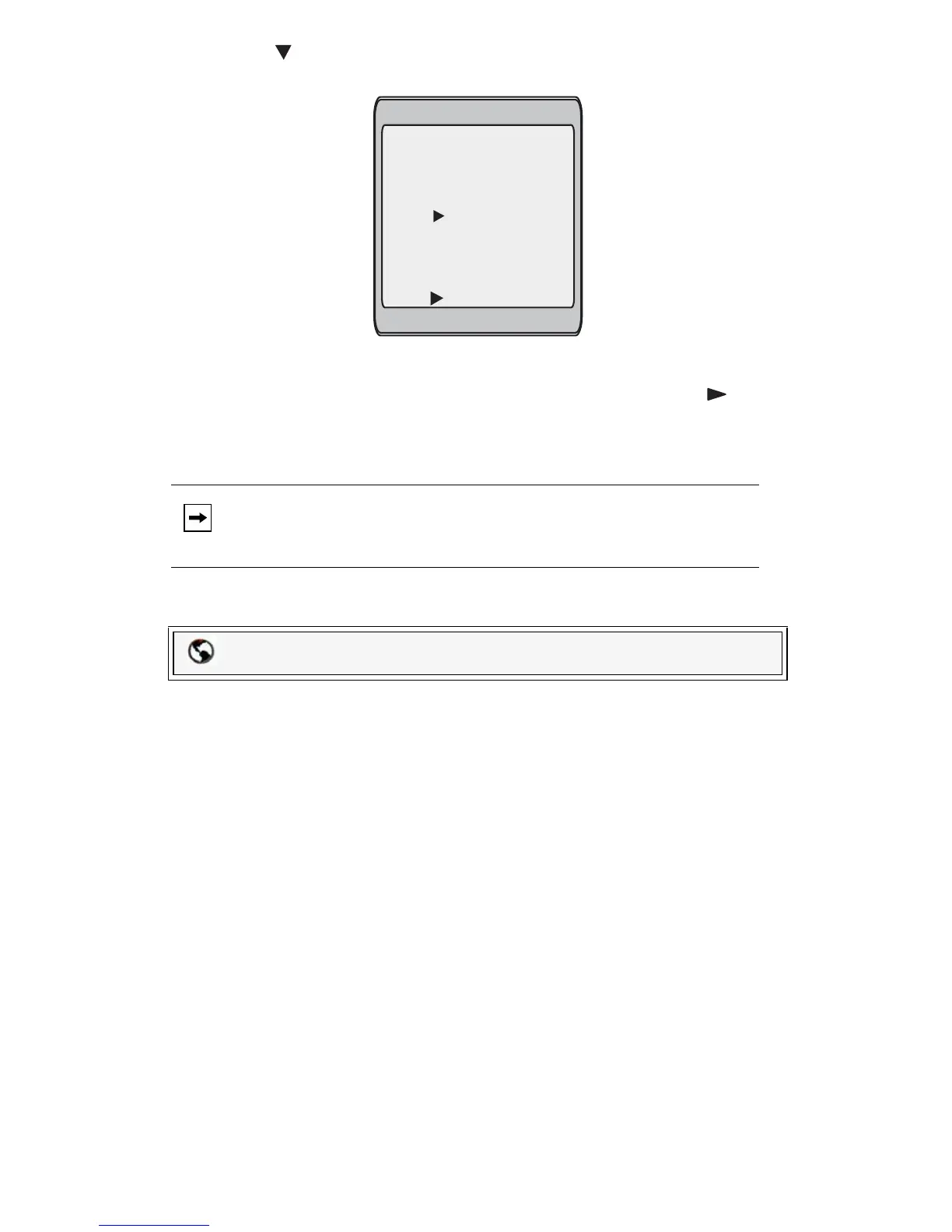
4. In the Line: field, select a line to apply to the speeddial key.
This is the line that the phone opens to dial the number after you press the
speeddial key. By default, the phone uses Line 1 for the speeddial key. If you
want to use a different line, press the Change sofkey, or press the key to
select another line.
5. Press the Save softkey to save the speeddial information to the speeddial key
you selected.
Creating a Speeddial Key Using the Packet8 Web Phone UI
Use the following procedure to set a key to function as a speeddial. The
procedure shows the softkey screens as an example.
1. Click on Operation->Softkeys and XML.
or
Click on Operation->Programmable Keys.
or
Note: To delete or remove a softkey from the phone, you must access the
phone’s configuration using the Packet8 Web Phone UI and delete
the speeddial information.
Packet8 Web Phone UI
Enter Name:
Enter Number:
Line: 1
- Save
- Backspace
- 123
Cancel -
John Smith
Change -
555-6789



 To Next Page