Page | 16
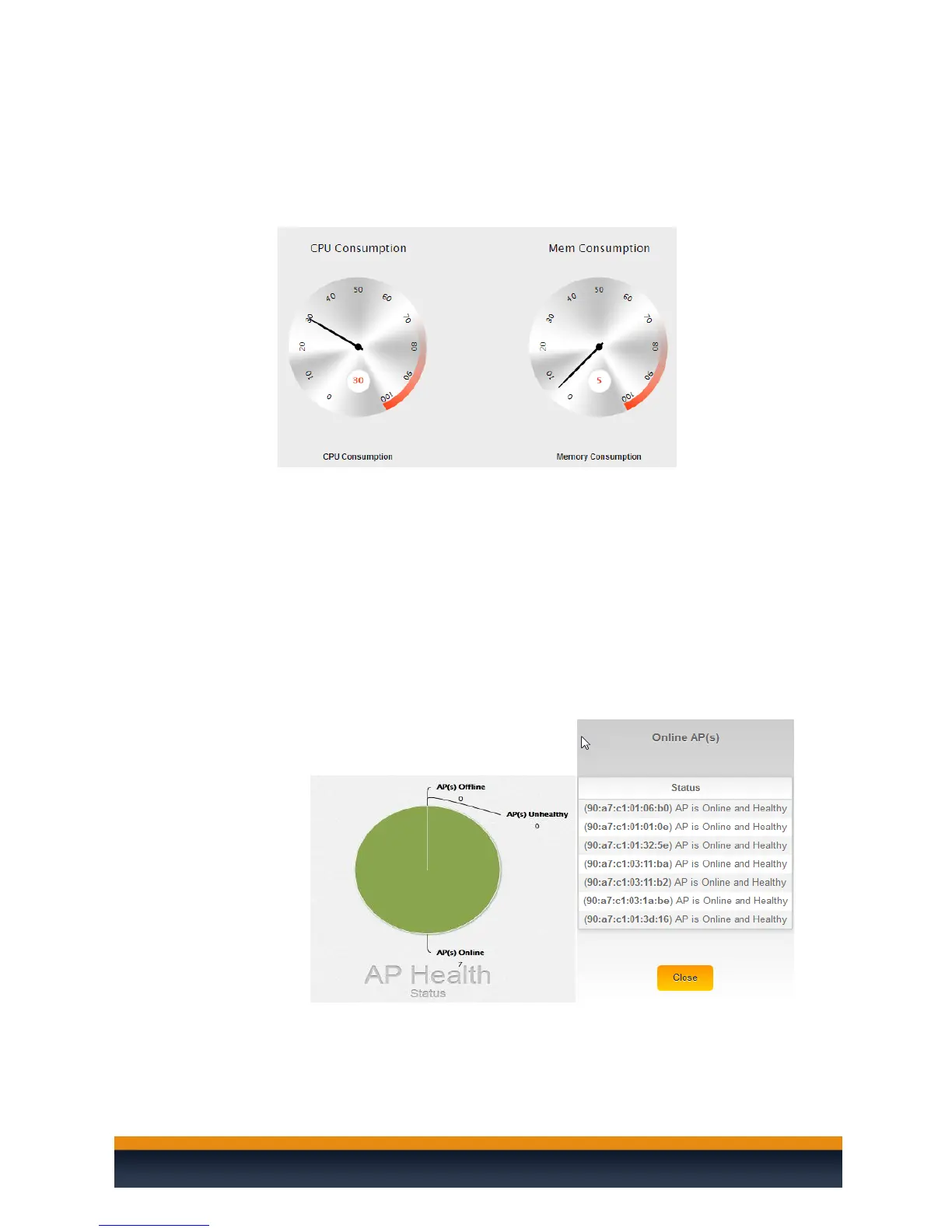
The widgets will display important information about the controller.
CPU Consumption: Measures how much of the C36’s CPU is being used. For
best performance, keep it below 65-70%.
Memory Consumption: Measures the C36 memory usage. For best
performance keep it below 60%.
AP Health Status: Display Online, Unhealthy, and Offline APs.
Online AP(s): Means the AP(s) are configured and online.
Unhealthy AP(s): Means that the AP(s) either:
Do not have the correct configuration.
AP(s) are un-managed by the controller and therefore cannot be
configured
Offline AP(s): The C36 cannot find the AP(s). AP(s) with default IP
addresses at 192.168.1.250 will also be listed under this section
You can also click on the graph to get more details about which AP(s) are
online/offline/unhealthy.



 To Next Page