Page | 30
SCHEDULING
The scheduling feature will allow you to setup a wifi schedule so that the wireless to only be active
during the times you want. By default the scheduling is disabled. To configure a schedule please take
the following steps.
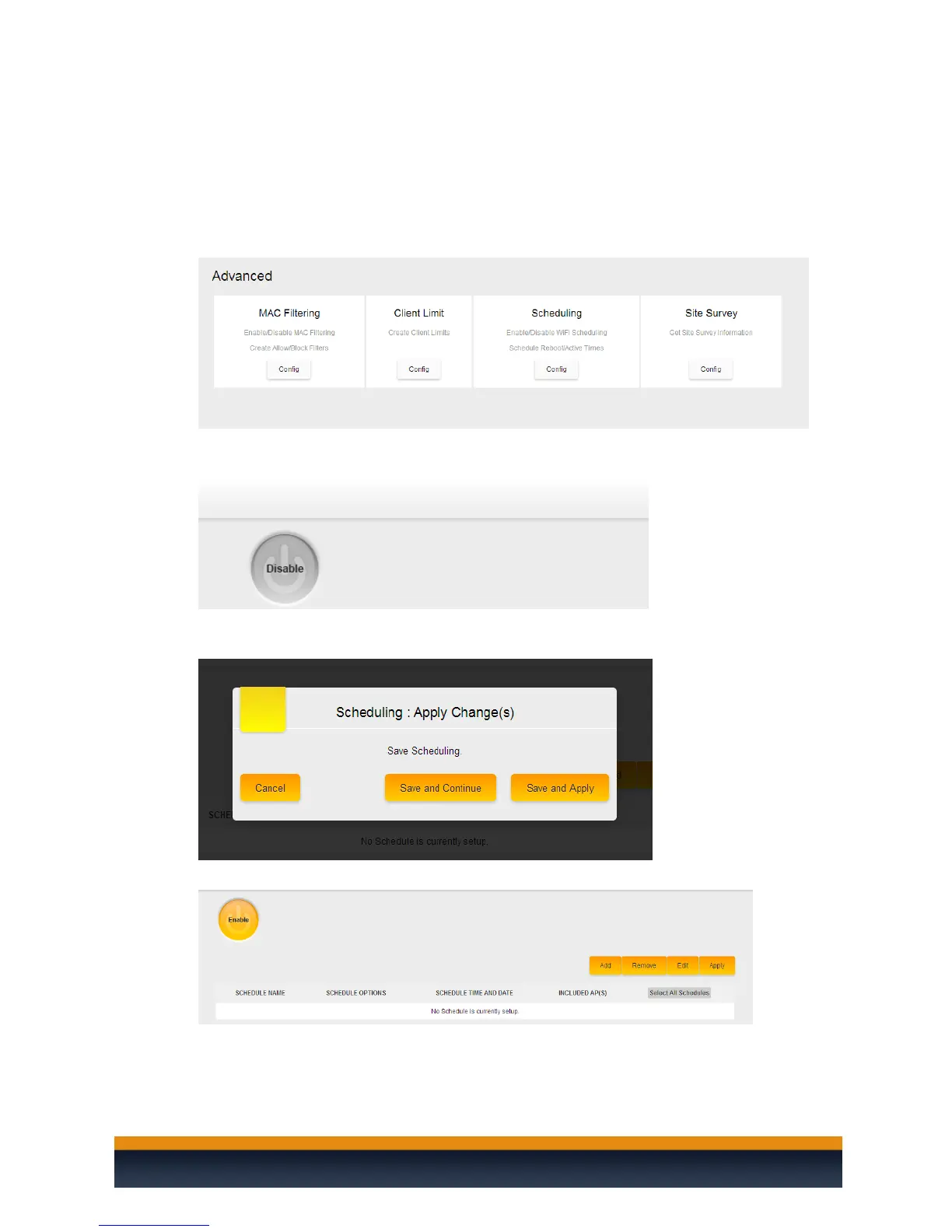
1. Hover your mouse over the “macrocell controller” and navigate to the advanced menu
under the settings section and then click on scheduling.
2. Hover your mouse over the button that says disabled and then click on it. This will enable
the wifi scheduling.
3. You will get a message asking if you want to apply the changes now. Click on save and
continue.
4. Now you will be able to add a schedule. Click on add.



 To Next Page