Page | 18
REPORTS
The Reports section gives you summarized and detailed information about your access points and the
connected clients. In addition, this section provides logs, when APs go offline/online and whenever the
global configuration is updated.
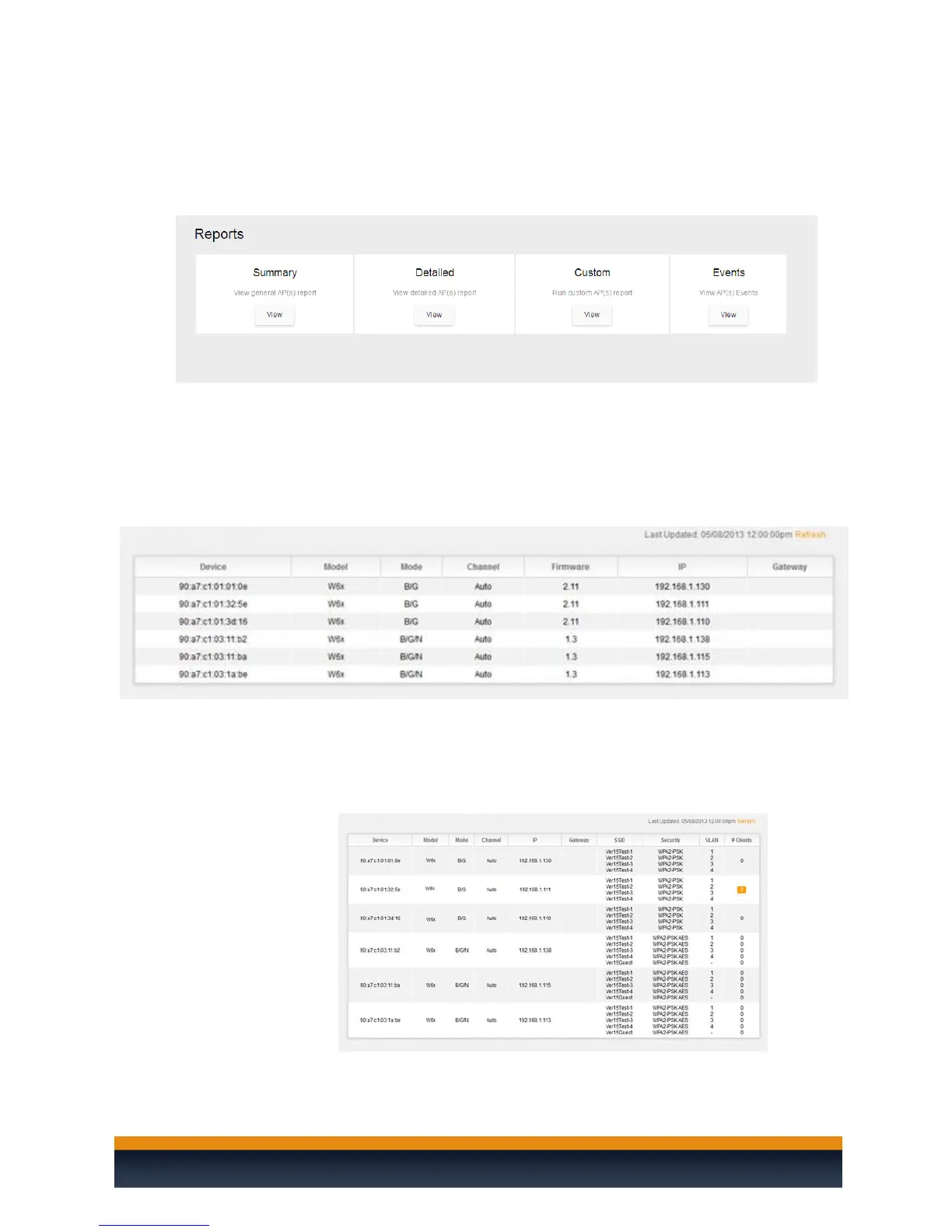
The Reports has 4 sections:
Summary: Provides basic information about your access points, like MAC
address, AP model, AP mode (B/G/N), wireless channel, AP firmware version, IP
address of the AP and the default gateway. Under Device, if you prefer to not
see the MAC address of the AP, you can change the location name of the AP
under Settings – Access Point.
Detailed: Provides additional information about your access points and the
clients connected to them. You will also see a list of SSIDs, the VLAN ID per SSID,
the security settings of each SSID and the number of clients connected to each
AP. You can click on the number of clients connected to see a list of the devices
with their MAC addresses and the signal strength.



 To Next Page