Page | 29
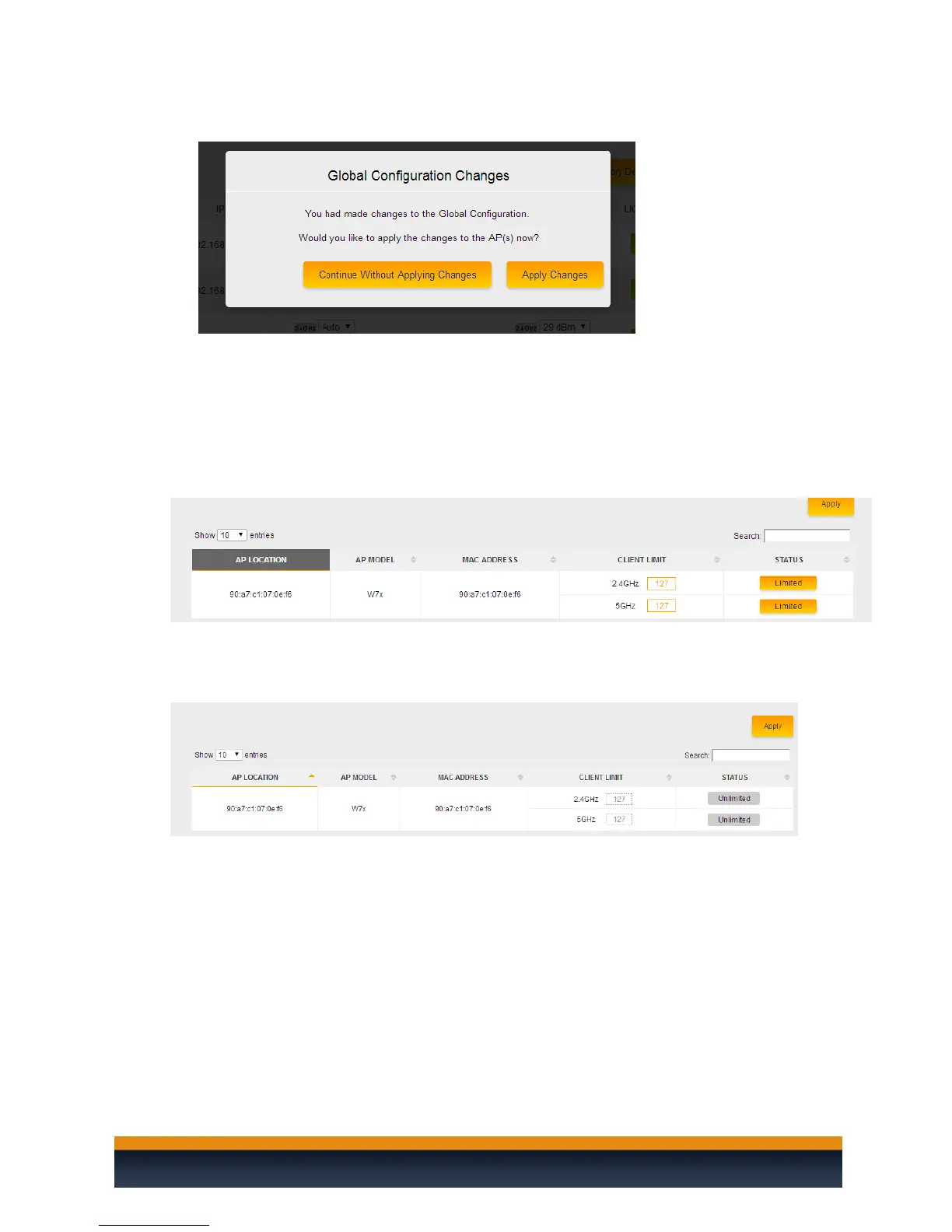
6. You will then be redirected to the global configuration page. Click on apply now.
7. The controller will apply the mac filtering to the access points. The setup is now complete.
CLIENT LIMIT
The Client limit option will prevent any W7 access points from becoming overburdened with too many
wireless clients. By default this option is enabled. This means that no more than 127 wireless clients
will be allowed to associate with a W7. Unfortunately the W6 access point does not support the client
limit.
If you wish to disable the client limit for a W7 you can simply click on limited button next to the band
that wish to disable the client limit on. You can disable it on both bands if you wish.



 To Next Page