Page | 23
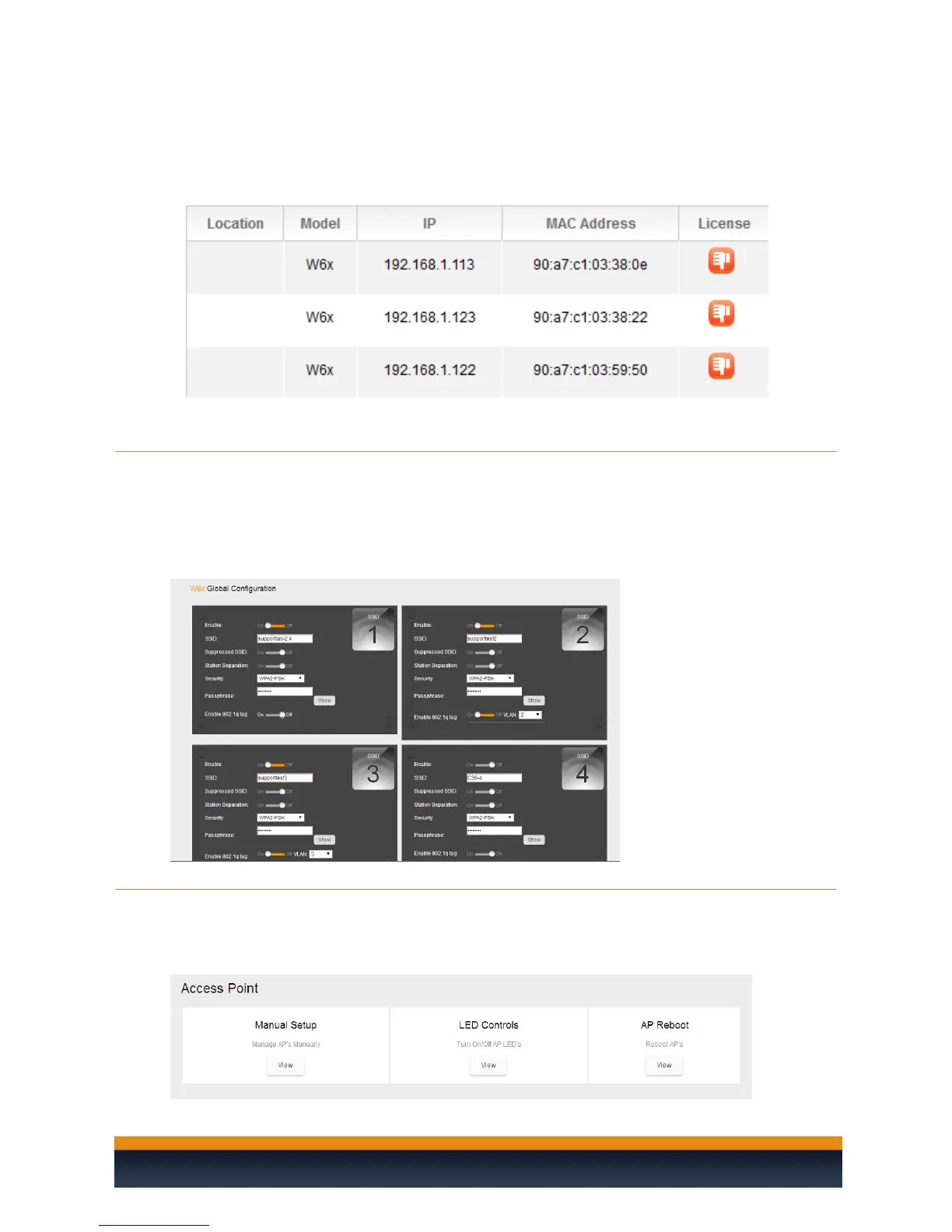
License: This section displays each access point and their license status. If you
are getting a red thumbs down, verify that you have enough licenses for all the
access points, the firmware is up to date on each AP and they are being
managed by the C36.
GLOBAL CONFIGURATION
The settings for the Global Configuration section have already been discussed earlier in this manual, in
the section, The Wizard Step 3: Global Configuration. If you decide to make any changes to your SSIDs
or enable/disable the guest network, you can always refer back to the Global Configuration page, make
the necessary changes and apply the configuration to the APs.
ACCESS POINT
The access point section will allow you to manually configure access points, LED lights on the access
points, and reboot the access points.



 To Next Page