Page | 22
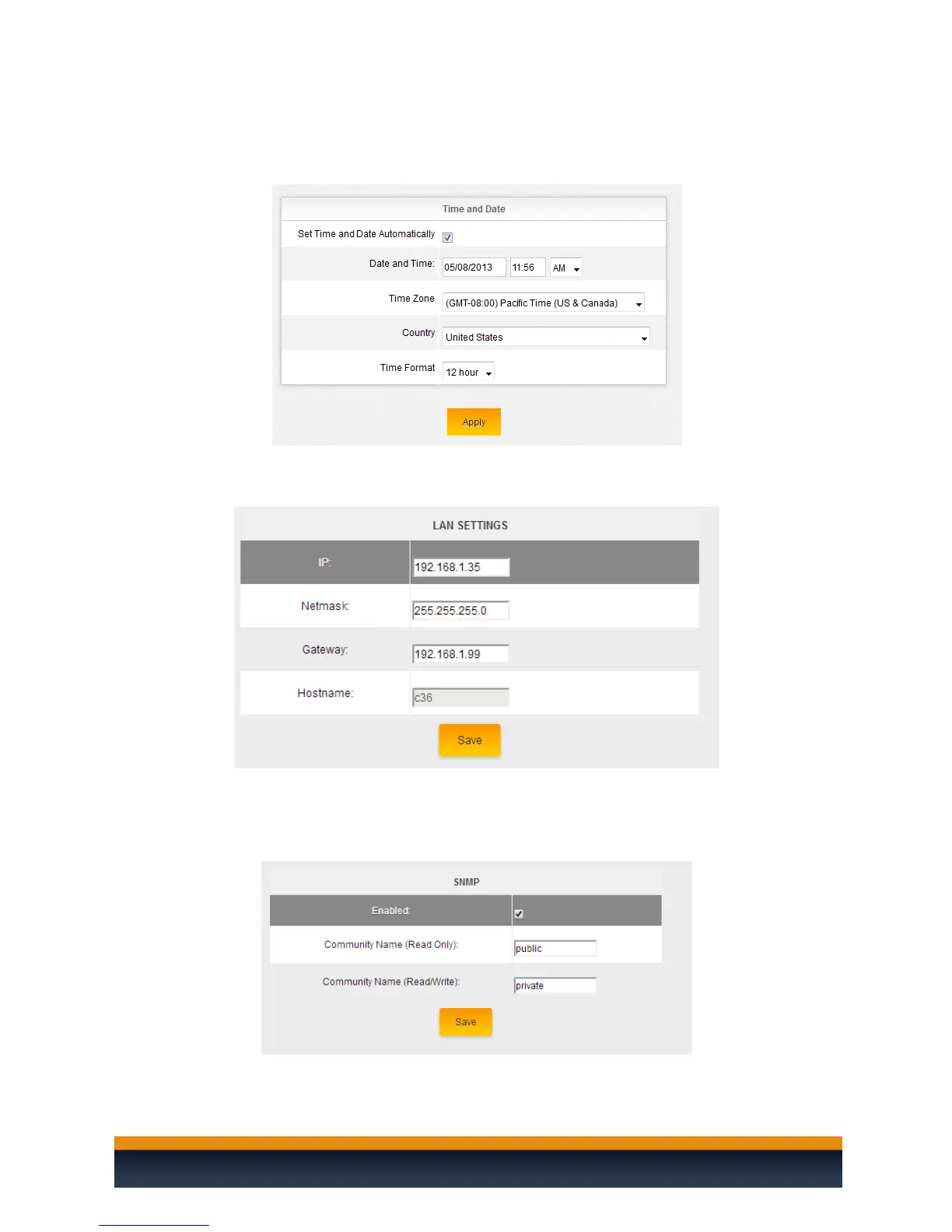
Time and Date: In this section you can set the time and date either
automatically or manually, the country and if you want the time displayed in a
12 or 24 hour format.
LAN Settings: Change the IP address, subnet mask and Gateway of the C36.
SNMP: Enable/Disable SNMP. By enabling this option, you can use SNMP
monitoring tools to report if the C36 is online/offline and send you notifications
if the device goes offline. For more information, ask about our BakPak to the
Cloud application.



 To Next Page