Page | 34
AP DEPLOYMENT
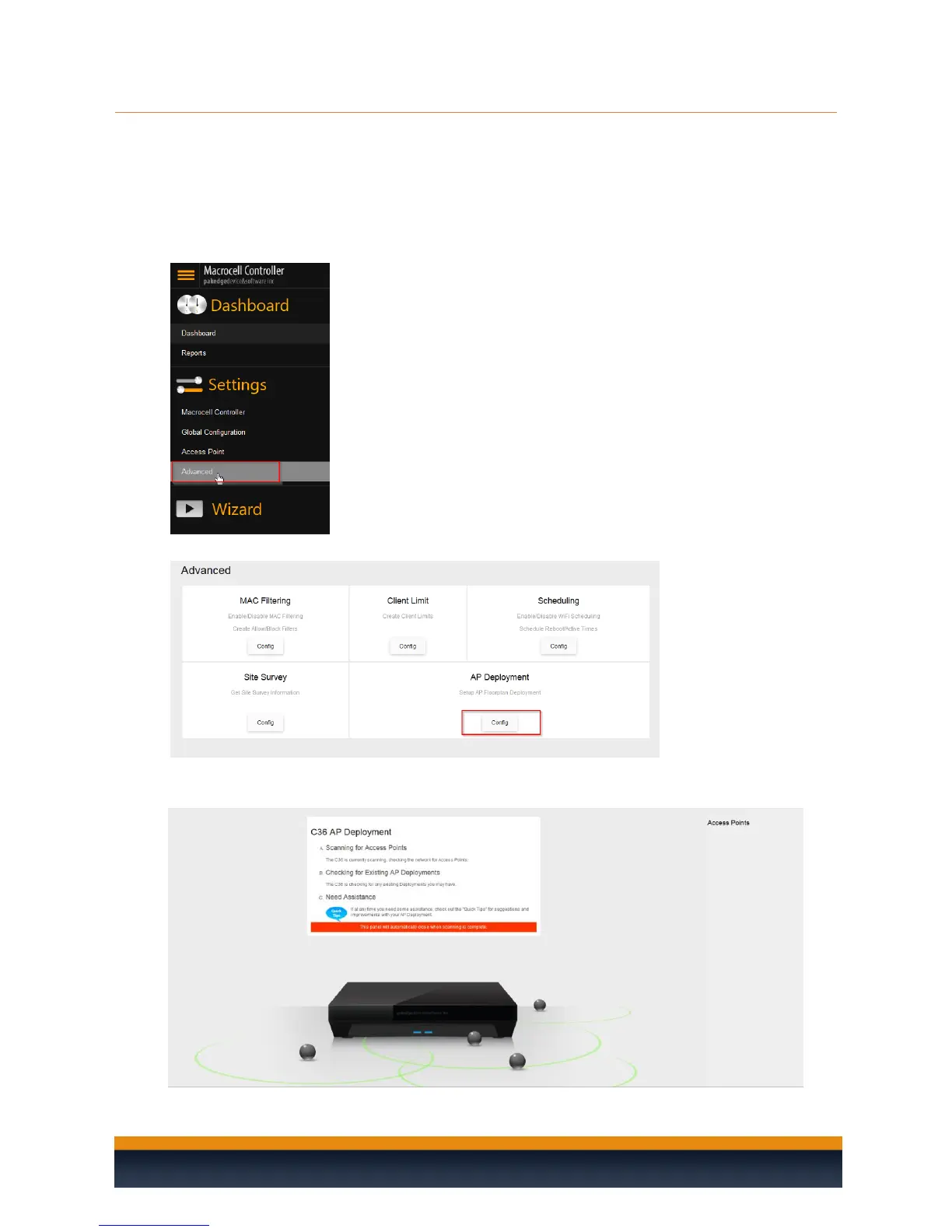
The AP Deployment page lets you upload floor plans onto the C36 and create a heat map for your site
to assist with the placement of access points. This will help optimize wireless coverage throughout the
property.
To configure AP deployment, please follow these steps:
1. Hover your mouse over Macrocell Controller and click Advanced.
2. Click on the Config button under AP Deployment.
3. You will see a page explaining that the controller is scanning for access points. This page will
disappear once the scan is over.



 To Next Page