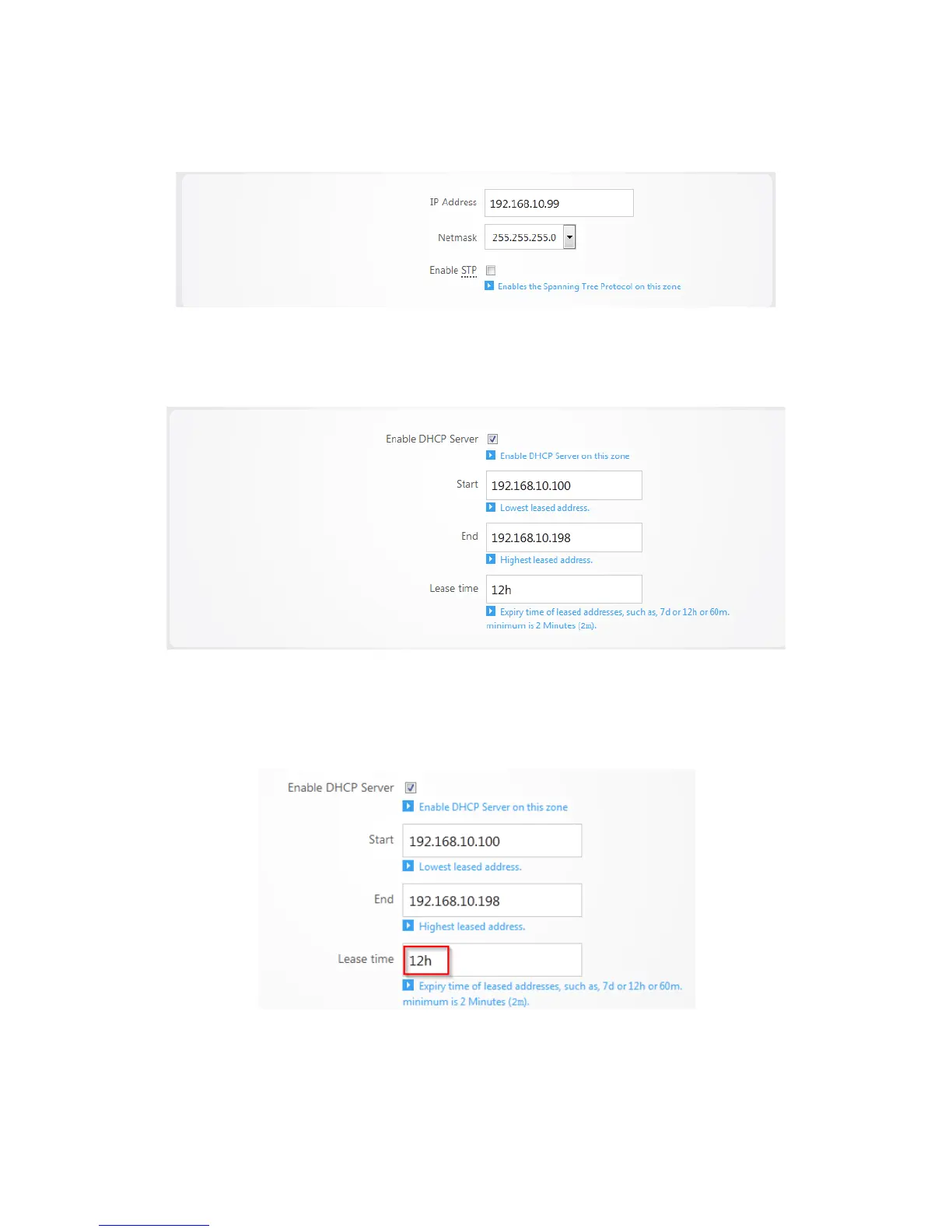
3. Enter the new IP address you wish to use in the IP Address field. In the following example, we
change the IP address of the router to 192.168.10.99.
4. In the DHCP Server section, the Start field indicates the first IP address that will be handed out by
the router. The End field indicates the last IP address that will be handed out. The limit field
indicates the amount of IP addresses that the router can hand out.
5. The Lease time field allows you to view/modify DHCP IP address lease time. The following format
must be used: A D represents days, an H represents hours and an M represents minutes. For
example, if you wanted to change the lease time to be 3 days 2 hours and 30 minutes you would
set the lease time to 3D2H30M.
6. Click Apply to finalize your settings.



 To Next Page