15. You can block a device from completely accessing the Internet. To do this, set the Protocol to All
and leave the Ports field blank.
SNMP
Simple Network Management Protocol (SNMP) is a standard protocol for network management. By
default it is enabled on the router.
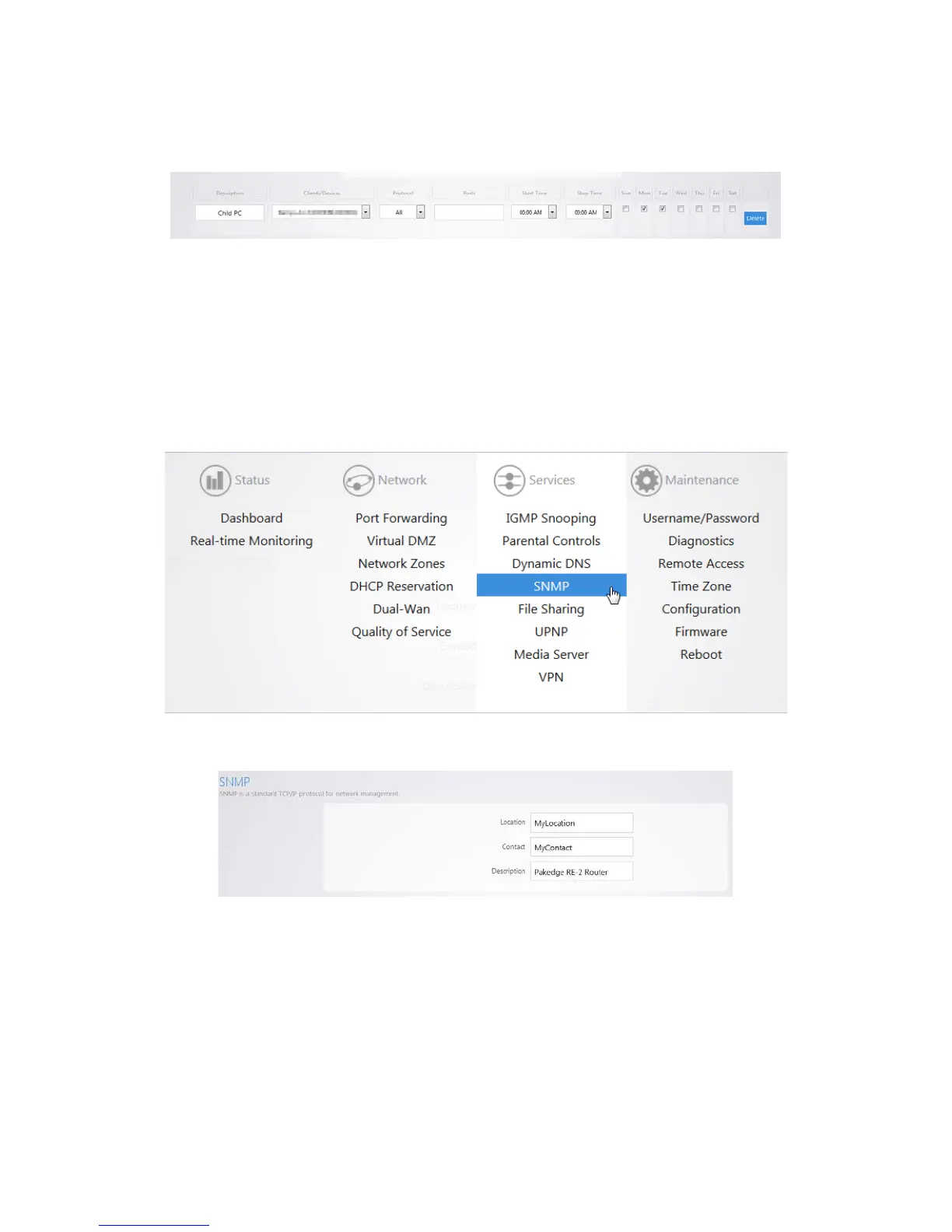
To view the SNMP settings:
1. Click SNMP.
2. On this page you will see all of the SNMP options. If you make any changes be sure to click Apply.



 To Next Page