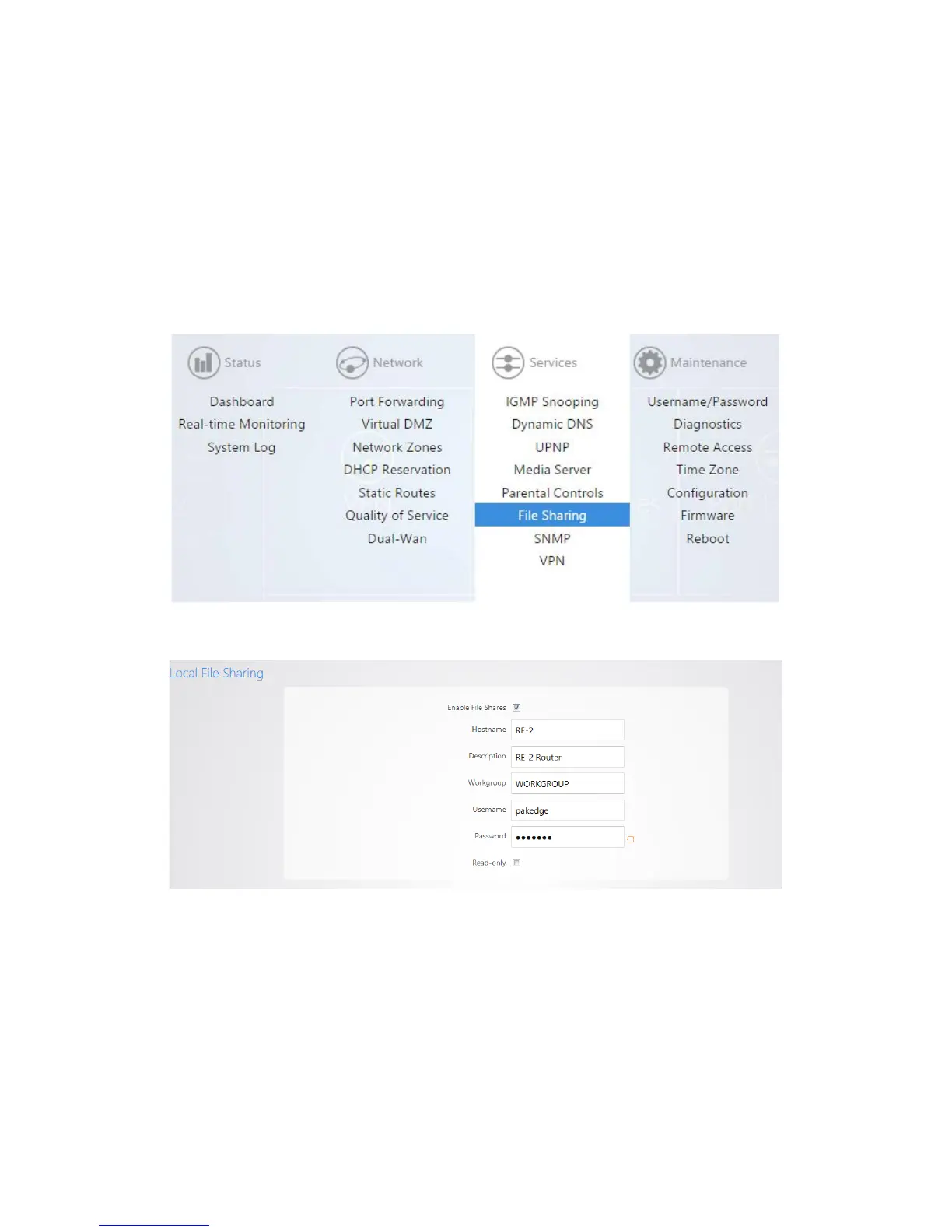
File Sharing
File sharing allows you to connect a USB drive onto the router and share resources. The router offers
both Local and Remote file sharing. Local File Sharing allows you to share the contents of a USB drive on
the local network.
To configure local file sharing:
1. Click File Sharing.
2. Under the Local File Sharing tab, select the enable checkbox. Click Apply.
You can now access the USB drive over the local network.
3. You will be prompted to enter a username and password when attempting to access the USB drive.
By default the username is pakedge and the password is also pakedge.



 To Next Page