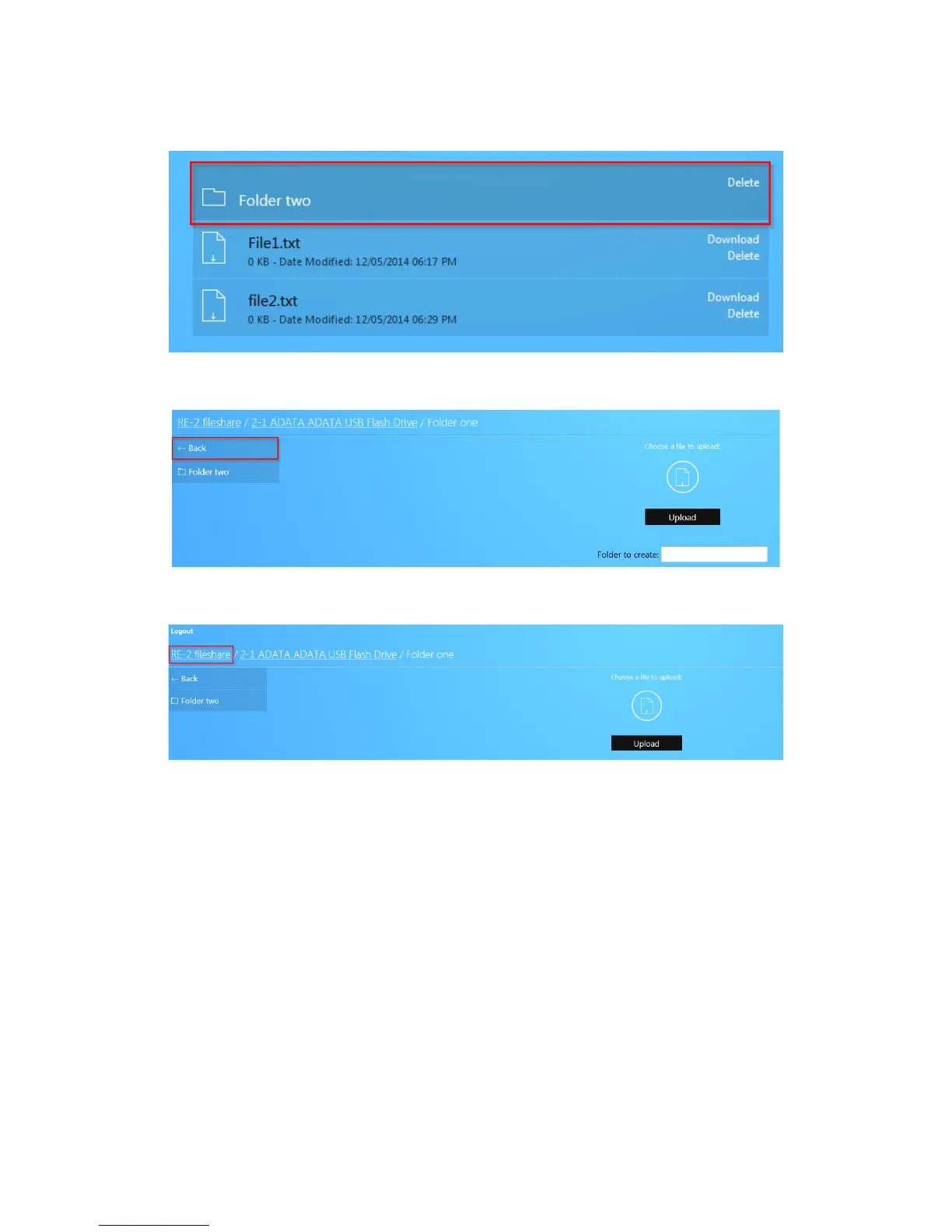
14. The folder will now be displayed.
15. To return to the previous directory, click the Back button.
16. Click [model#] fileshare to return to the root of the USB drive.
17. Finally, click Logout to log out of the file share.
Mapping network drives
The following section will show you how to map the USB drive on the router on various operating
systems.



 To Next Page