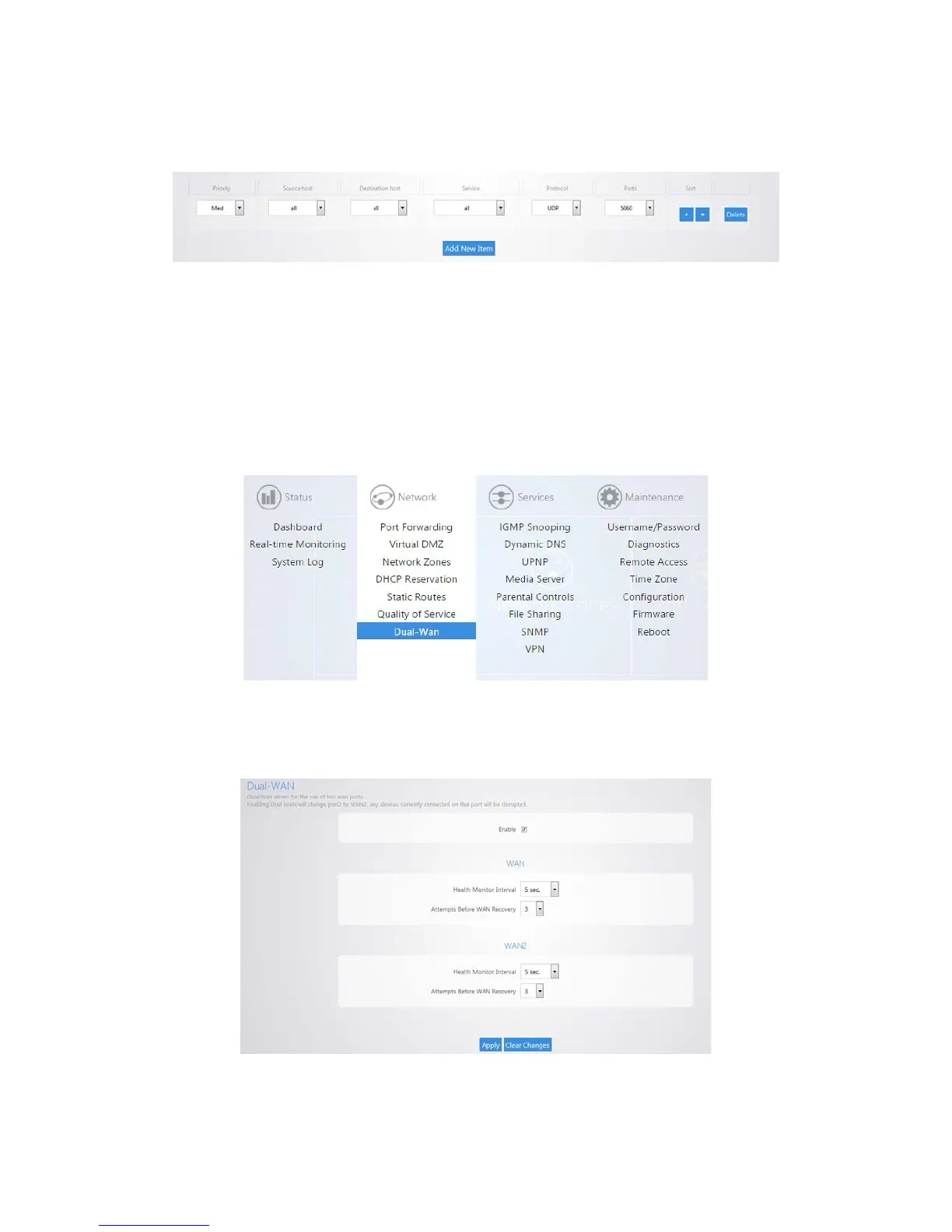
12. Click Apply to finalize the settings.
13. By default there is a rule defined to allow priority of Voice Over IP (VOIP) data.
Dual Wan
Dual Wan allows you to use two wan ports on the router in redundancy mode. If WAN1 loses Internet
access WAN2 will take over.
To configure Dual Wan:
1. Click Dual Wan.
2. Select Enable. WAN1 will now check connectivity every 5 seconds to make sure that it is still up and
running. When WAN1 is no longer able to get onto the Internet it will switch over to WAN2. After
the router detects that WAN1 is back up it will switch back to WAN1.
3. Click Apply to finalize the settings.



 To Next Page