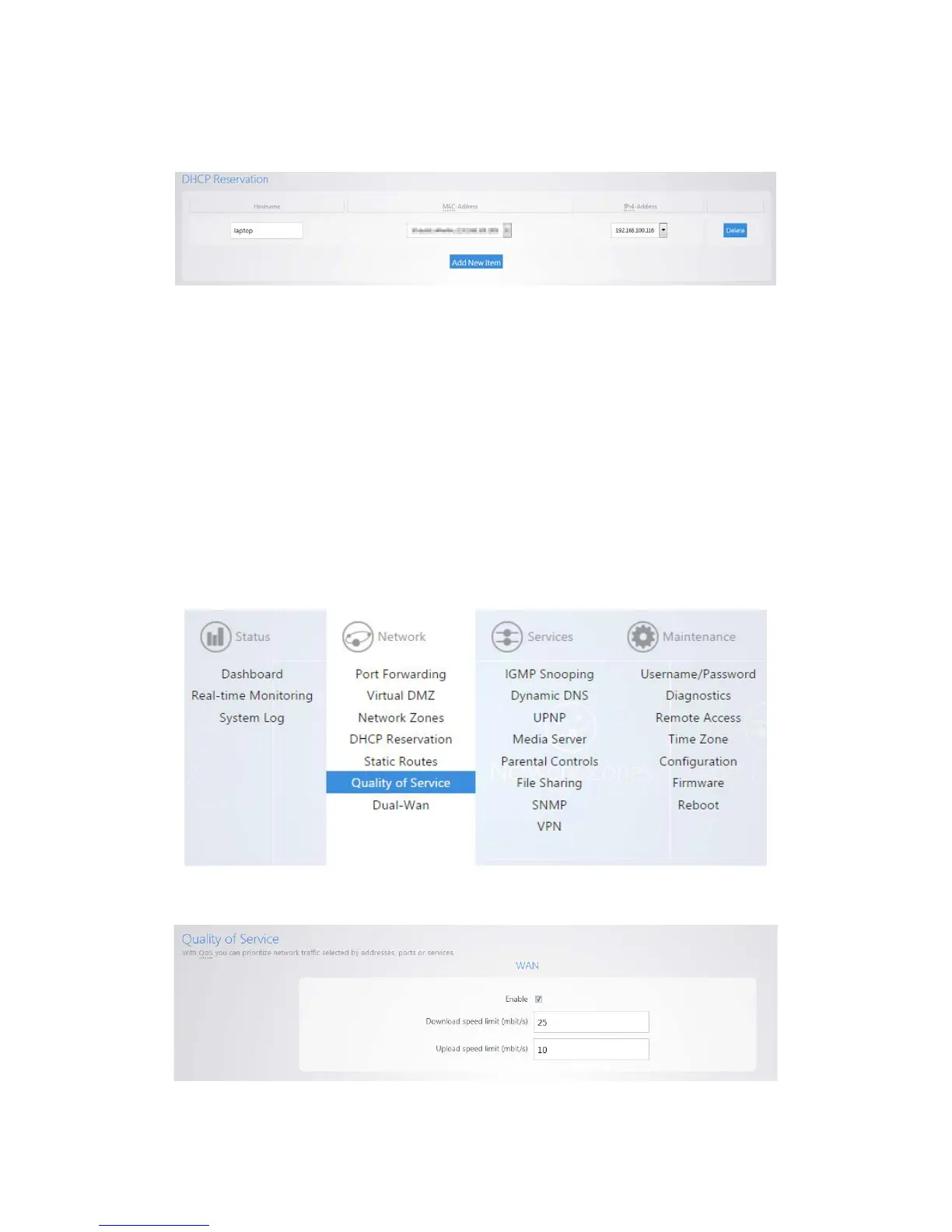
In the IPv4-Address field, select custom and enter the IP address that you would like to assign to
the device.
4. Click Apply when finished. You may need to restart the network card of your device in order for it
to receive the new IP address.
Quality of service
Quality of Service (QoS) allows you to prioritize data on the network. For example, there are certain
applications which require the least amount of latency possible. You can prioritize this type of traffic so
that it is sent ahead of other data that can function properly with some latency, such as ordinary web
traffic.
To configure QoS:
1. Click Quality of Service.
2. Check Enable.



 To Next Page