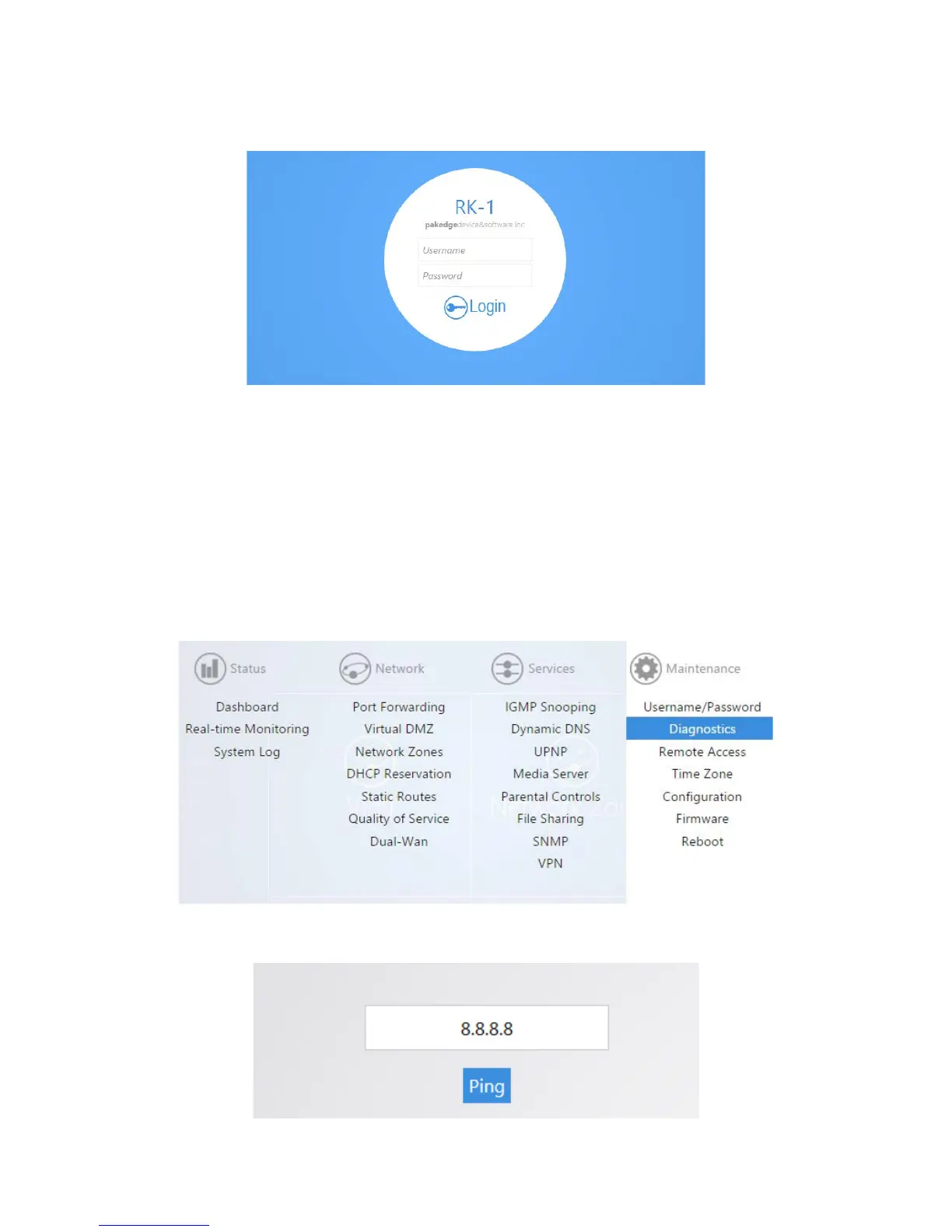
4. You will then be prompted to log into the router with the new password.
Diagnostics
The Diagnostics page allows you to easily troubleshoot your network.
Ping
Ping allows you to test communication between two devices on the network.
To ping from the router:
1. From the Maintenance menu, click Diagnostics.
2. Click Ping. If you wish to ping a different IP address or hostname you may type it in instead.



 To Next Page