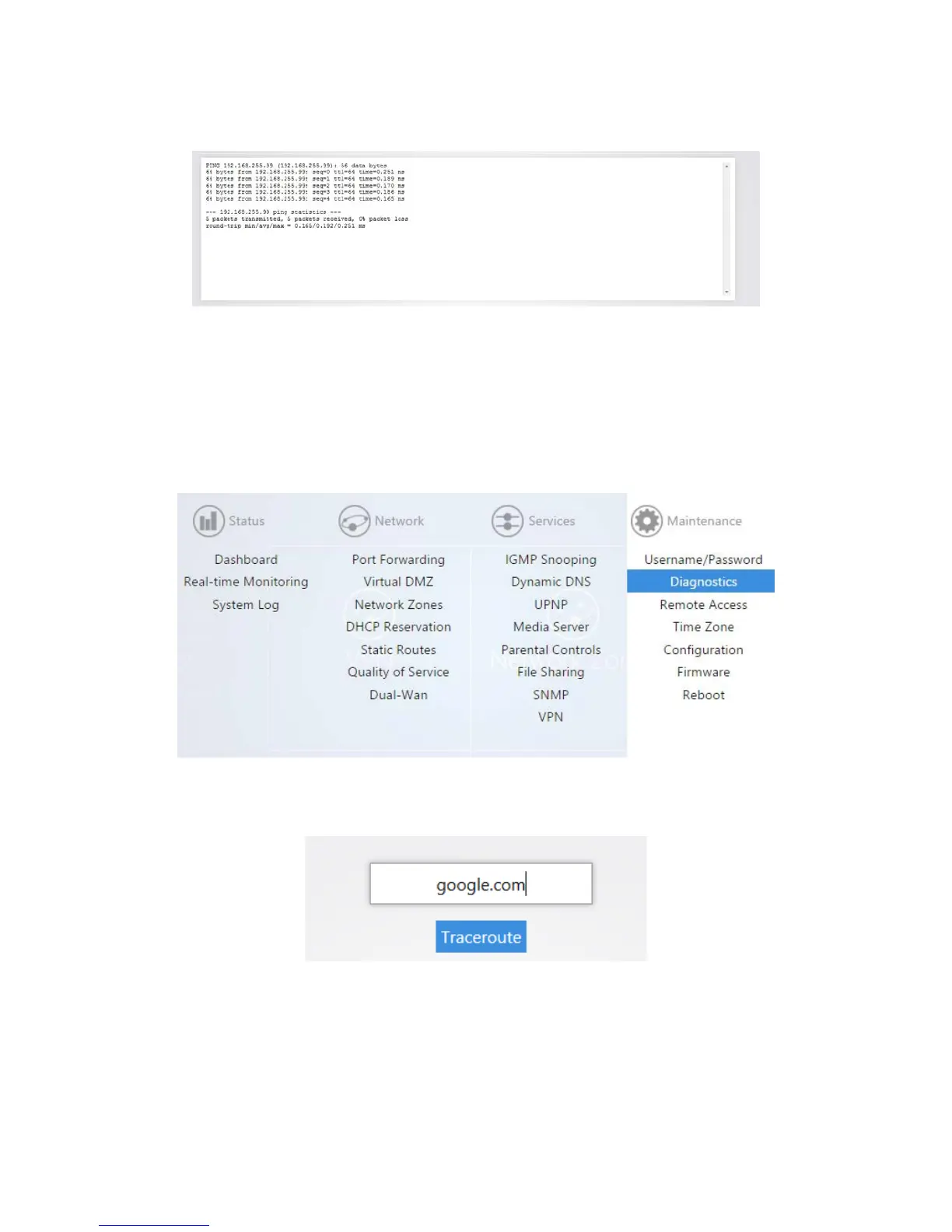
3. After a few moments, your ping results will be displayed.
Traceroute
A traceroute allows you to see how many routers, or hops, there are between the router and a certain
destination.
To perform a traceroute:
1. From the Maintenance menu, click Diagnostics.
2. Click traceroute. If you wish to perform a traceroute to a different website or IP address you may
enter it instead.



 To Next Page