Getting to know your product
Package contents:
• RK-1, RE-1, or RE-2 router
• Mounting brackets
• Power cable
• 6ft CAT5E cable
• Quick Start Guide
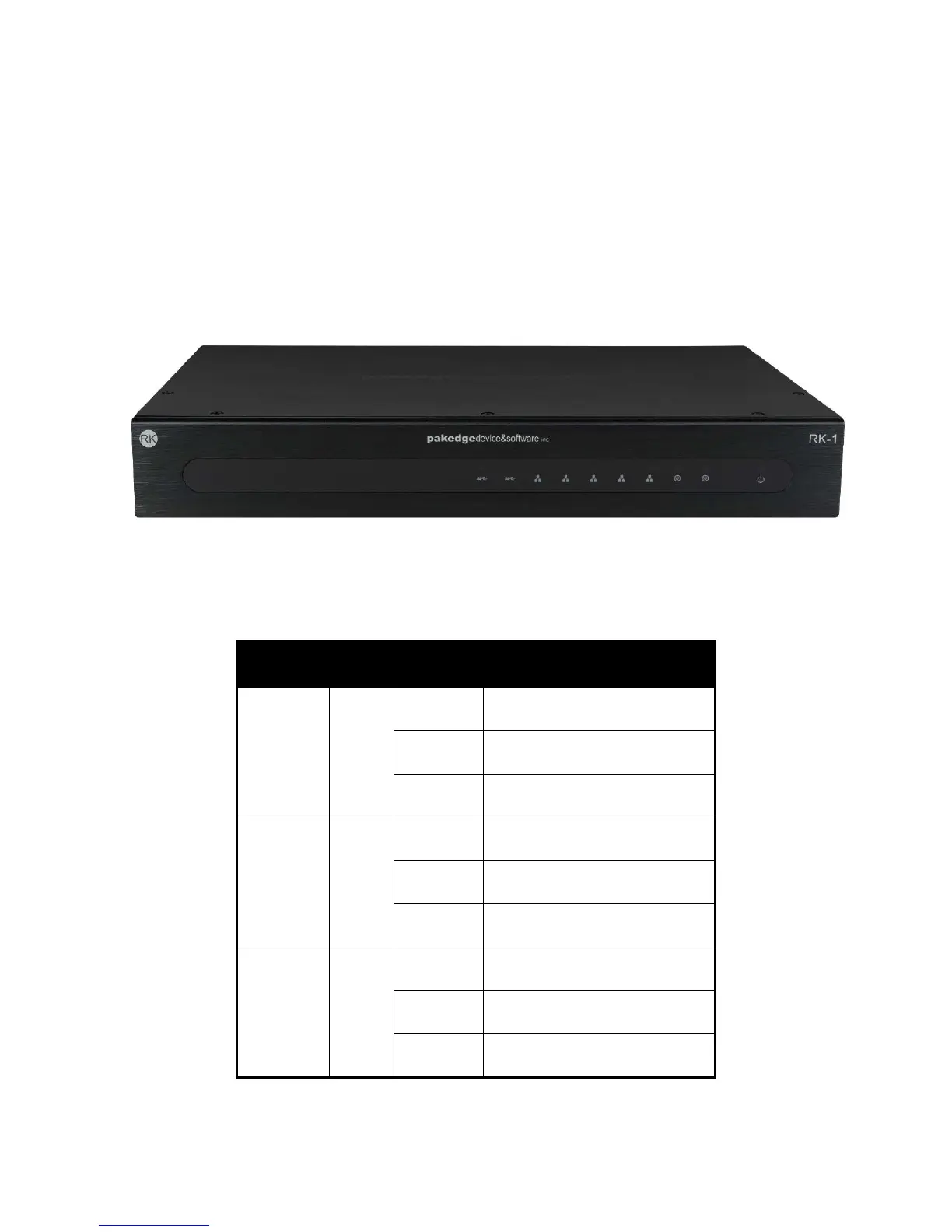
The front panel of the router has several blue LEDs. See the Table 1 below for more information.
Table 1: LED Explanation (From Left to Right)
LED Status Operation
USB 1 - 2 LINK/ACT
Blue USB is connected
Flashing Blue USB is being accessed
Off No device connected
WAN 1 - 2 LINK/ACT
Blue Port is online (link established)
Flashing Blue Activity
Off No device connected
LAN 1 - 5 LINK/ACT
Blue Port is online (link established)
Flashing Blue Activity
Off No device connected



 To Next Page