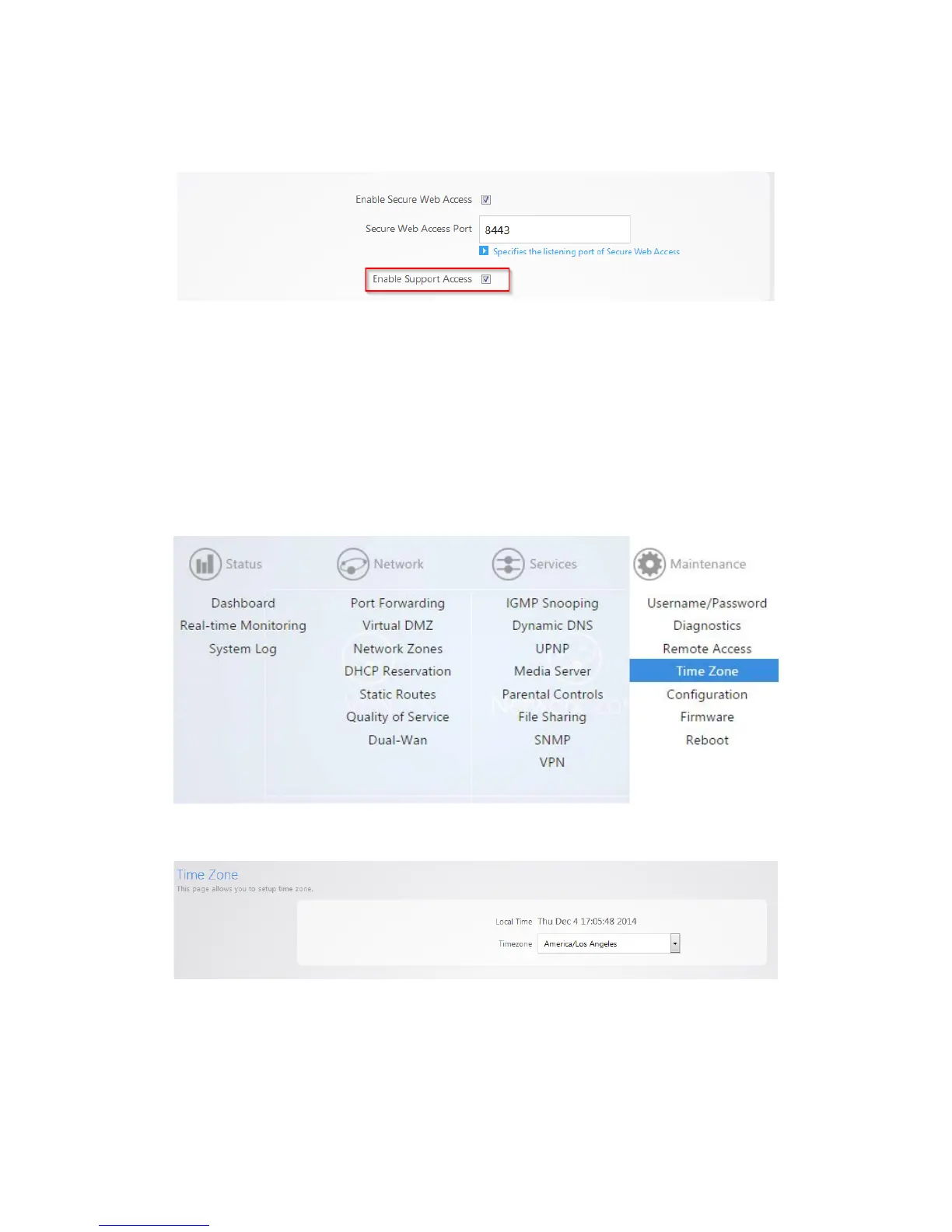
3. By default, Enable Support Access is enabled. This allows the support team at Pakedge to perform
advanced diagnostics on your router. It is recommended that you keep this option enabled.
4. If you have made any changes on this page click Apply to finalize the settings.
Time zone
The time zone page allows you to set the appropriate time on the router.
To set the time zone:
1. Click Time.
2. Select your time zone from the drop-down menu.
3. Click Apply to finalize your settings.



 To Next Page