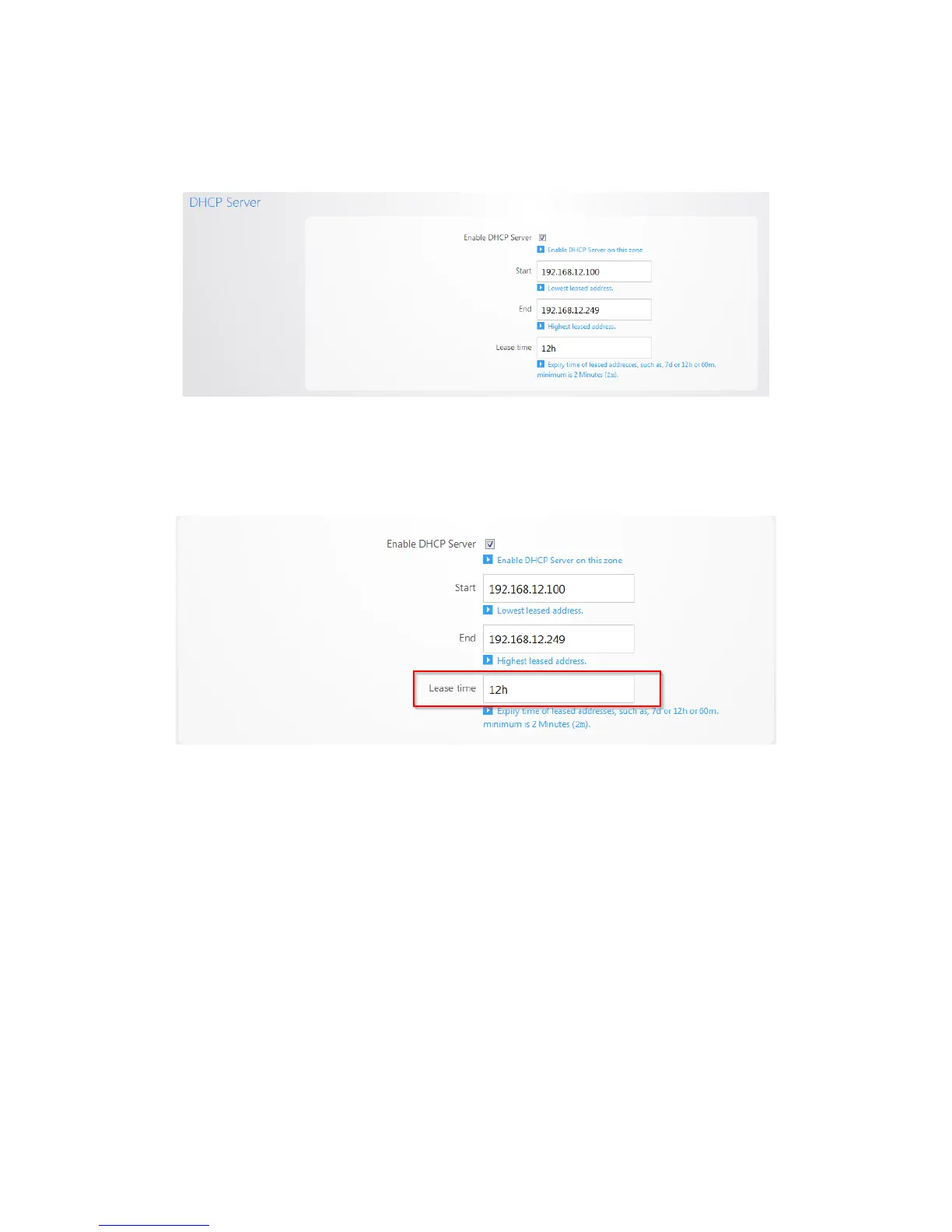
6. Towards the bottom you will see the DHCP server settings for VLAN2. We will change the Start IP
address to 192.168.12.100 and the End IP address to 192.168.12.249 so that it matches the new
IP scheme.
7. The Lease time field allows you to view/modify DHCP IP address lease time. The following format
must be used: A D represents days, an H represents hours and an M represents minutes. For
example, if you wanted to change the lease time to be 3 days 2 hours and 30 minutes, you would
set the lease time to 3D2H30M.



 To Next Page