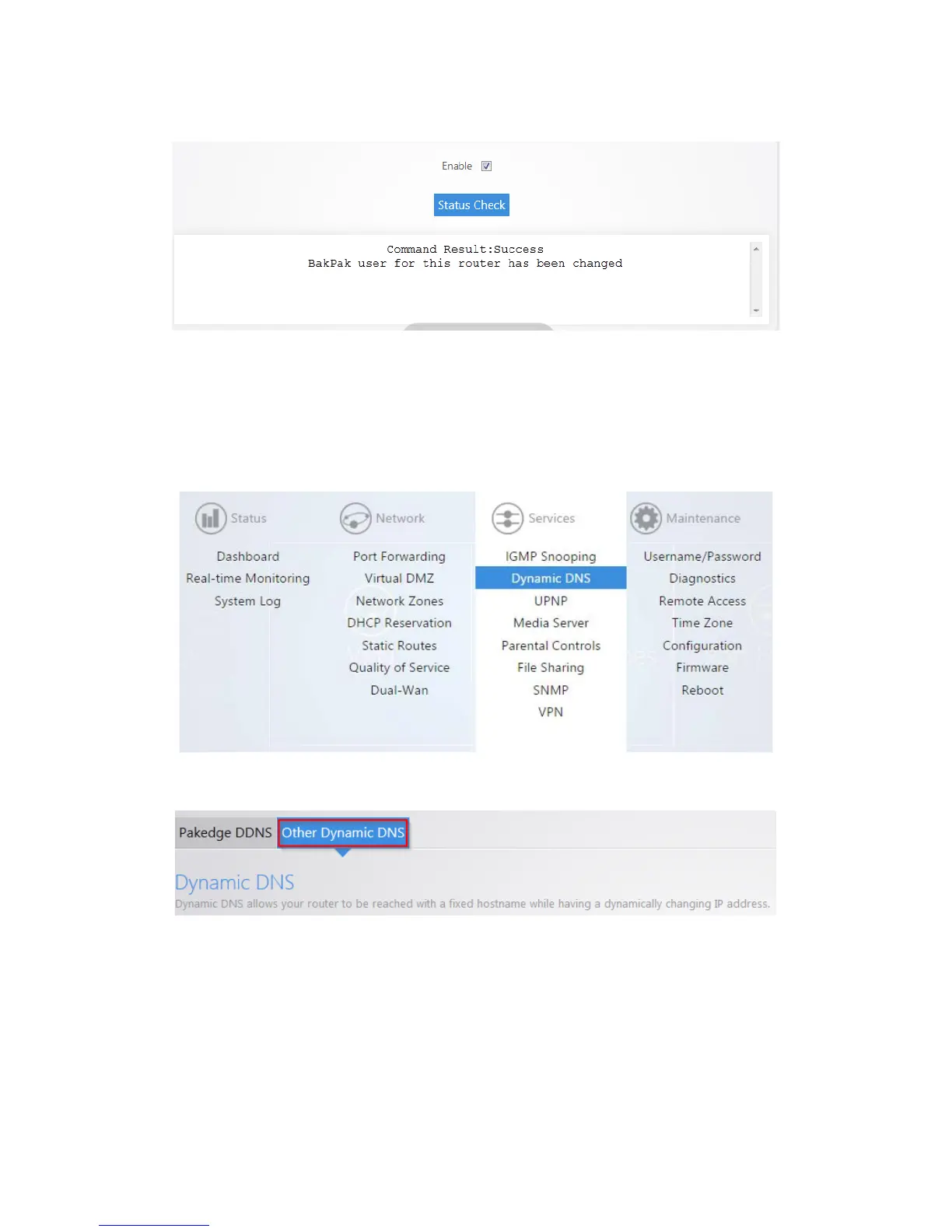
You will see a message towards the top letting you know that the BakPak user has been changed.
Note: You can only register for a new BakPak user once on the router. After you have registered for a
BakPak user once, the register button will disappear from the GUI.
To configure a non-Pakedge DDNS:
1. Click Dynamic DNS.
2. Click Other Dynamic DNS.



 To Next Page