2. Open the email you sent yourself with the config file on your Android device and tap the attached
file. Save it to your SD card
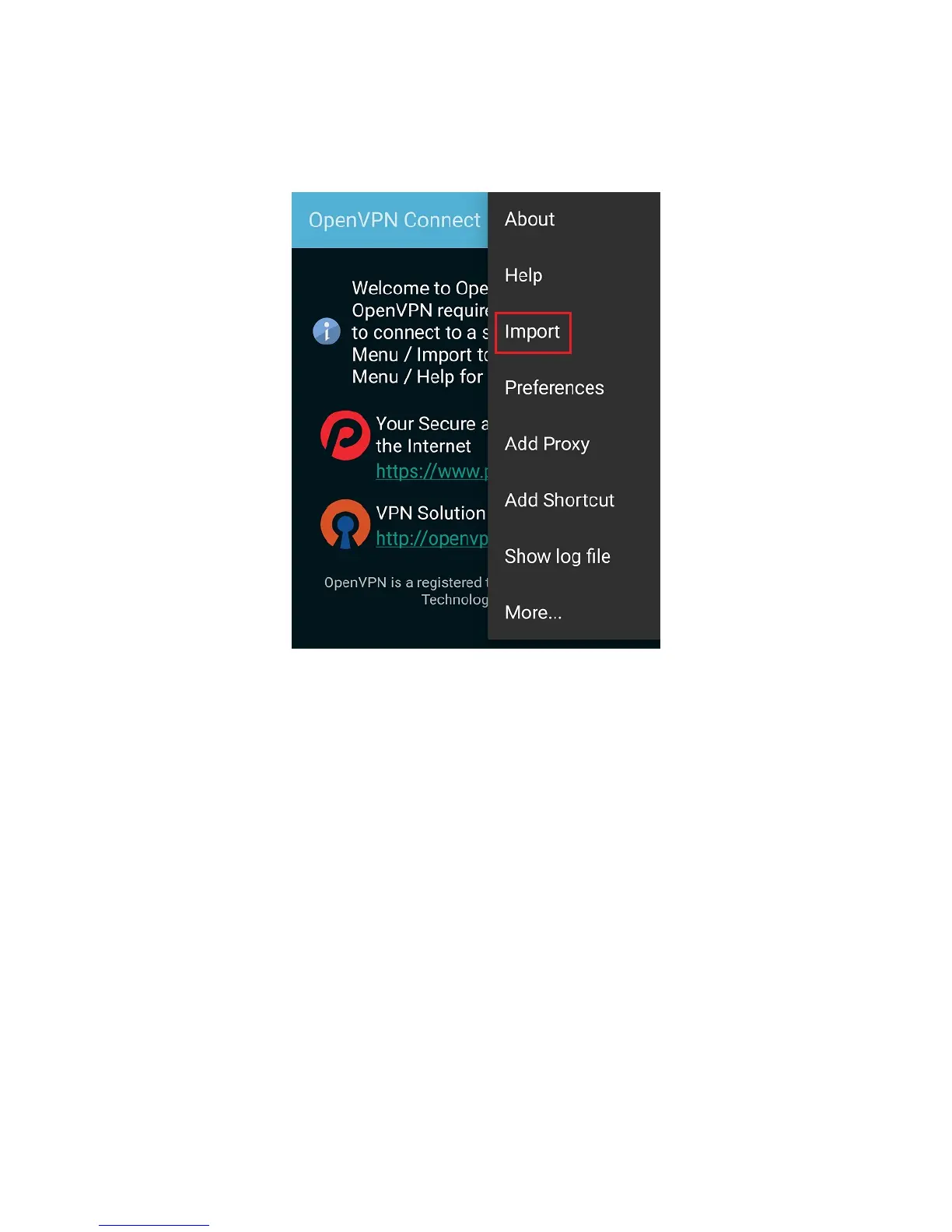
3. Open the OpenVPN Connect app, tap its More/Menu icon, then tap Import.
4. Tap Import Profile from SD card, locate your downloaded OpenVPN Config file, then tap Select
to import the file.



 To Next Page