32 004778600 - 21/10/2020
1.4 Start screen and set temperature
Different start screens and temperatures will be
displayed depending on the installation config-
uration of the device.
Configuration 2 - Room sensor
Start screen
AIR
OFF
°C
20,0
25,8 °C
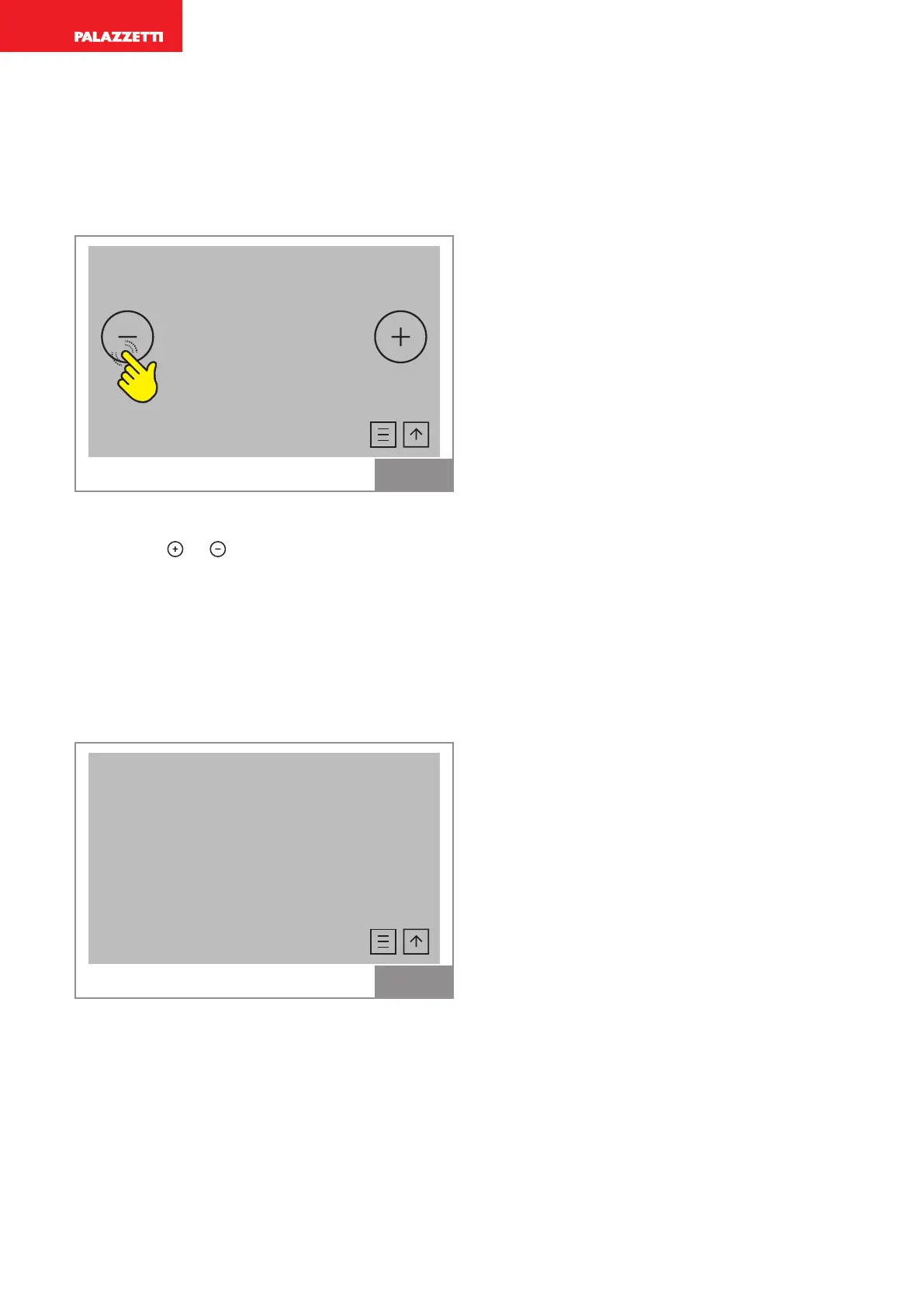
Fig. 4
This screen displays the room temperature.
Press icons
or to change the desired room
temperature (large digits).
The value can be set between 6°C and 51°C.
The small digits display the room temperature
detected by a sensor positioned on the device
Configuration 2 - External thermostat
Start screen
Thermostat
OFF
25,9
Fig. 5
This screen displays the temperature actually
detected by the room probe on the appliance.



 To Next Page