ITALIANO ENGLISH DEUTSCH FRANÇAIS ESPAÑOL
004778600 - 21/10/2020 41
Fixed turns setting
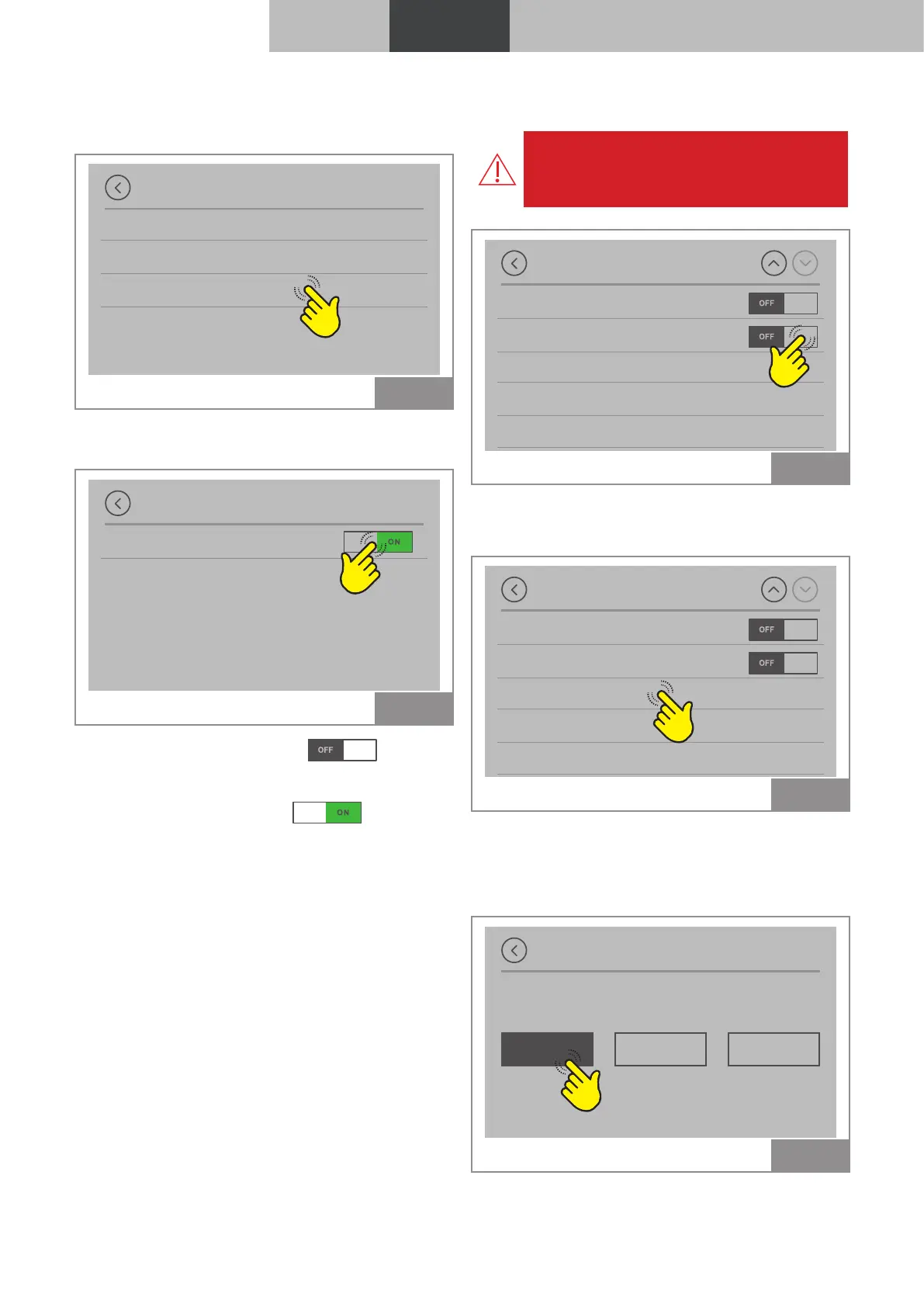
Press on “Fixed turns setting”.
Installer menu
Configurations
Room thermostat
Fixed speed setting
Fig. 43
In this screen it is possible to set the speed of the
smoke extraction fan.
Fixed speed setting
Set fixed speed
Fig. 44
If "Fixed turns setting" is on
(default),
the smoke fan speed varies according to the
pressure detected by the smoke pressure switch.
If "Fixed turns setting" is on
, the smoke
fan speed is set to a fixed value defined in the
design phase.
3.1.11 Service menu
Hazard: The submenus are password-pro-
tected and are reserved to the service
centre.
Settings
Installer menu
Service menu
Screen lock
Language
Info
Fig. 45
3.1.12 “Screen lock” function
To block access to the display functions:
Settings
Installer menu
Service menu
Screen lock
Language
Info
Fig. 46
• OFF : Screen lock deactivated
• LOW : Partial screen lock
• HI : Screen lock activated
OFF LOW HI
Screen lock
Fig. 47
To disable the function select “Screen lock” and
set it to OFF.



 To Next Page