38 004778600 - 21/10/2020
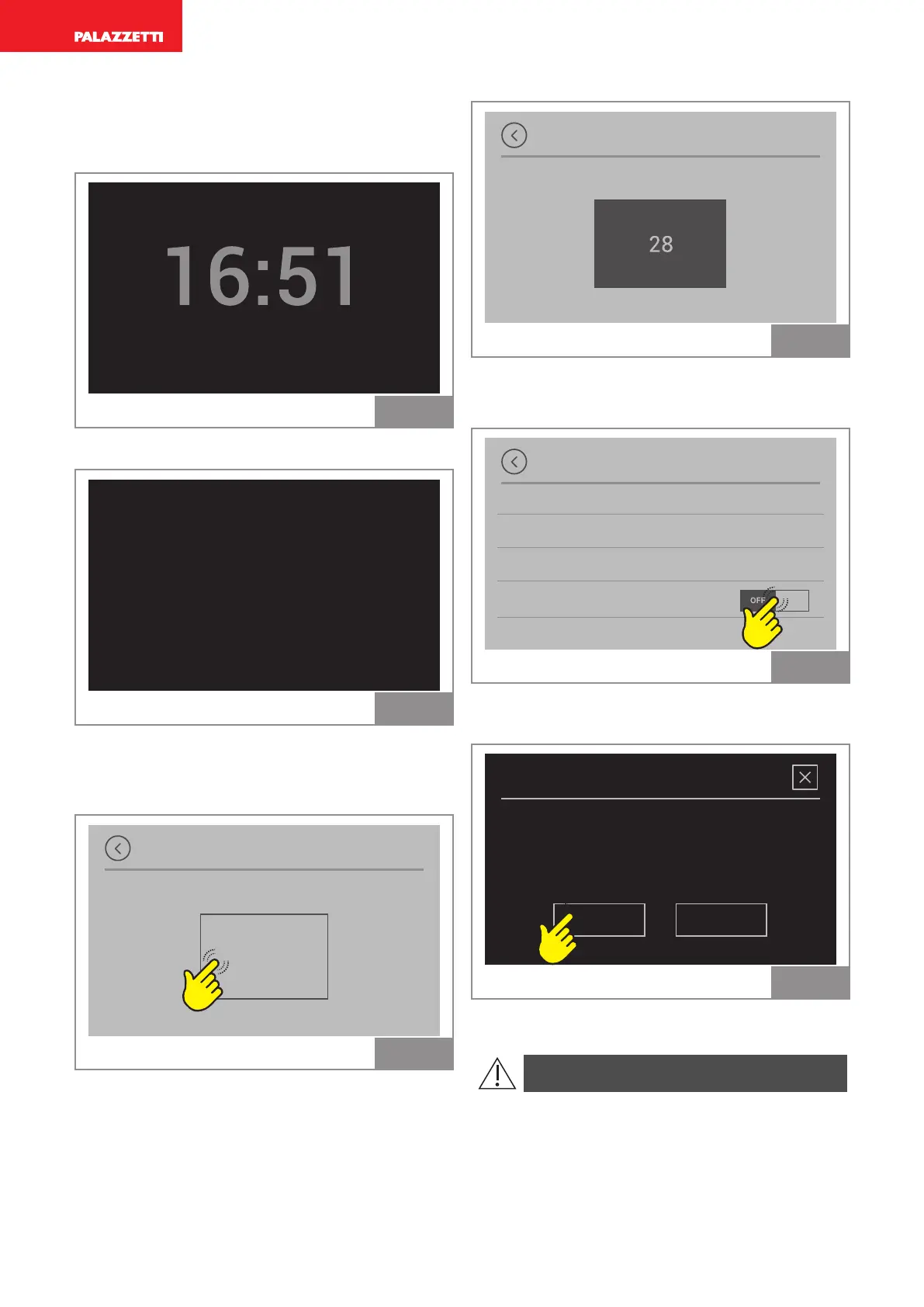
Example of cyclically alternating screens in idle
display mode:
Time and date
OFF
3. October
Fig. 27
Room temperature
AIR
OFF
°C
25,9
Fig. 28
C
Setting to clean the display
Display cleaning
START
Fig. 29
Press “START”: a countdown starts; the acoustic
BEEP signal indicates that the display is inactive
and it can therefore be cleaned without interfer-
ing with its functions.
At the end of the countdown the touch screen
returns to active mode.
Display cleaning
Fig. 30
R D F
Function only available for PREMIUM UI
Display options
Display brightness
Idle display mode
Display cleaning
Screen rotation
Fig. 31
Only use this function if it is necessary to rotate
the display.
Screen rotation
NOYES
Do you want to rotate the
screen? Restart is needed.
Fig. 32
Press "YES" to proceed.
The display re-sets for a few seconds.



 To Next Page